
Qwen just open-sourced Qwen-Image-2.1, a compact model that puts text-to-image generation and image editing in one pipeline. The visual generator is only 7B parameters (32 Single-Stream DiT layers), yet it adds native RGBA transparency, up to 10 reference images, precise local edits, and native 2K output.
On PoloX you can try Qwen Image 2.1 for text-to-image and image-to-image without self-hosting. This post is a clearer English rewrite of the official announcement, with the original showcase images.
Four themes define the release:
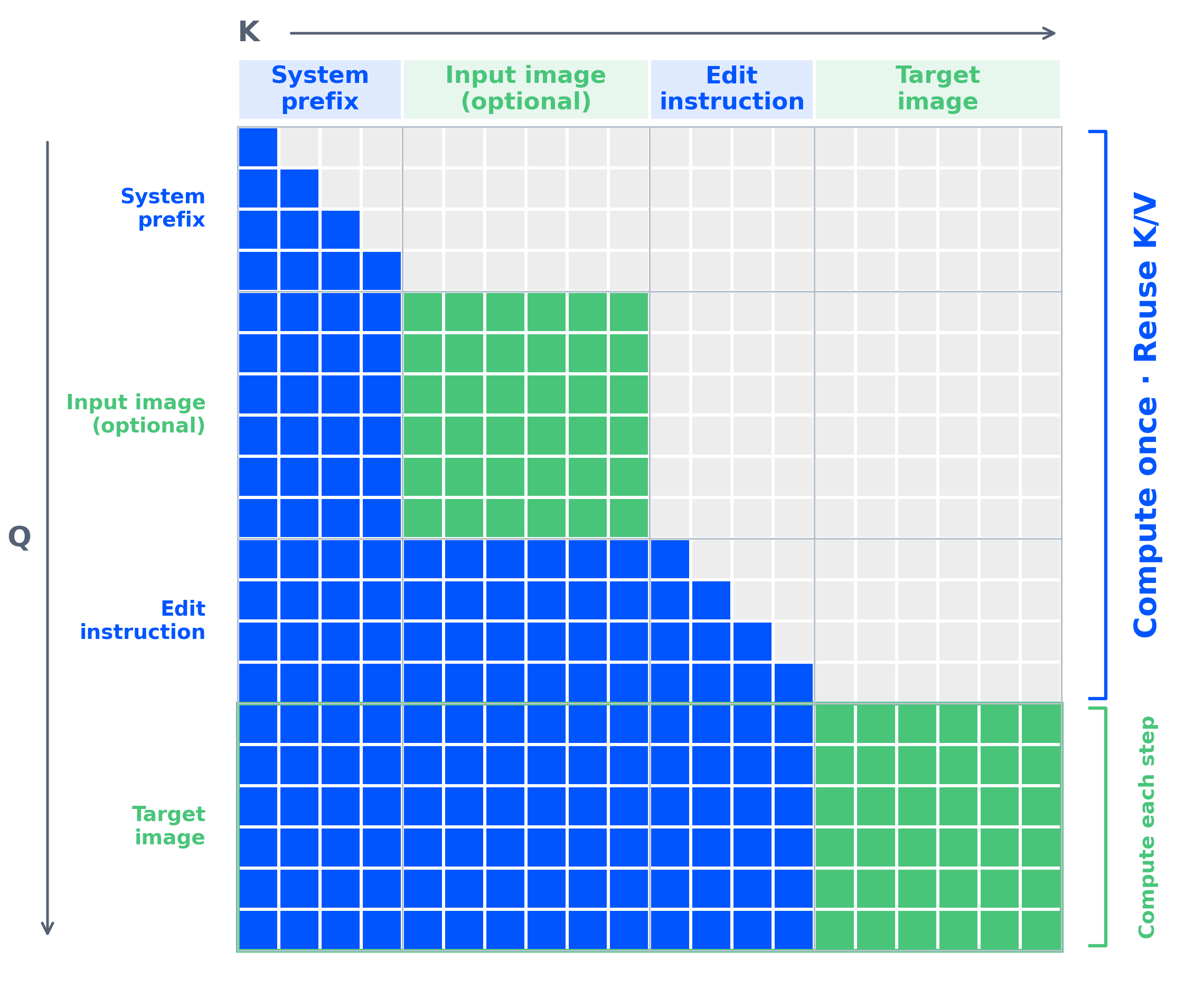
- Compact and efficient — strong quality at lower compute cost, with mixed-granularity attention and prefix KV-cache reuse.
- Native transparency — generate or edit RGBA assets in one model, including subject cutouts from photos.
- Versatile editing — up to 10 references, circle / paint / mask local edits, and better identity and product fidelity.
- Sharper aesthetics — stronger typography, portrait lighting, and fine texture.
Compact and efficient
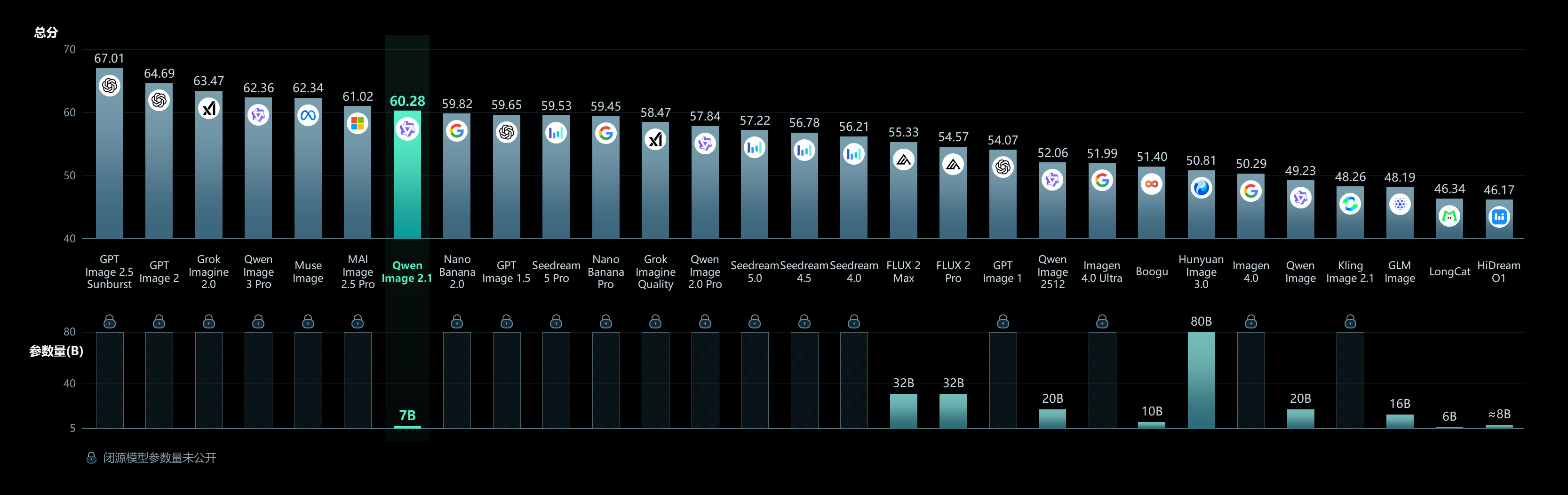
Despite the small visual stack, Qwen-Image-2.1 stays competitive on the team’s Qwen-Image-Bench comparisons. The bigger practical win is inference efficiency when many reference images are involved: text and references are treated as stable context, cached once, then reused across denoising steps.
Native transparency, creation and editing in one model
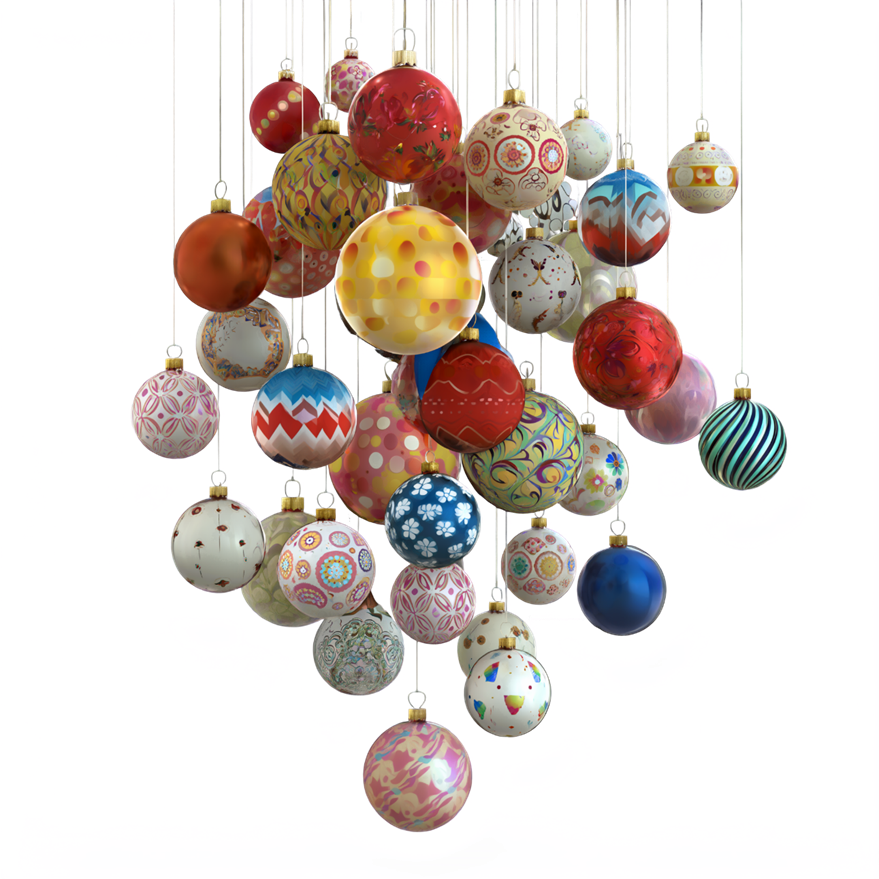
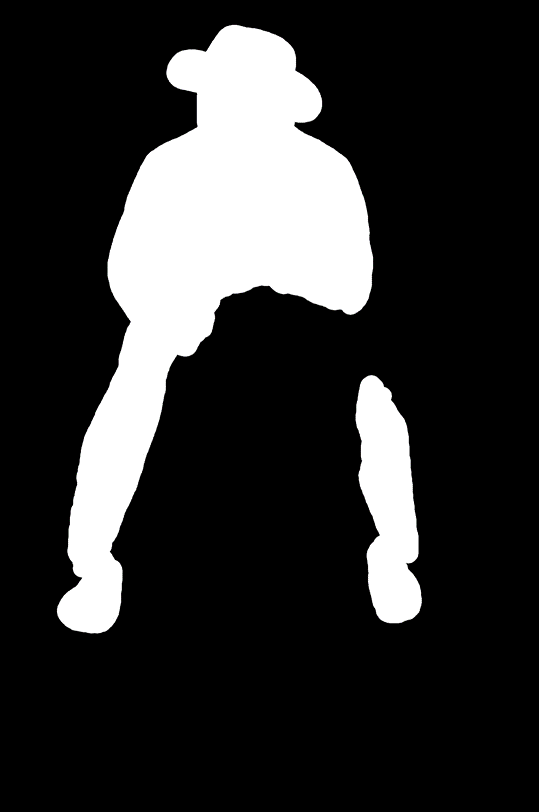
Earlier, transparent generation lived in a separate layered model. Qwen-Image-2.1 folds that into the same checkpoint. A prompt can ask for a normal RGB image or an alpha-channel asset; you can also edit transparent layers and pull subjects out of ordinary photographs as reusable RGBA cutouts.
Transparent assets generated directly from text:



More complex multi-element transparent compositions:

Expression edits that keep the transparent background, text edits on transparent layers, and subject extraction from RGB photos all stay inside the same model.


Versatile editing
Up to 10 reference images
Multi-reference composition is a core workflow for 2.1: group portraits from several faces, outfit assembly from clothing props, or full interiors from many furniture stills.
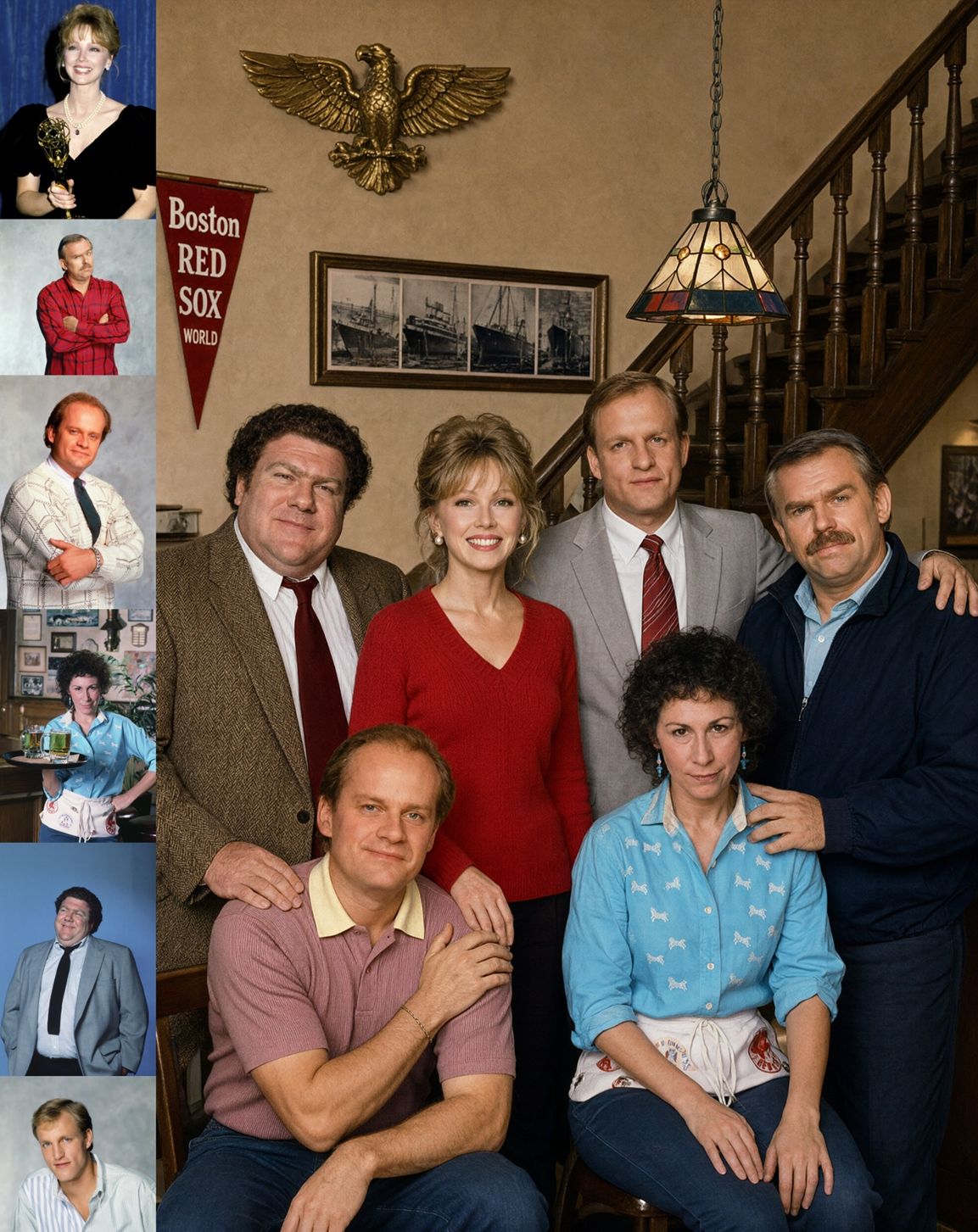
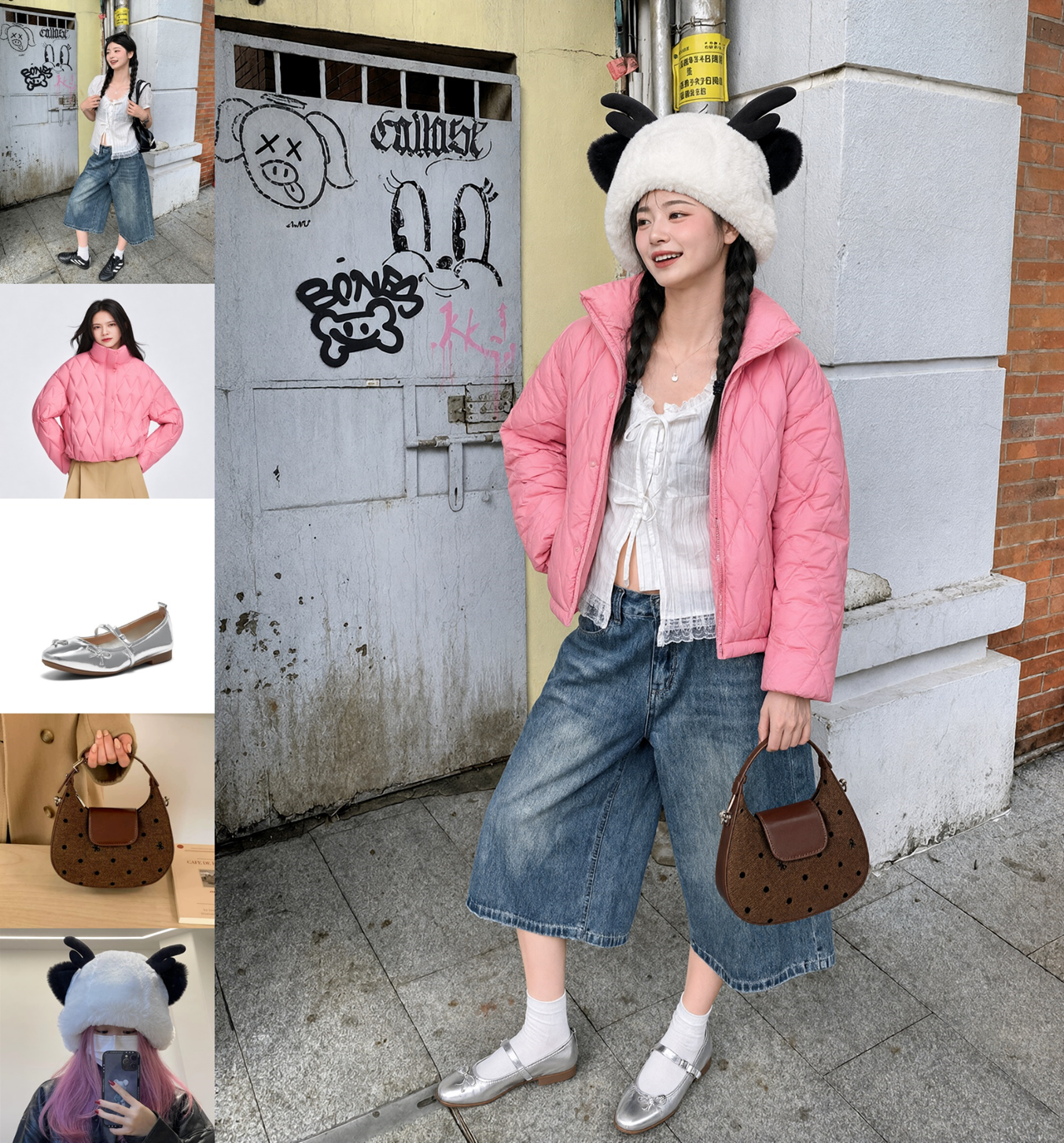
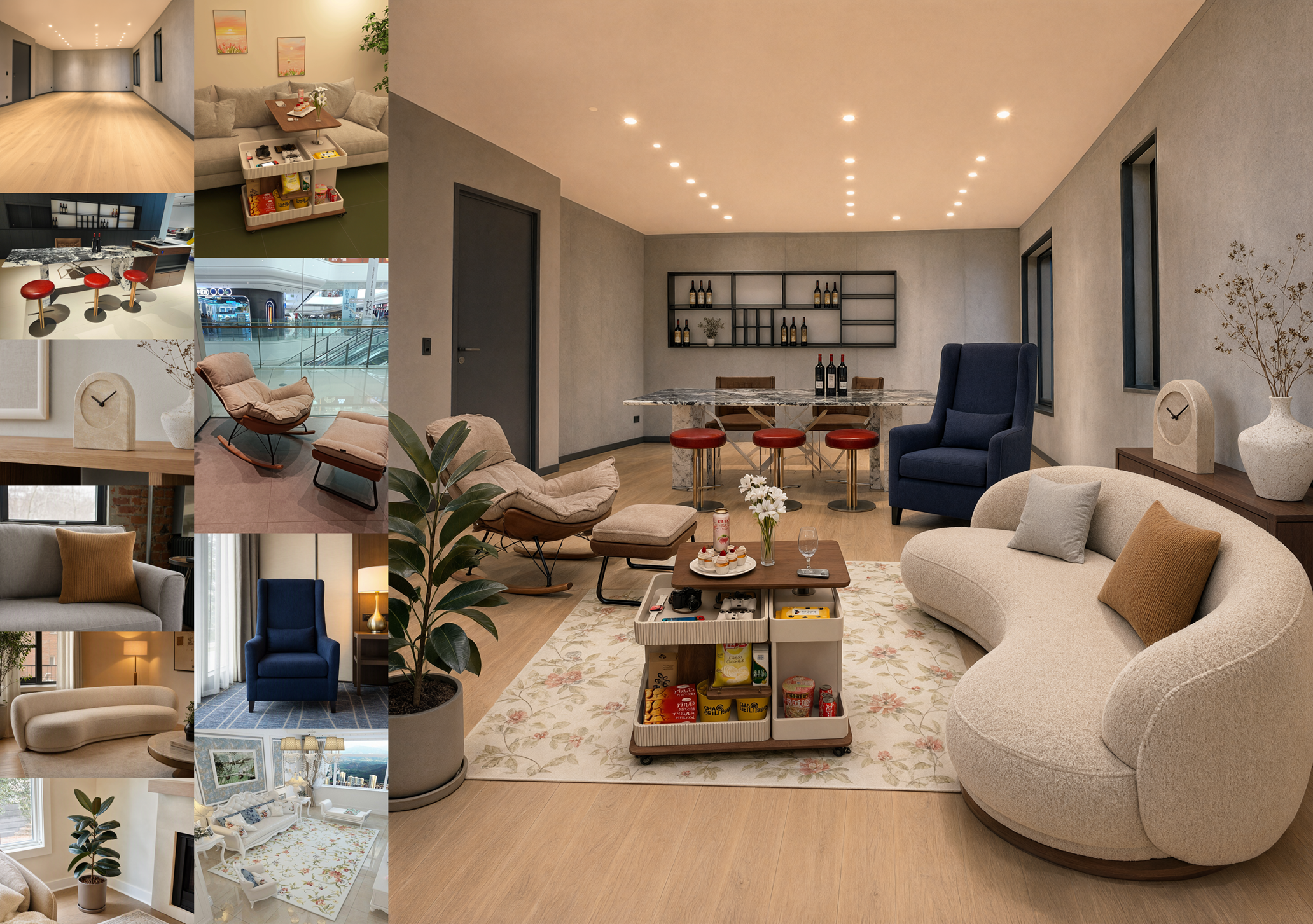
Local edits with circles, paint, or masks
Mark where the change should happen, then describe it in language. Circles and painted regions are quick; a separate mask keeps the source image unmarked for production pipelines.
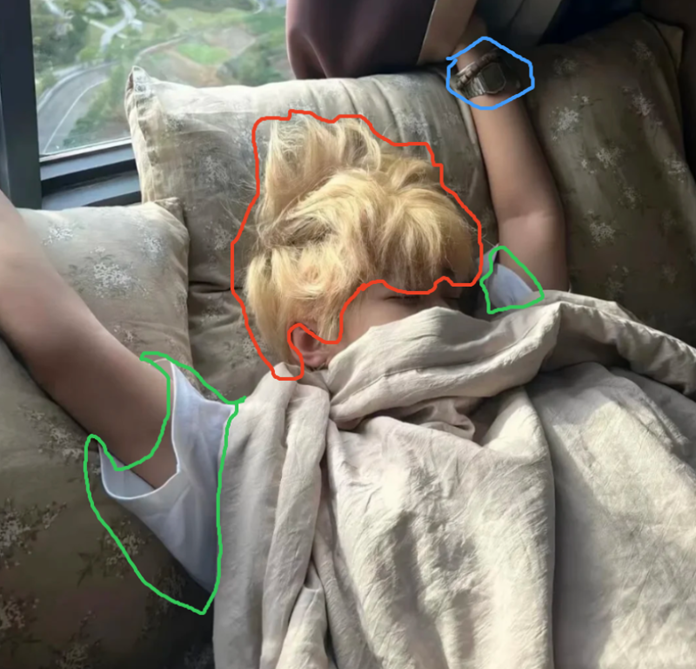
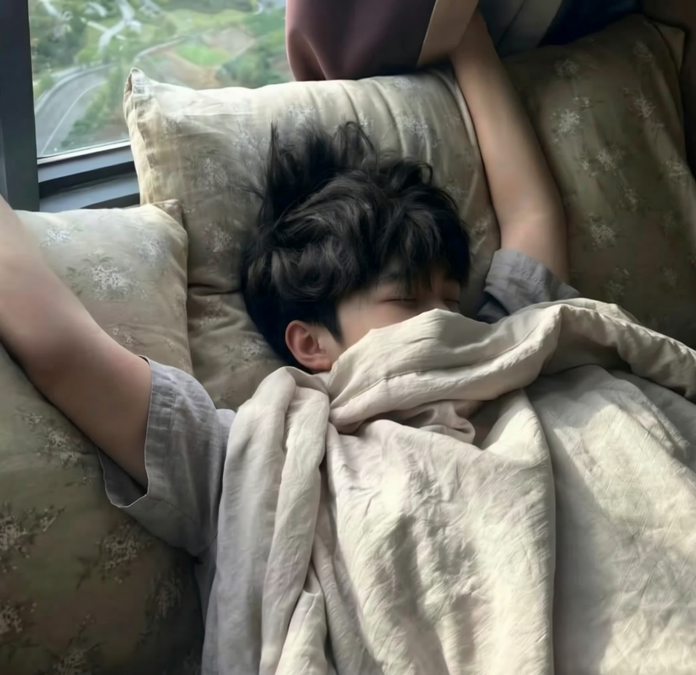
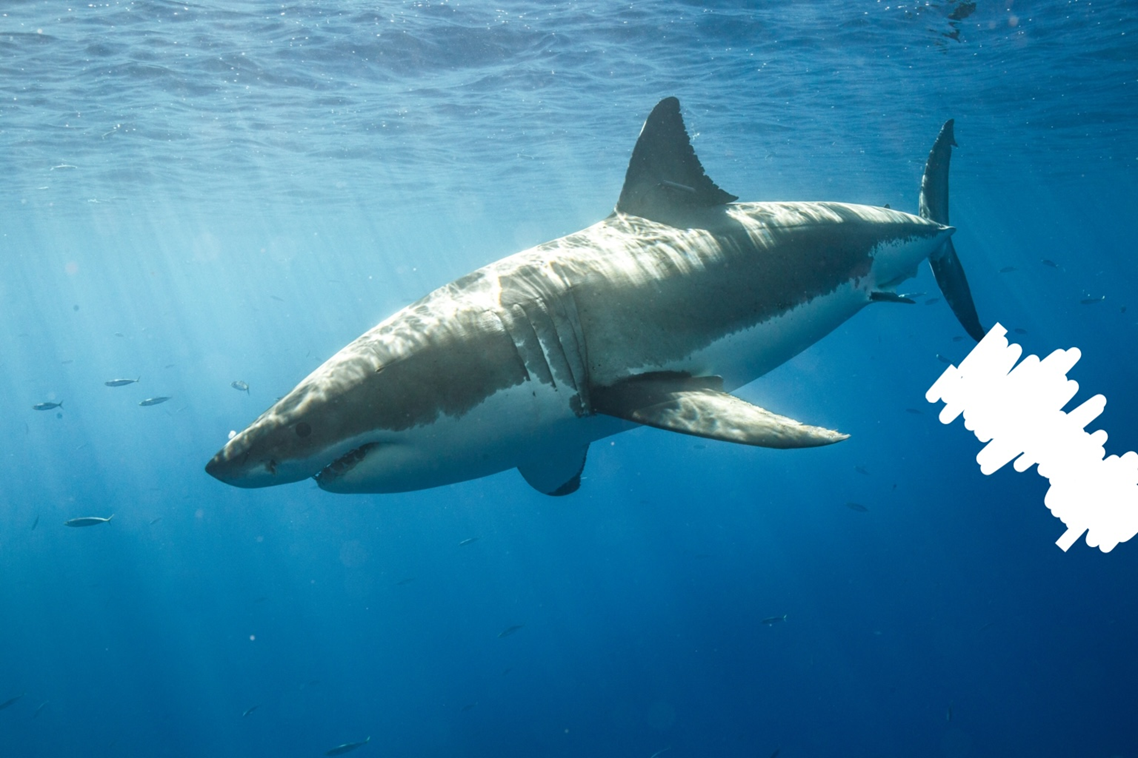
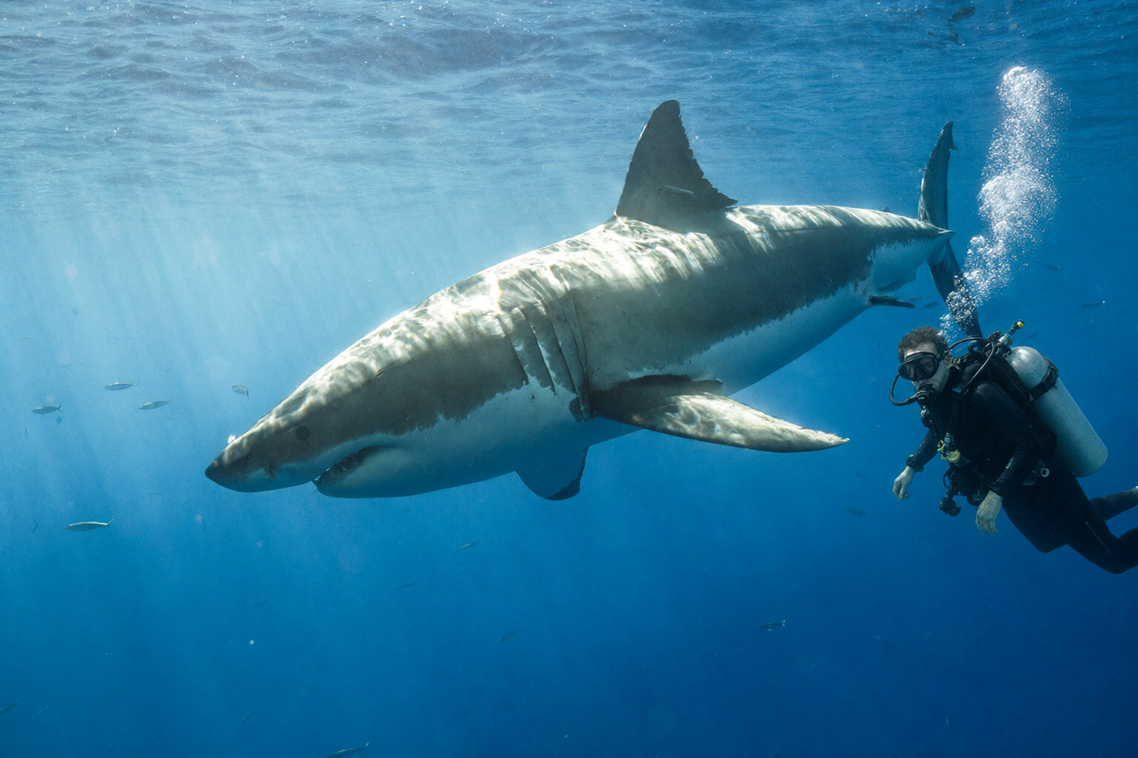
Sequential local edits can even support simple animation-style frame sequences while holding the rest of the scene steady.
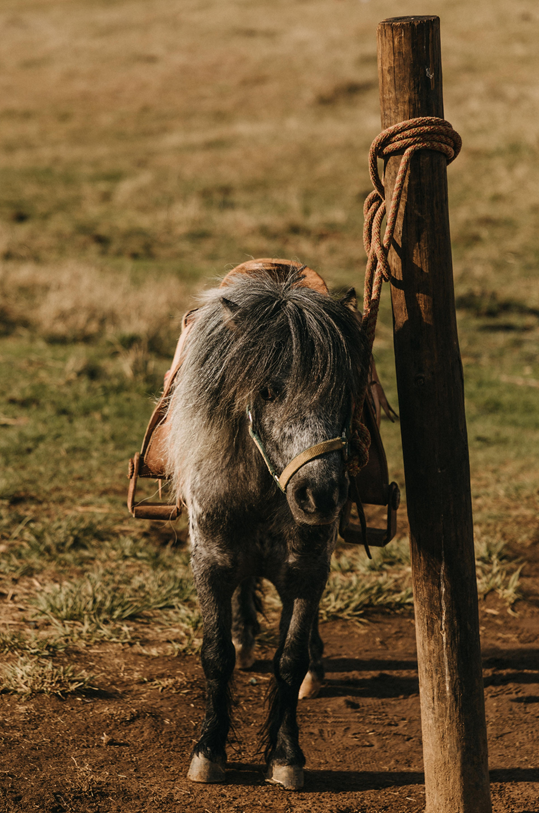
Fidelity for people and products
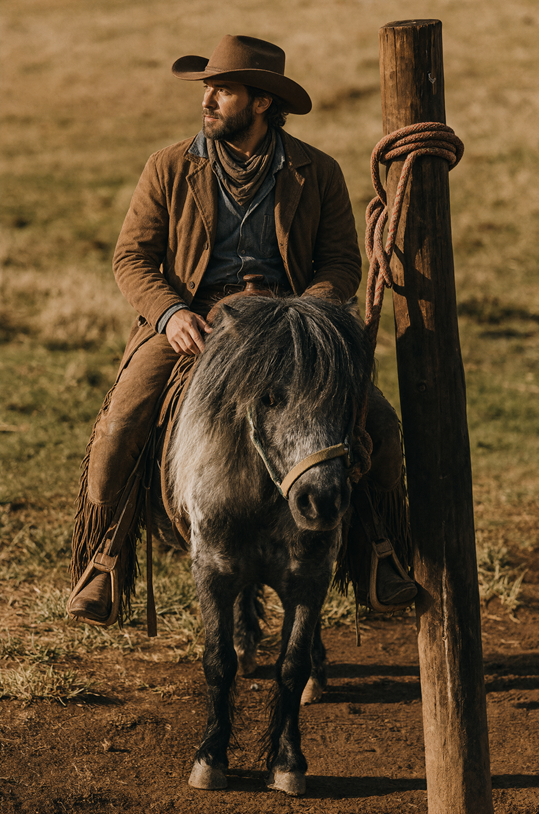
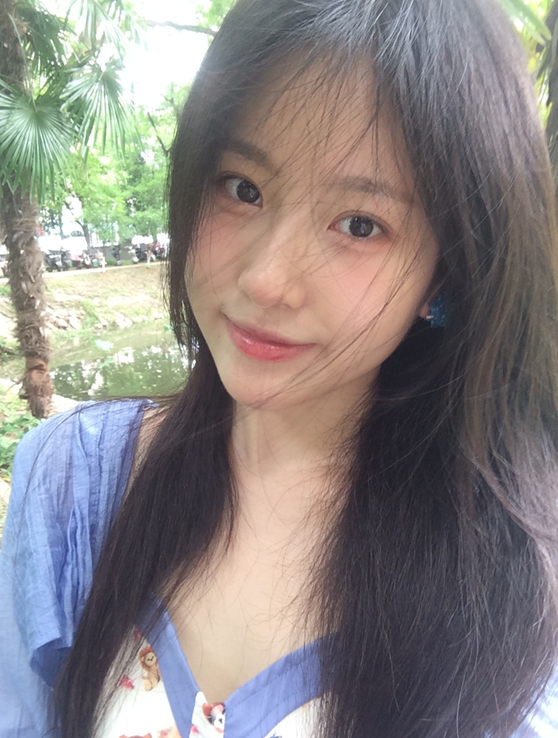
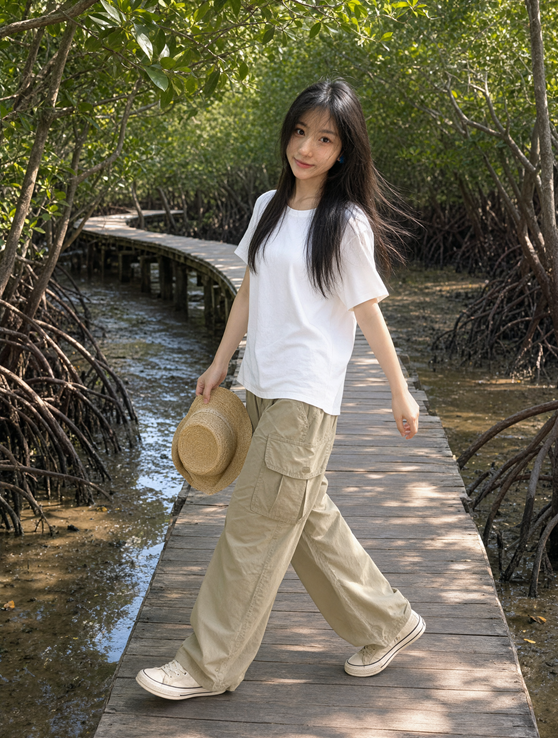
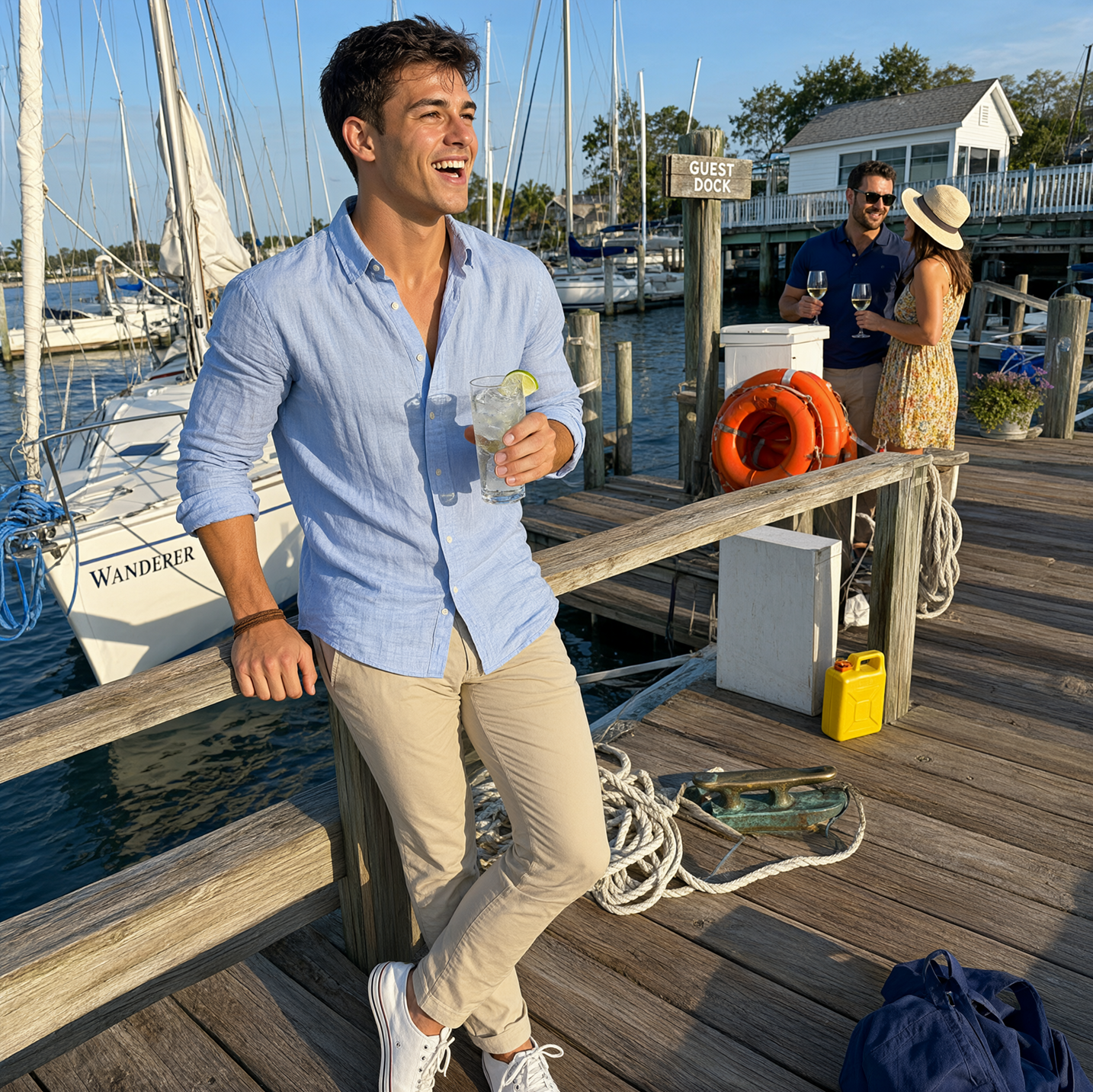
Portrait edits keep identity more stable across lighting and clothing changes. Product edits aim to preserve logos, packaging text, materials, and silhouette.
Panoramas, infographics, and storyboards
Beyond retouching, the same model covers wider creative tasks: expanding a selfie into a panorama, turning a product shot into a dense infographic, or building a storyboard from a three-view character sheet.
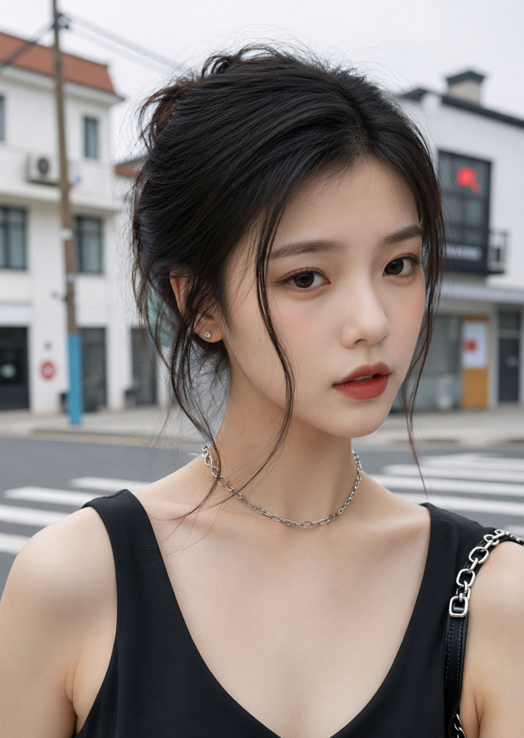
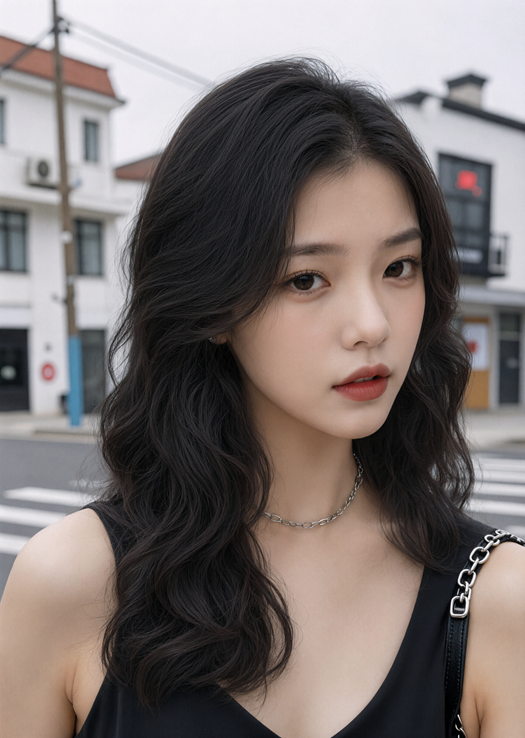
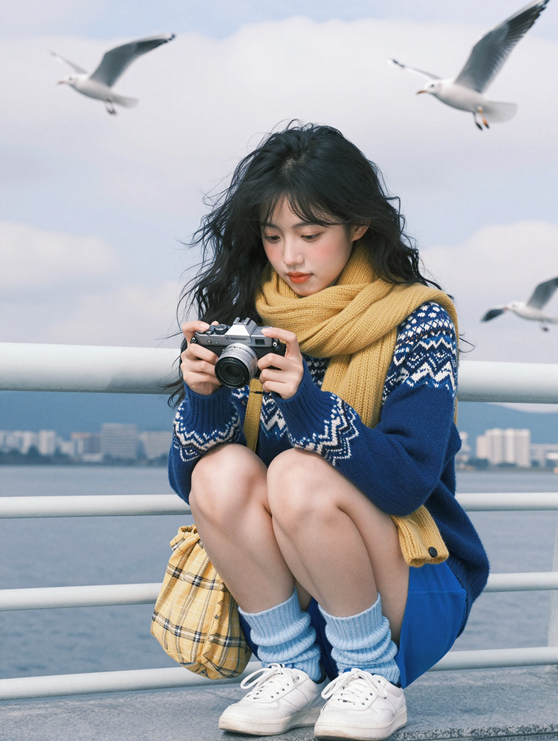
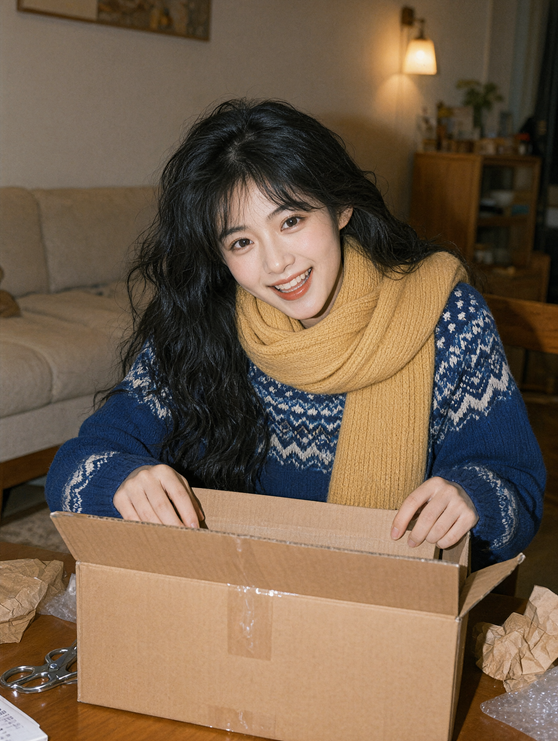
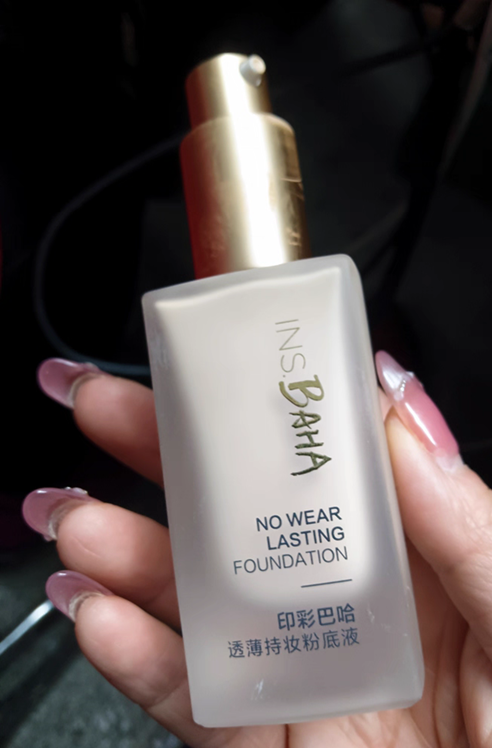
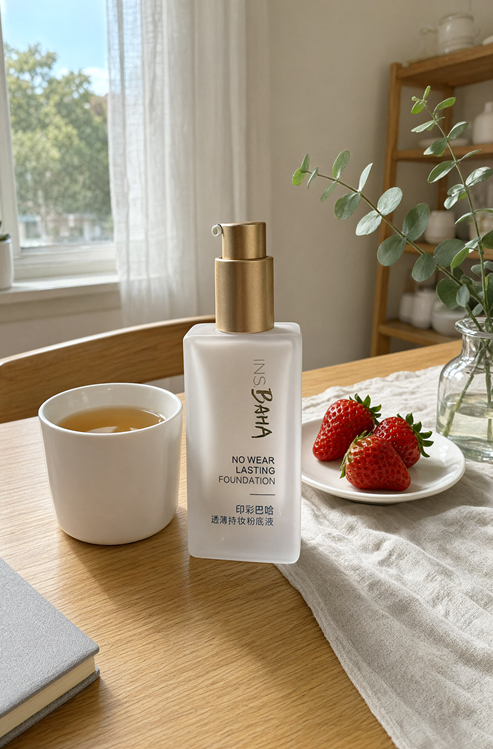
Sharper textures and typography
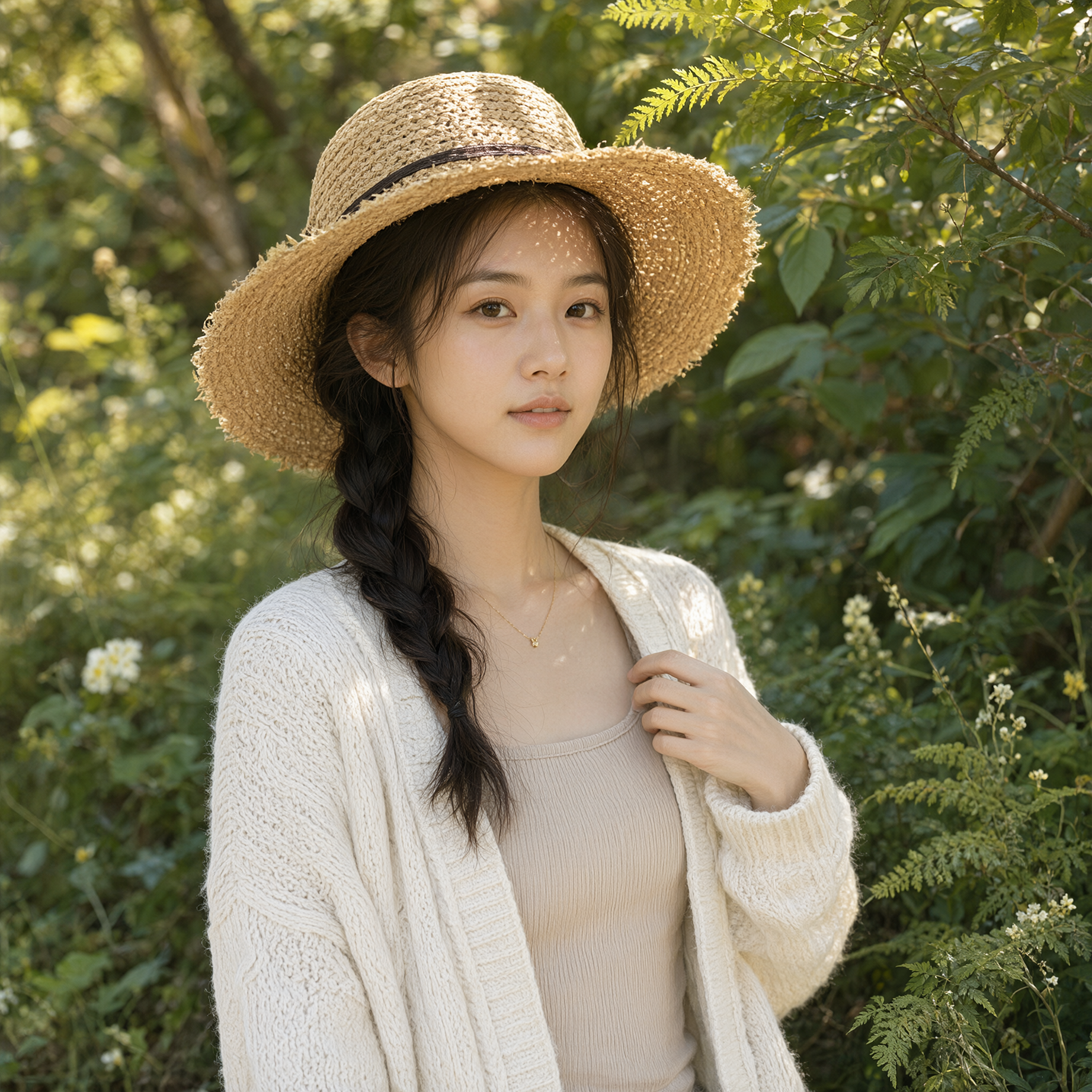
Text rendering looks more intentional about style, layout, and how lettering sits in the scene. Portrait lighting and micro-detail also move closer to photographic realism.
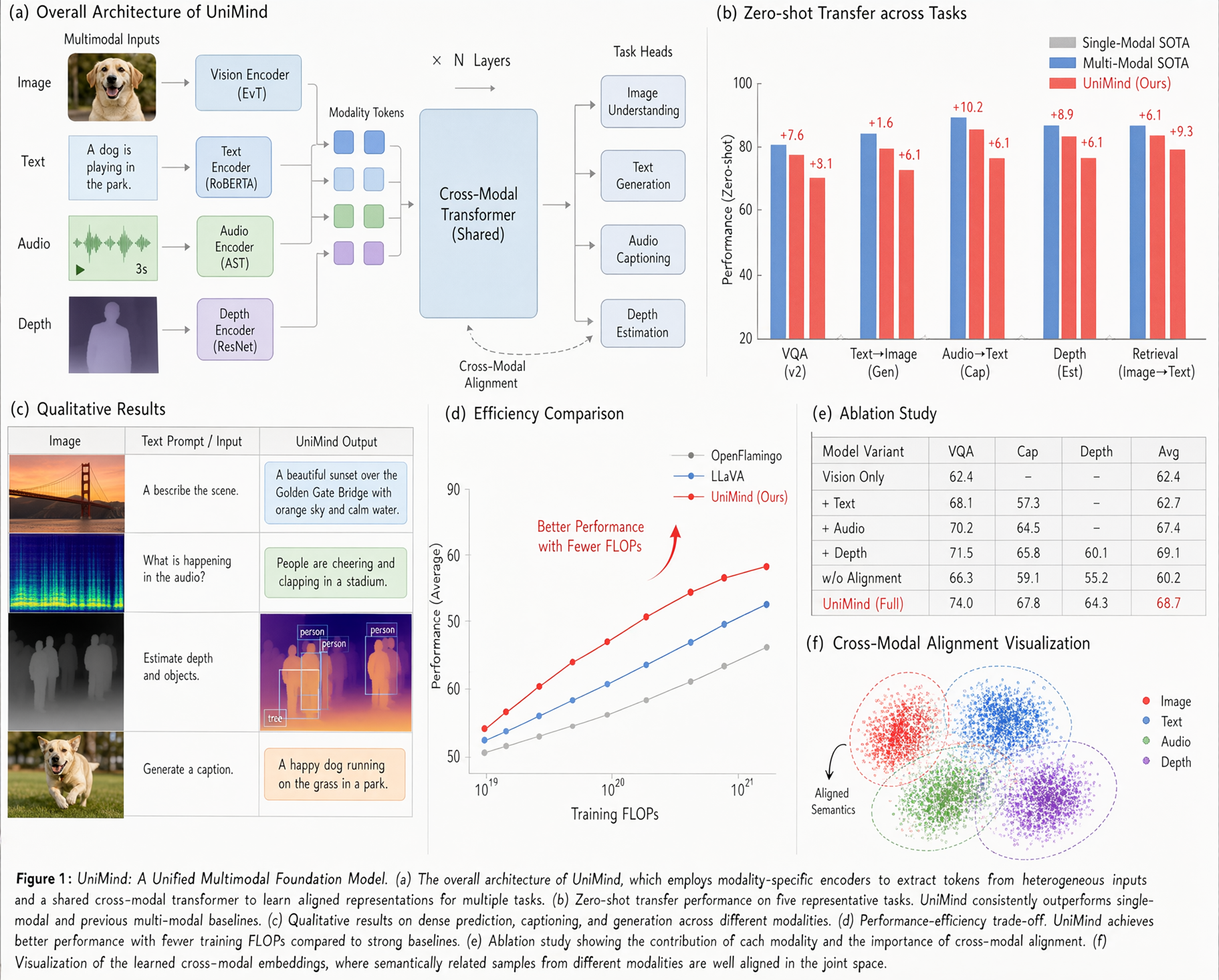
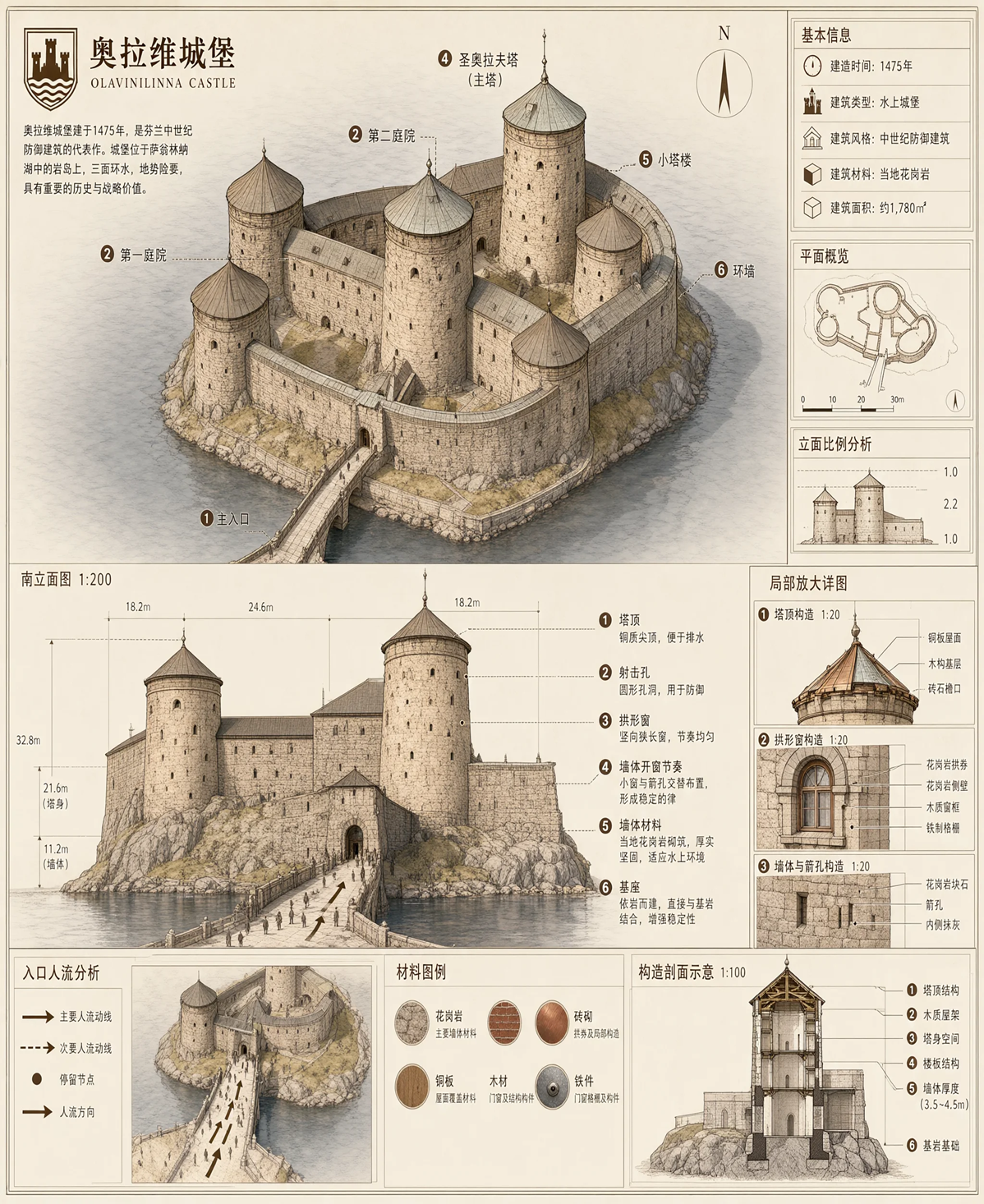

Why it matters on PoloX
Self-hosting a 7B DiT plus vision encoder is still heavy for most product teams. PoloX exposes Qwen Image 2.1 as a ready model path for text-to-image and image-to-image, so you can evaluate the new transparency-friendly, multi-reference editing style without assembling Diffusers or ComfyUI first.
Images and technical claims are from the official Qwen announcement. Adapted and rewritten for PoloX readers. Source: qwen.ai/blog?id=qwen-image-2.1.