Back to Skills
Career Portrait Maker
SZSaihhold Zhao

Career Portrait Maker

AI Image Generation Skill

Create professional headshots from your own photo for work and job applications.

Updated Sep 27, 2026

About

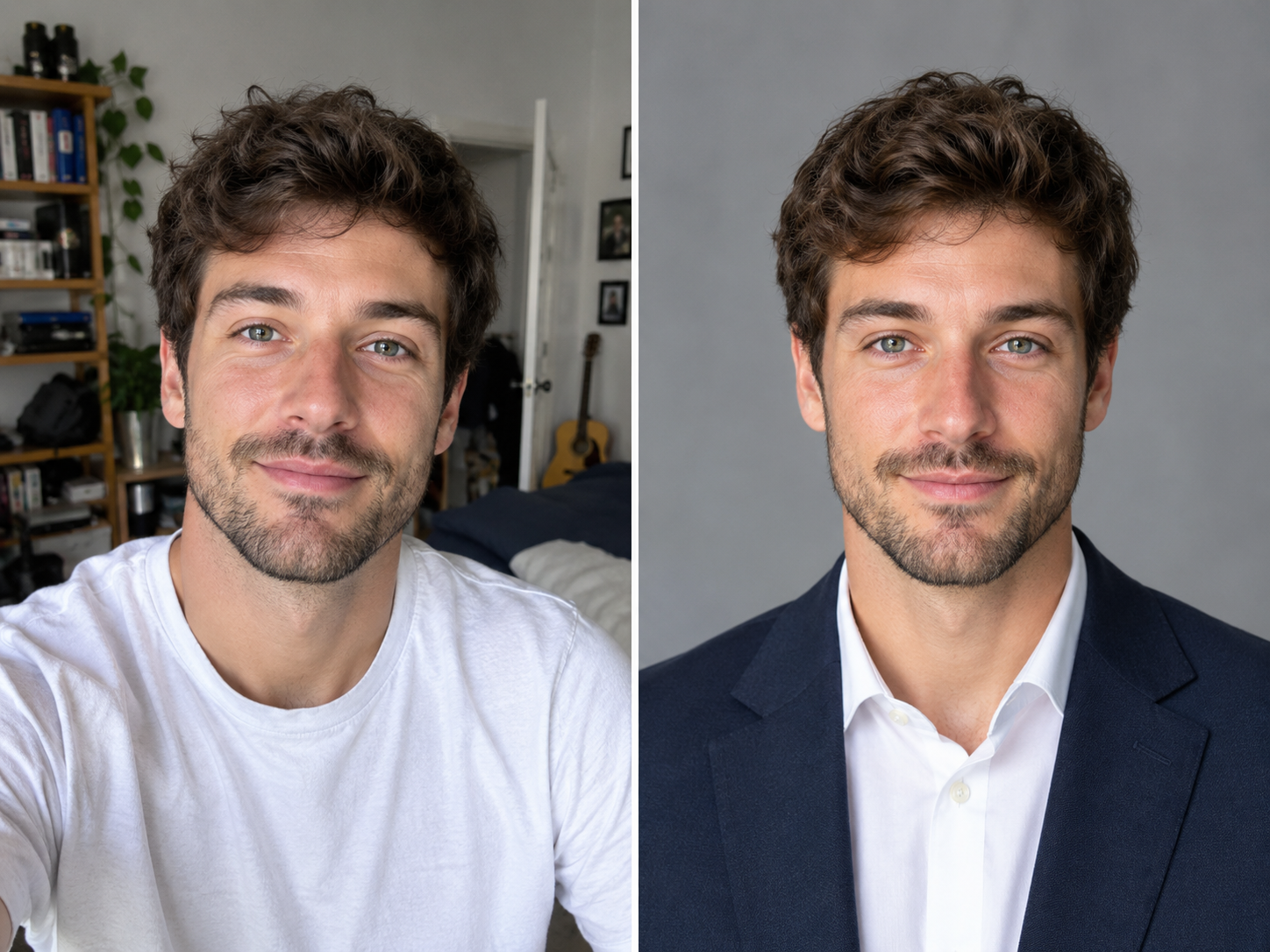
Upload a casual photo of yourself and this skill turns it into polished, professional headshots for LinkedIn, resumes, company pages, or conference bios. Your real face, hair, and skin tone stay exactly as they are; only the wardrobe, background, lighting, and framing change.

You choose the purpose, how many looks you want, and the framing, then PoloX creates a small set of distinct studio-quality portraits at crisp 2K resolution, each with a note on where it works best.

Workflow

  1. Upload your photo

    Attach a clear photo of yourself with your face visible and decent lighting. If you have not attached one, you are asked to upload it in chat.

  2. Pick the purpose

    Choose what the portrait is for, such as a LinkedIn profile, resume, company team page, or speaker bio. If you skip, a neutral corporate look is used.

  3. Review the plan

    You see a short read on what already works in your photo, what needs changing, and the recommended looks for your chosen purpose.

  4. Set count and framing

    Choose how many images you want (three distinct looks recommended) and the framing, such as portrait 4:5 for LinkedIn or square 1:1.

  5. Generate your portraits

    GPT Image 2.5 creates each portrait at 2K with professional studio lighting, sharp focus on the eyes, and varied wardrobe, backdrop, and lighting between looks, while keeping your exact identity.

  6. Get your headshots

    Each finished portrait is shown with a one-line note on which use it suits best. If a result misses your identity or brief, you are told plainly and offered a regeneration.

See it in action

Real Career Portrait Maker conversations, from the request to the finished result.

Example 1

PoloX AI

A user asked to transform a casual outdoor snapshot into professional business headshots for LinkedIn and proposals. The skill generated three studio portraits featuring tailored blazers while preserving her exact facial features and warm smile.

Input

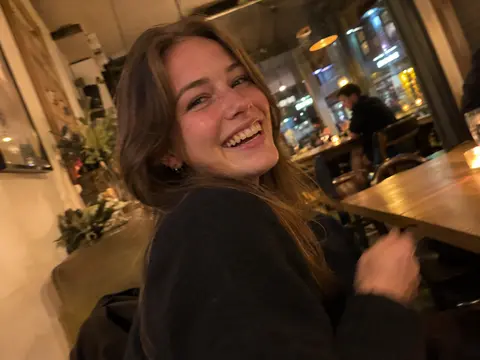
A smiling woman with wavy highlighted brown hair outdoors wearing a casual brown fleece zip-up jacket.
“Hi! Can you turn this casual snapshot into a professional business headshot for my LinkedIn and upcoming consulting proposals? I need a clean, polished studio look with professional attire while keeping my natural appearance.”

Result

Studio headshot of the woman smiling, wearing a camel-colored tailored blazer over a white top against a clean white background.
Executive studio portrait of the woman smiling, dressed in a charcoal gray blazer and black top against a solid white background.
Professional business headshot of the woman smiling warmly, wearing a deep navy blue blazer over an ivory blouse against a white background.

Full conversation

Hi! Can you turn this casual snapshot into a professional business headshot for my LinkedIn and upcoming consulting proposals? I need a clean, polished studio look with professional attire while keeping my natural appearance.

Your photo has fantastic natural qualities: a warm, confident smile, great eye contact, and natural hair texture. To make it ideal for LinkedIn and executive consulting proposals, here is the plan:

  • What works: Engaging, approachable expression, clean eye level, and natural facial features.
  • What to update: Upgrade the casual fleece pullover to tailored executive attire (such as a structured blazer and bl…

Choose the model for this generation.

Saved

Which image model should I use?

GPT Image 2.5 Flare (Recommended)
See more Utility skills