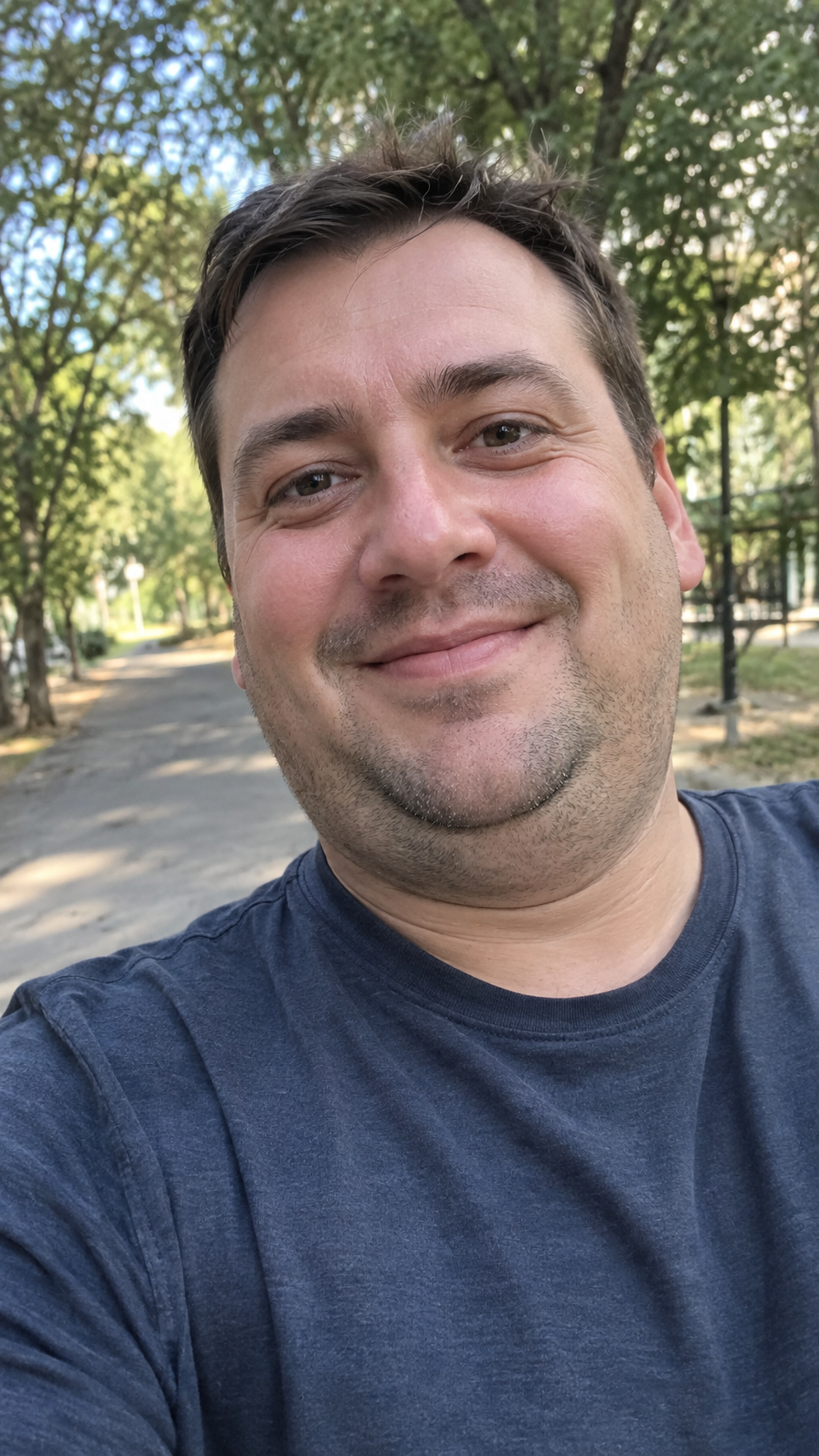
A user requested subtle double chin removal on an outdoor selfie. The skill trimmed and smoothed the area beneath the jawline while keeping the man's expression and natural skin texture intact.
Try Double Chin Remover on your own input
Same skill, same process as this example. Start with your own request.
Input
A smiling man in a navy t-shirt takes a close-up selfie outdoors on a tree-lined path, showing a visible double chin.
Result
Result
The same outdoor selfie with the double chin reduced and the jawline naturally contoured, preserving his smile and skin details.
Full process
The whole conversation, replayed exactly as Double Chin Remover answered it.
Please select the contour style for the double chin removal:
Saved
Contour Style
Natural & Subtle
Confirm jobs
GPT Image 2.5 Flare Image to Image
Review the selected models and their parameters.
confirmed
01
Natural Double Chin Removal · Outdoor Selfie
GPT Image 2.5 Flare · auto · 2K
⌄
Image to Image
prompt
In input_urls[0], perform a precise, targeted cosmetic edit to remove the double chin and refine the under-chin contour with a natural, subtle finish. Strictly preserve the subject's exact facial likeness, facial structure, joyful smiling expression, eyes, eyebrows, nose, cheeks, skin tone, natural pores, stubble, hairline, dark blue t-shirt, sunny daylight, and the background outdoor park path with trees. Strictly localize all edits to the submental fat roll beneath the jawline: gently smooth and eliminate the bulging double chin fold, tightening the soft tissue under the chin and creating a clean, harmonious transition into the neck. Maintain authentic, realistic skin texture and realistic neck shading with no plastic smoothing, blurriness, or unnatural carving.


 GPT Image 2.5 Flare Image to Image