
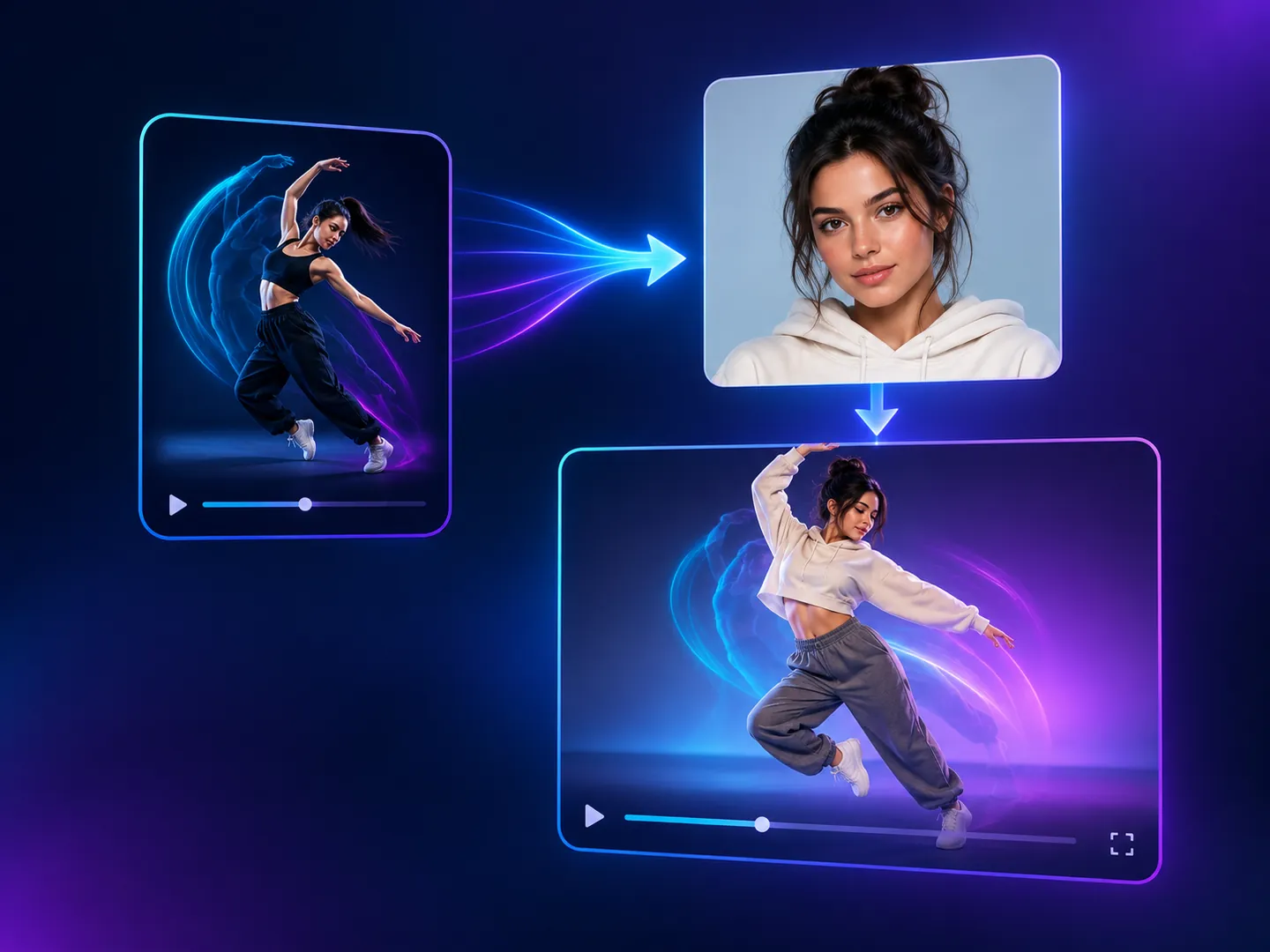
Motion Copy Video
AI Video Generation Skill/motion-copy-video
Copy the motion from a reference video onto a person from your photo, keeping the original sound.
About
This skill maps the exact movement, pacing, and camera action of a reference video directly onto a person featured in your photo. It maintains the subject's facial features, clothing, and proportions while faithfully recreating the original performance.
You upload a reference motion clip, a portrait photo of the person, and an optional audio file if you want original sound. PoloX delivers a customized video matching the reference timing, camera framing, and action.
Workflow
Upload your media
Provide the motion reference video, a clear photo of the person who will perform it, and an optional MP3 or WAV audio track.
Configure video settings
Select your preferred video model, resolution, and aspect ratio, with the clip duration calculated to match your source video.
Generate the motion clip
PoloX transfers the dance, gesture, and camera pacing onto your subject, rendering a dynamic clip with matching sound.
Review and finalize
Check that the movement, subject identity, audio, and runtime align with your brief before exporting your finished video.
Related skills
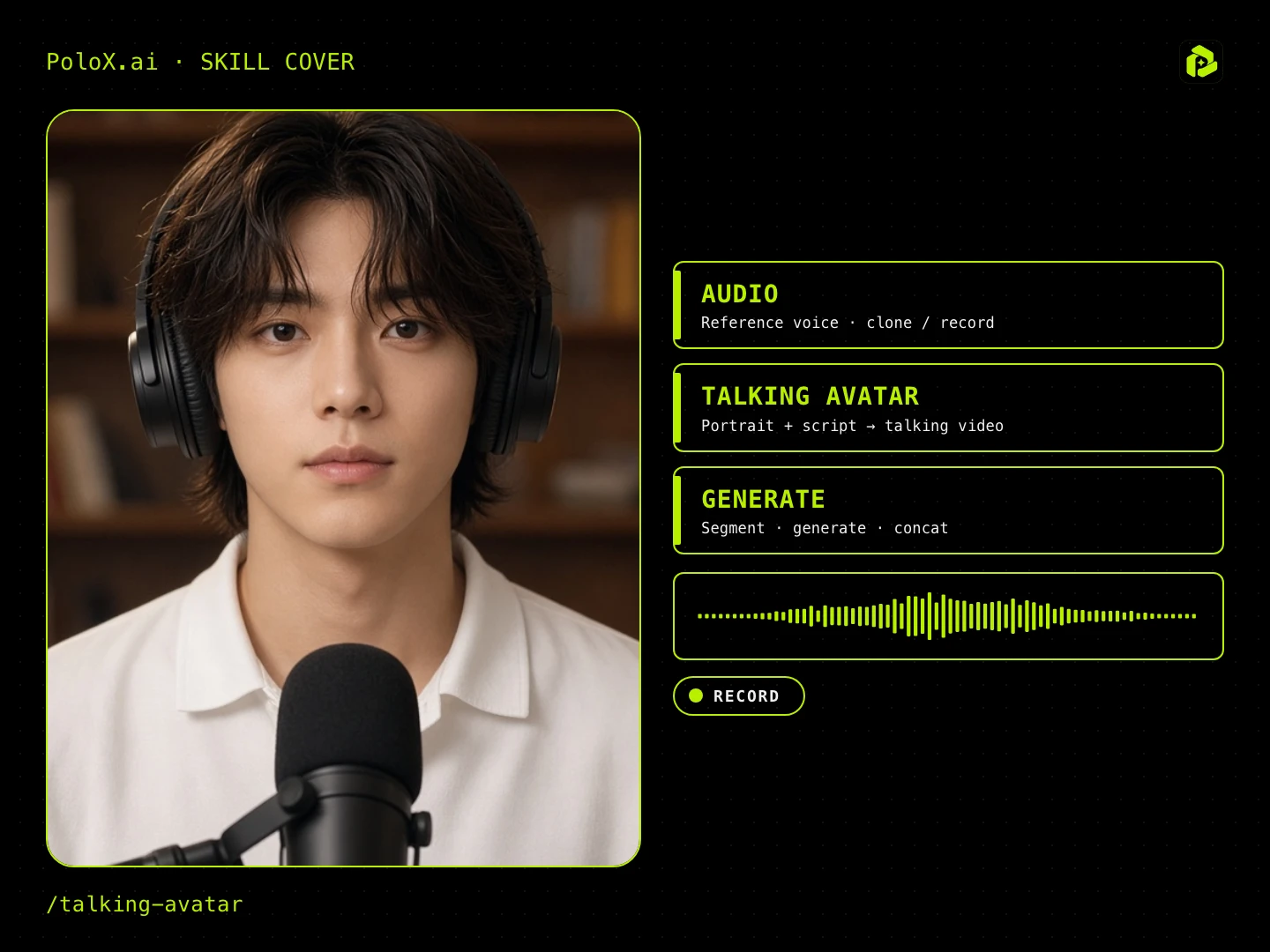 Talking AvatarGuided talking-head video: pick ratio, character, spoken language (English / Chinese), voice (random / upload / record), script, first frame, then generate lip-sync / talking-head segments.
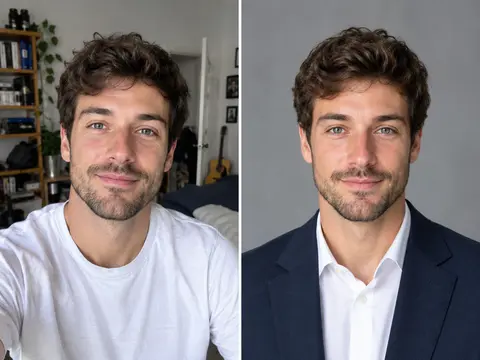 Career Portrait MakerCreate professional headshots from your own photo for work and job applications.
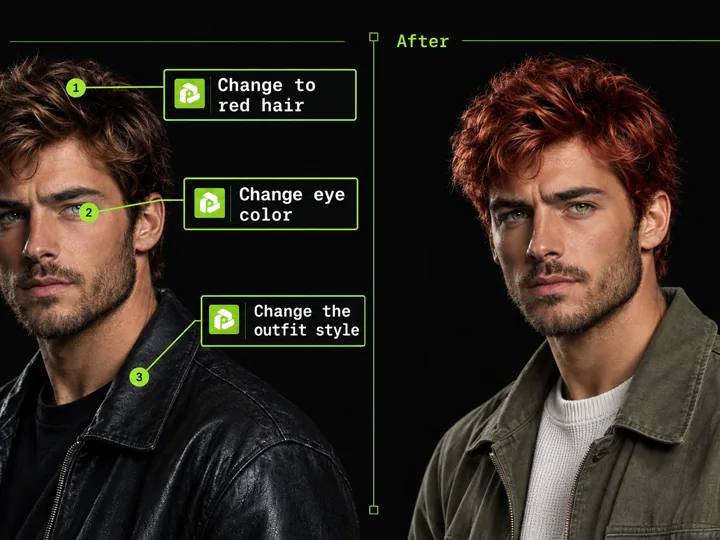 Annotated Image EditMark points on an image and describe each change to edit precisely.
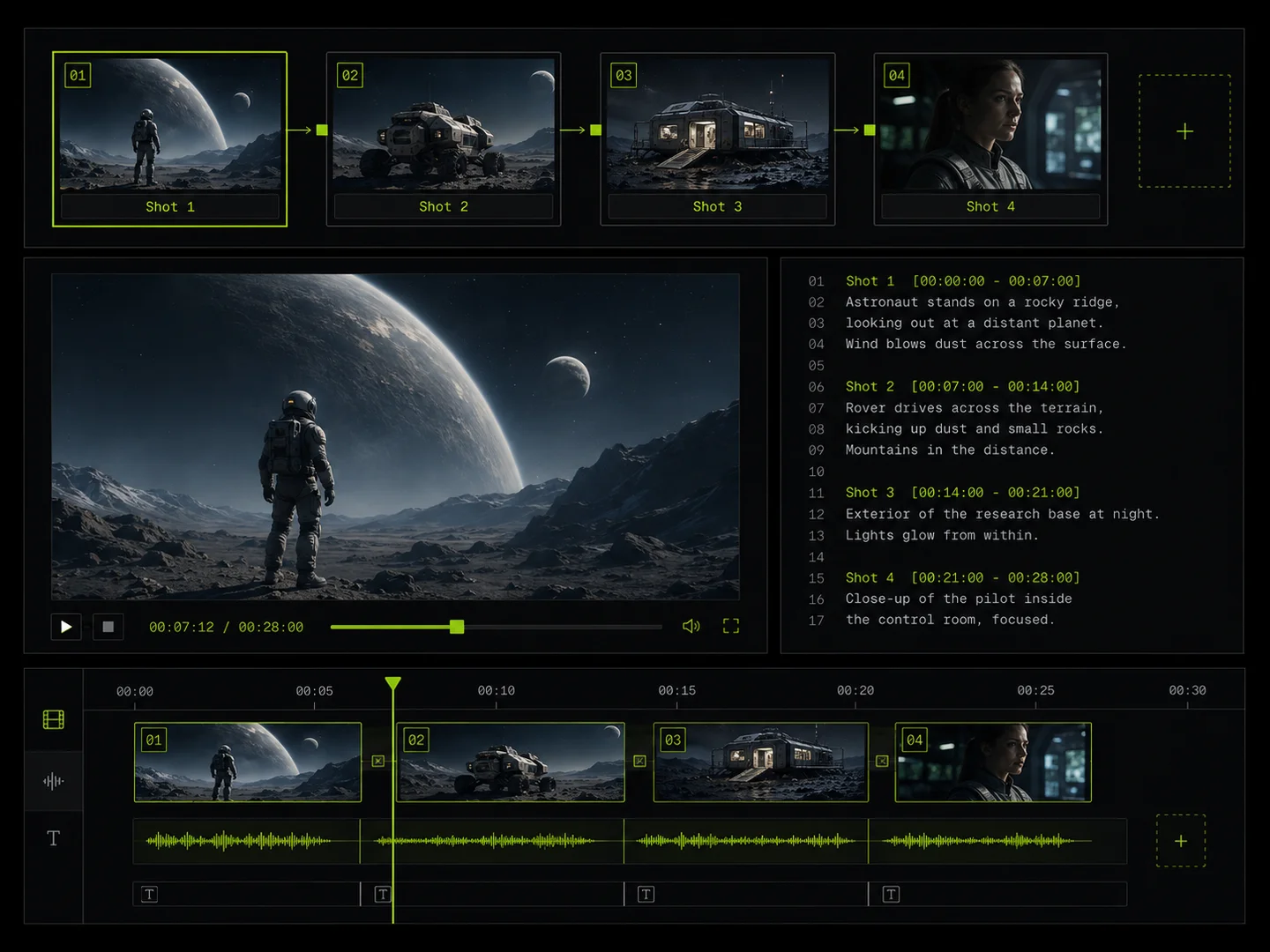 Storyboard VideoPlan a multi-shot storyboard, generate consistent characters and clips, and join them into a short film or longer video.
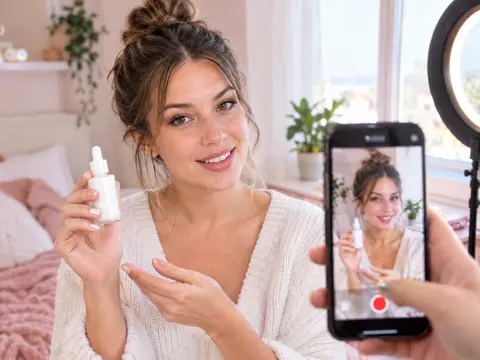 UGC Product VideoCreate UGC-style product intro videos from a product photo and a presenter.
 Casual Motion CandidTurn any photo into a realistic candid phone snapshot with natural motion blur and tilted framing.
 Photo Vocabulary ScrapbookTurn any everyday photo into an aesthetic English vocabulary scrapbook with hand-drawn doodle callouts.
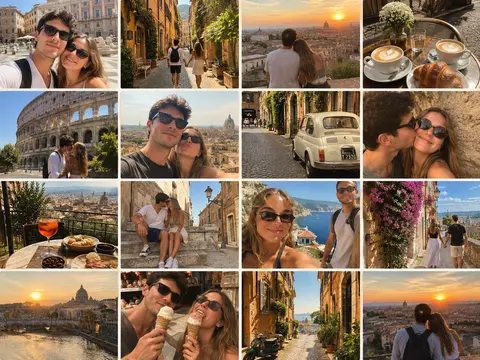 Couple Travel Contact SheetTurn photos of two people into a 4x4 iPhone retro travel memory contact sheet in any city.