Back to Skills
Paper Cut Sticker Portrait
SZSaihhold Zhao

Paper Cut Sticker Portrait

AI Image Generation Skill

Transform any photo into a handcrafted layered paper-cut sticker illustration with custom color vibes.

Updated Oct 2, 2026

About

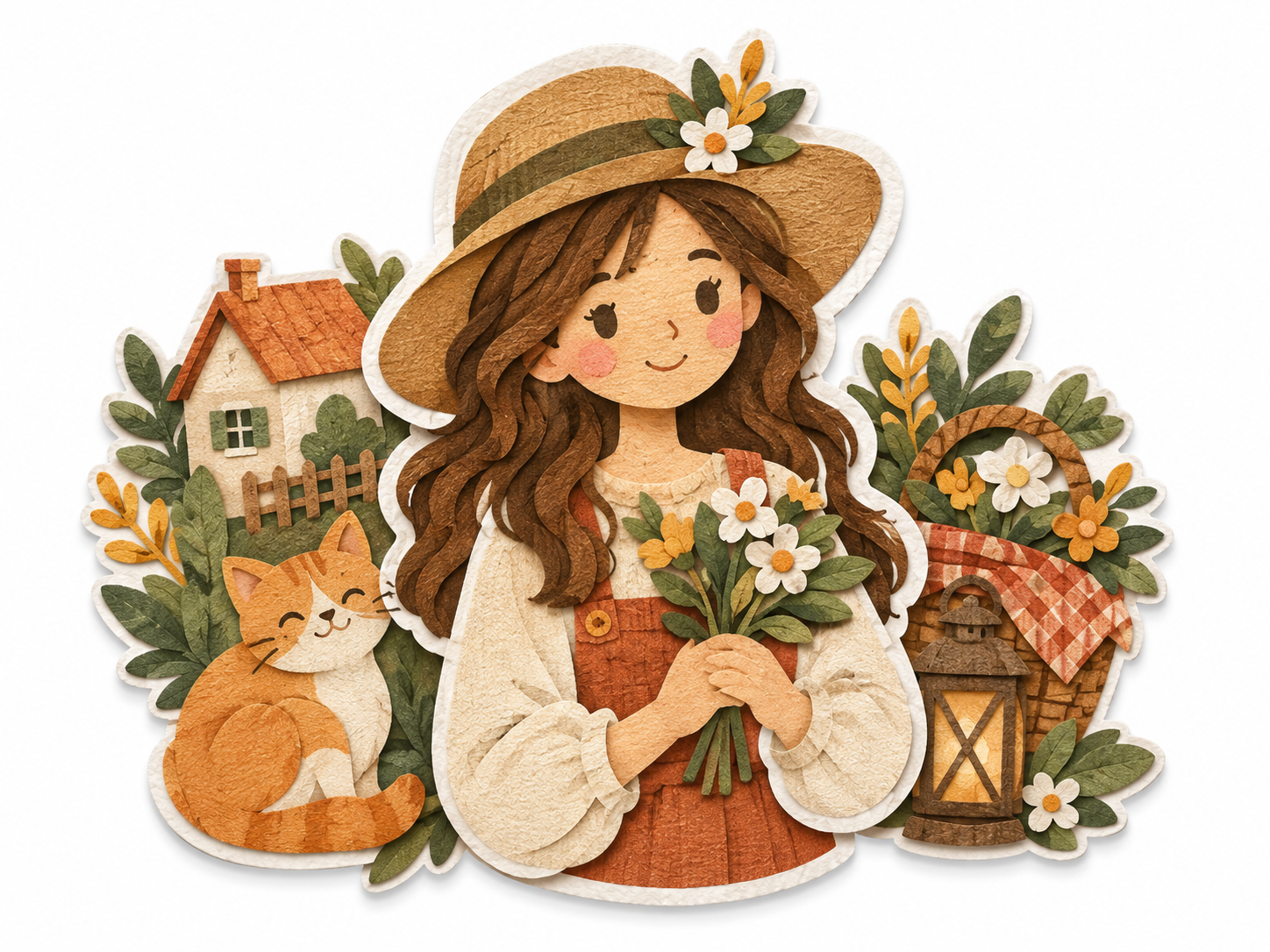
Upload any portrait or everyday photo to reimagine your subject as a handcrafted paper diorama. PoloX blends tactile paper textures, delicate relief shadows, and clean die-cut borders to create an adorable sticker-style artwork.

Choose from curated palettes like warm terracotta, gentle pastels, vintage indigo, or stick with your original photo tones to get a personalized keepsake ready for sharing.

Workflow

  1. Upload your reference photo

    Provide a clear portrait or photo featuring the subject you want to turn into a layered paper sticker.

  2. Select your color palette

    Choose from warm terracotta, pastel garden, vintage indigo, custom shades, or preserve your photo's original color scheme.

  3. Craft the paper-cut illustration

    PoloX renders your image into a dimensional papercraft sticker with tactile grain, layered relief depth, and a white die-cut outline.

See it in action

Real Paper Cut Sticker Portrait conversations, from the request to the finished result.

Example 1

PoloX AI

A portrait transformed into a layered paper-cut sticker featuring pink-streaked wavy hair, a black coat, and a white die-cut border on a craft paper background.

Input

IMG_5195.png
“Could you turn my photo into a handcrafted paper-cut sticker portrait? Please make sure to keep my pink-streaked hair and black coat recognizable in the layered paper style with that cute die-cut border.”

Result

Layered paper-cut sticker portrait of a person with black and vivid pink hair, wearing a black coat, framed by a white die-cut border on textured craft paper.

Full conversation

Could you turn my photo into a handcrafted paper-cut sticker portrait? Please make sure to keep my pink-streaked hair and black coat recognizable in the layered paper style with that cute die-cut border.

Choose the model for this generation.

Saved

Which image model should I use?

GPT Image 2.5 Flare (Recommended)
See more Fun skills