
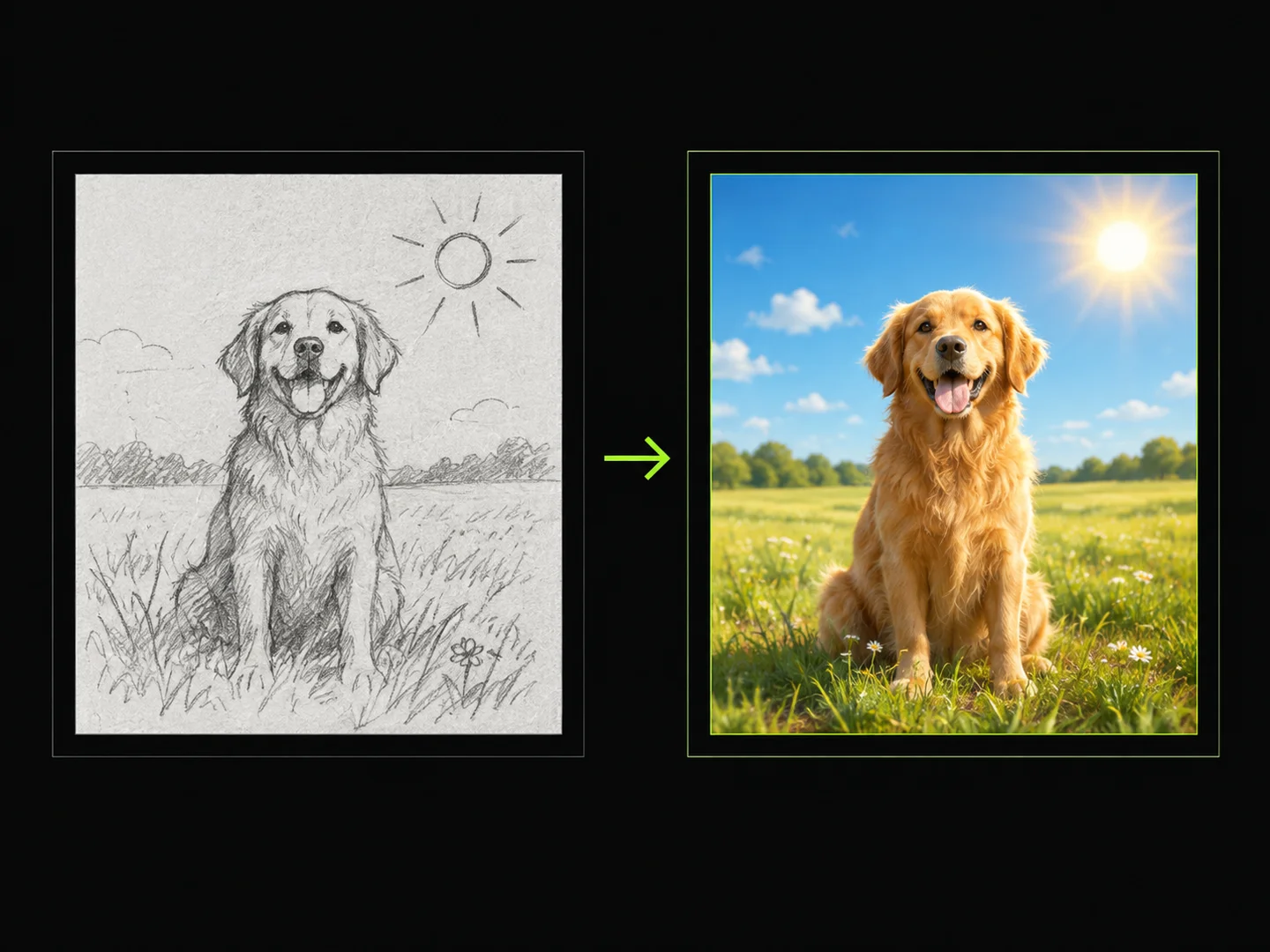
Sketch to Image
AI Image Generation Skill/sketch-to-image
Draw a sketch, add text, and turn your idea into a finished image.
About
You draw a sketch directly in the conversation, adding lines and text, then save it as an image. You can also attach extra reference images if you want to guide the look.
PoloX then reviews your sketch and references, shares its understanding of what you want, and after you confirm, creates a finished image with GPT Image 2.5 Flare Image to Image that follows your composition, drawn text, and references.
Workflow
Draw and save your sketch
An inline drawing card opens in the conversation. You draw lines and add text, then save it as a project image that appears on the canvas.
Add optional references
You choose whether to include other reference images. If yes, you upload them or pick from your project; if no, the sketch is used on its own.
Review the understanding
PoloX inspects your sketch and any references, then describes the subject, composition, drawn text, and each reference's role. You confirm or add corrections.
Generate the finished image
After you confirm, PoloX creates the image with GPT Image 2.5 Flare Image to Image, following your sketch, text, and references without unrelated changes.
See your result
The finished image is delivered in the conversation. You can start a new sketch request whenever you want another image.
Related skills
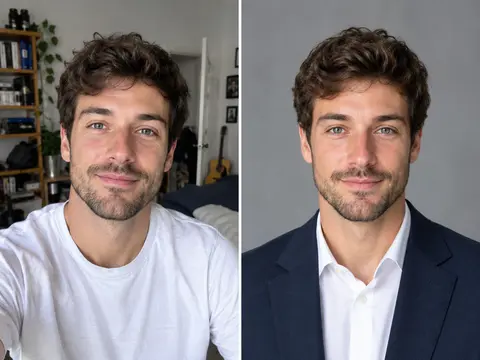 Career Portrait MakerCreate professional headshots from your own photo for work and job applications.
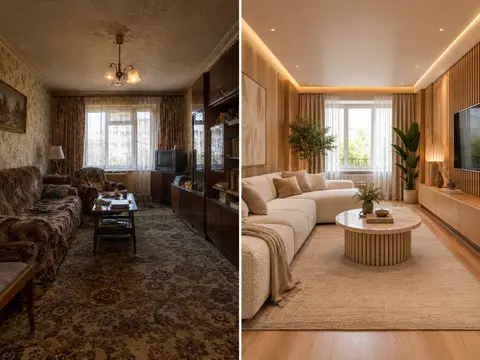 AI Room RestylerTransform any room photo into customized interior design styles with single or multi-variant AI redesigns.
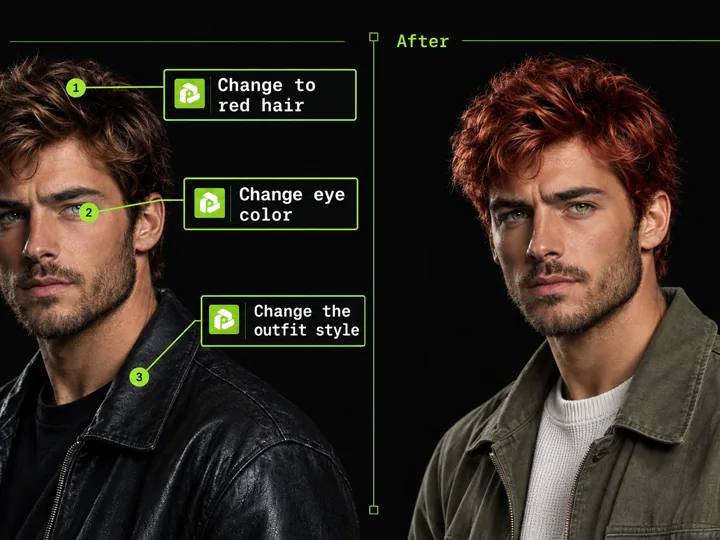 Annotated Image EditMark points on an image and describe each change to edit precisely.
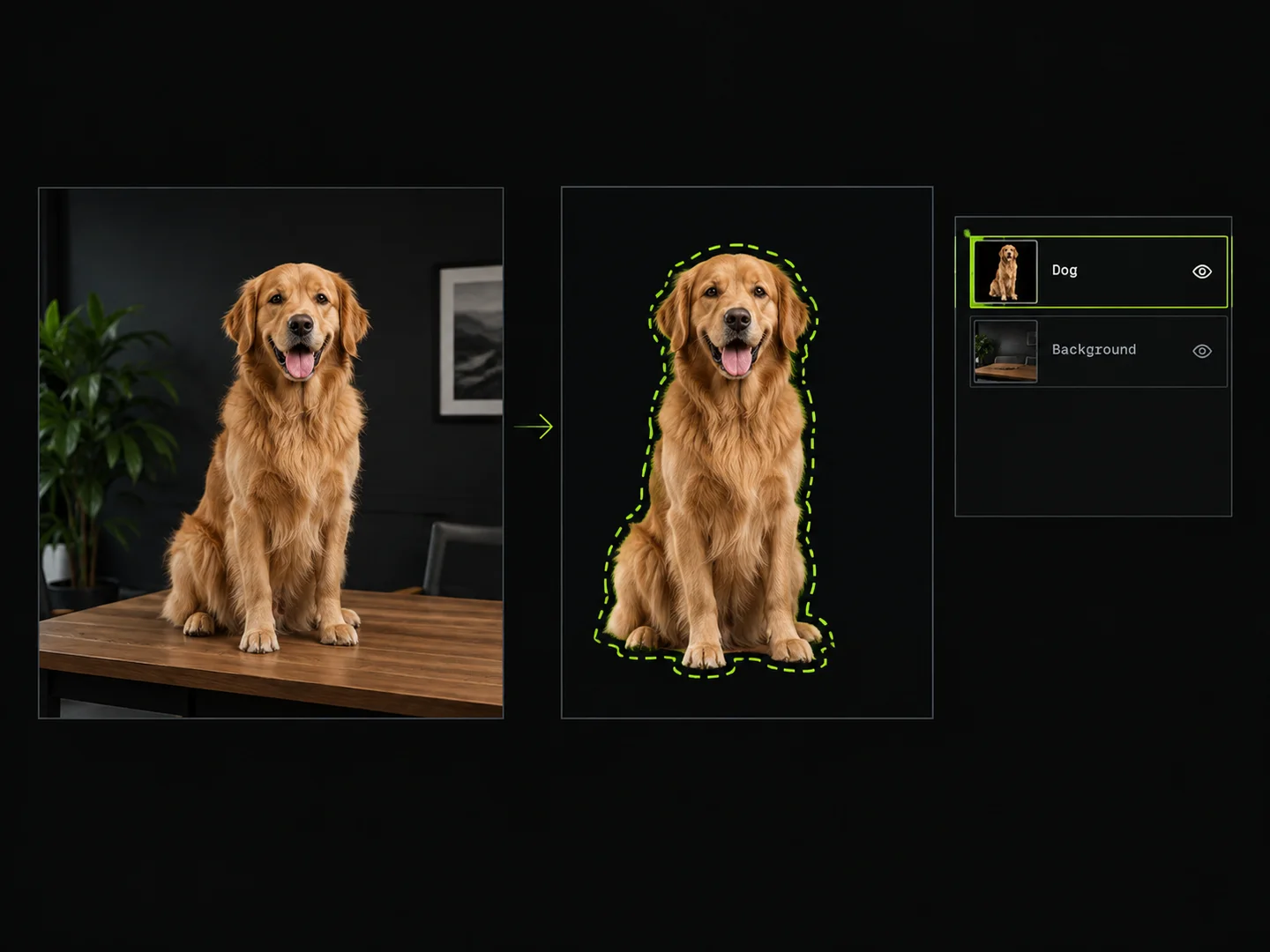 Image Layer SplitterDraw boxes around objects to extract them as separate transparent PNG layers.
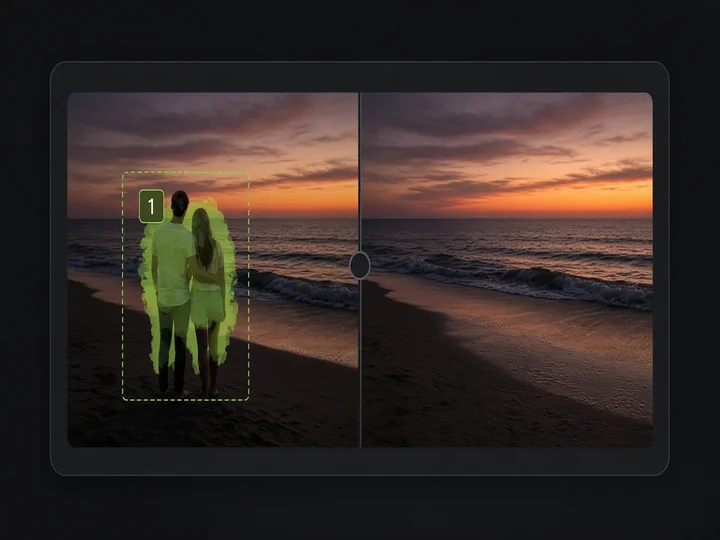 Image Object RemovalMark objects with boxes or masks and remove them while keeping the rest of the image.
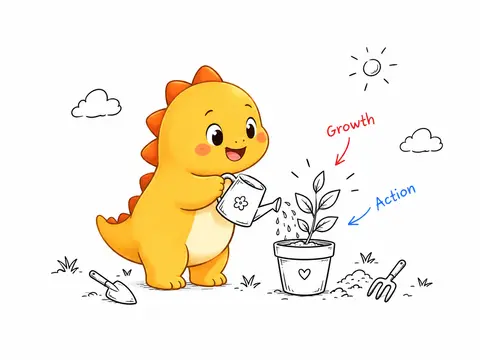 IP Handdrawn IllustratorTurn any text or article into clean hand-drawn ink illustrations starring your custom or generated IP mascot.
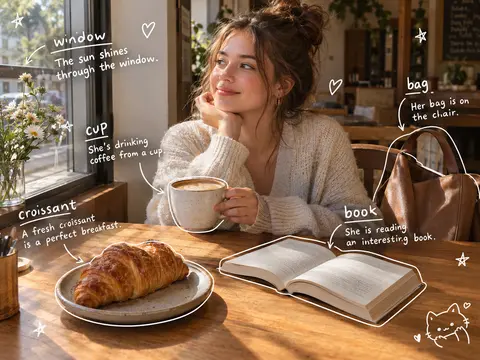 Photo Vocabulary ScrapbookTurn any everyday photo into an aesthetic English vocabulary scrapbook with hand-drawn doodle callouts.
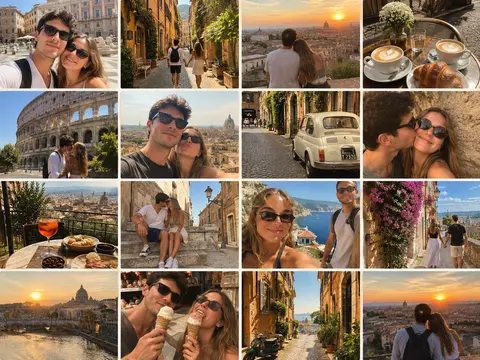 Couple Travel Contact SheetTurn photos of two people into a 4x4 iPhone retro travel memory contact sheet in any city.