
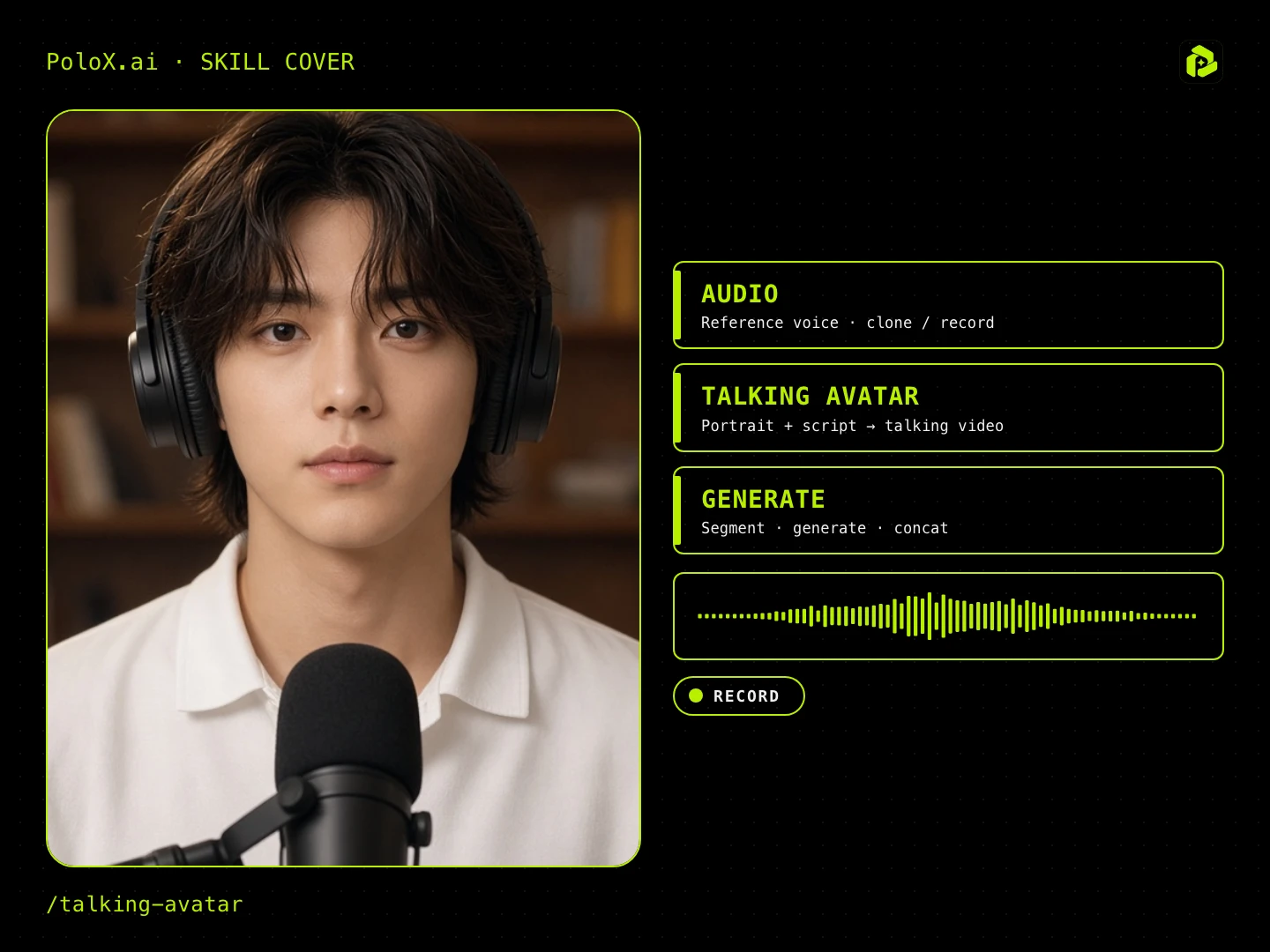
Talking Avatar
AI Video Generation Skill/talking-avatar
Guided talking-head video: pick ratio, character, spoken language (English / Chinese), voice (random / upload / record), script, first frame, then generate lip-sync / talking-head segments.
About
Talking Avatar guides you through creating natural talking-head presentations, social clips, or explainers. You choose your canvas format, provide or generate a character portrait, select a voice, and submit a custom script.
PoloX produces high-definition front-facing stills and renders synchronized video segments with matched mouth movements and natural gestures, then compiles them into a single finished video.
Workflow
Set up format and character
Select your aspect ratio and provide a portrait, or generate a fresh front-facing character portrait in 2K using GPT Image 2.5 Flare.
Configure language and voice
Pick your spoken language, then select a system voice, upload an audio sample, or record your own voice clip directly in chat.
Provide the speech script
Submit your complete dialogue lines or outline key topics to draft a script split naturally into manageable spoken segments.
Establish the first frame
Define the scene backdrop, posture, and styling to lock the starting still frame while preserving consistent character identity.
Generate lip-sync segments
Render fluid talking-head video clips with synchronized lip motion and natural facial expressions across your script segments.
Review and stitch video
Inspect each generated segment, adjust or regenerate any takes if needed, and compile the approved cuts into your final video.
Related skills
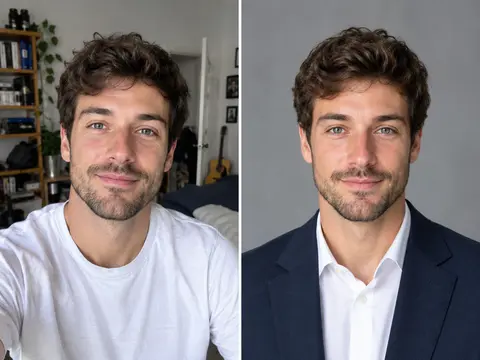 Career Portrait MakerCreate professional headshots from your own photo for work and job applications.
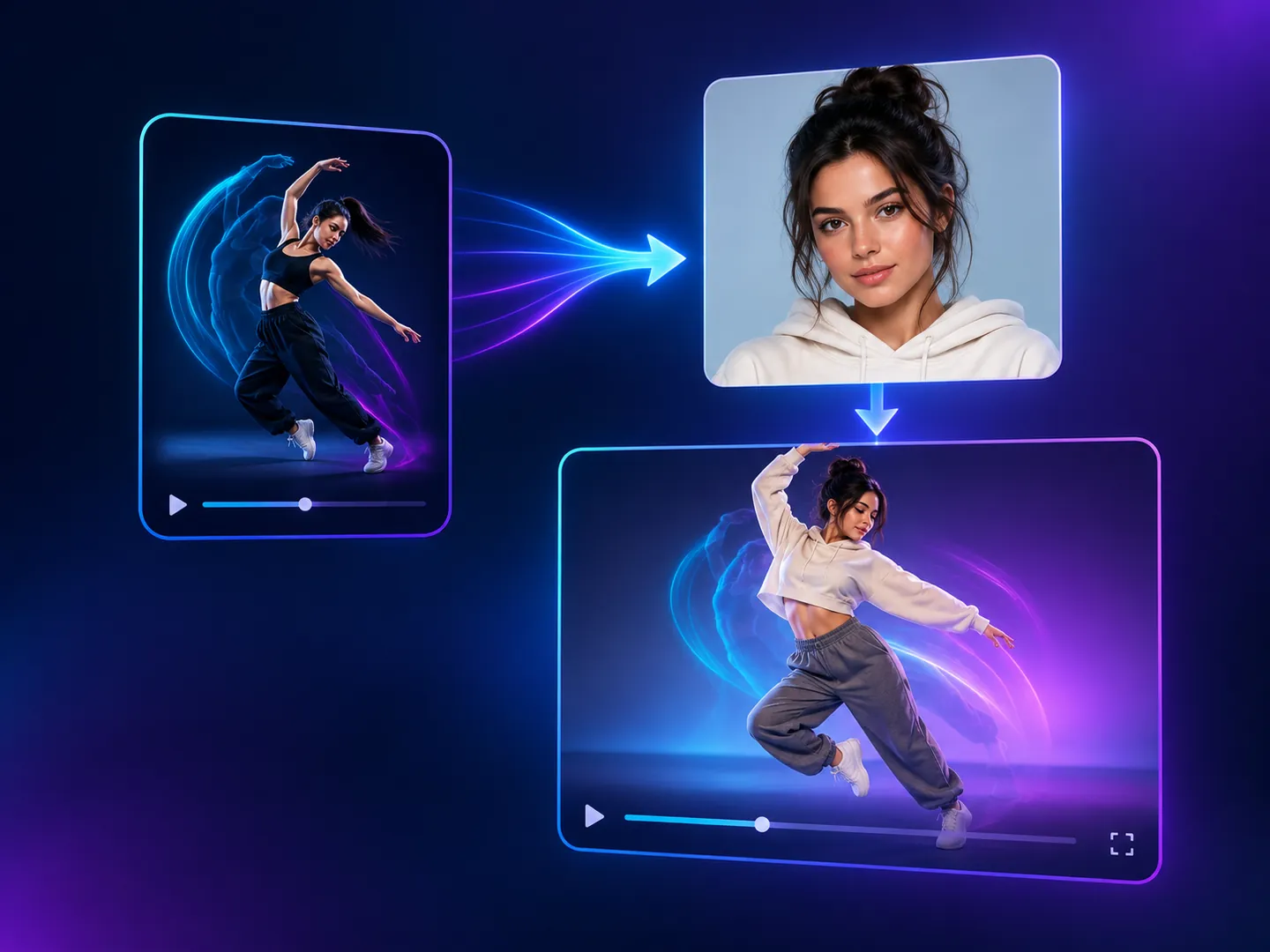 Motion Copy VideoCopy the motion from a reference video onto a person from your photo, keeping the original sound.
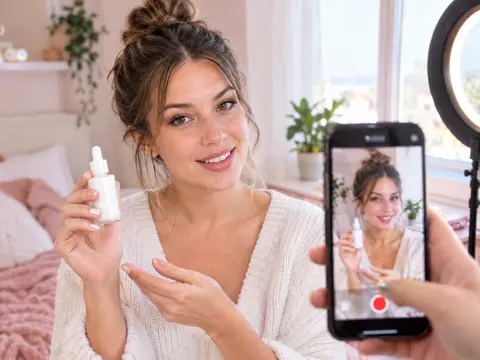 UGC Product VideoCreate UGC-style product intro videos from a product photo and a presenter.
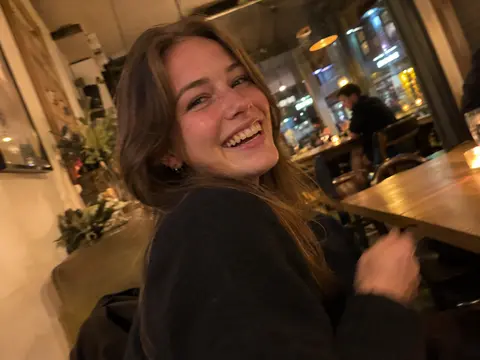 Casual Motion CandidTurn any photo into a realistic candid phone snapshot with natural motion blur and tilted framing.
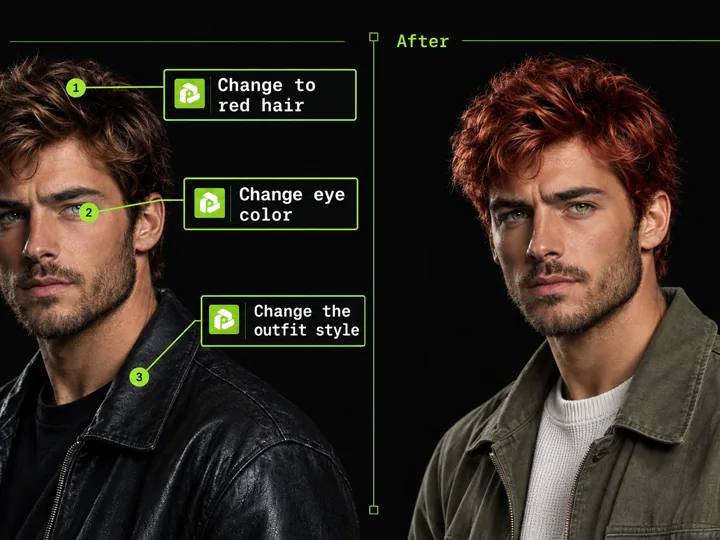 Annotated Image EditMark points on an image and describe each change to edit precisely.
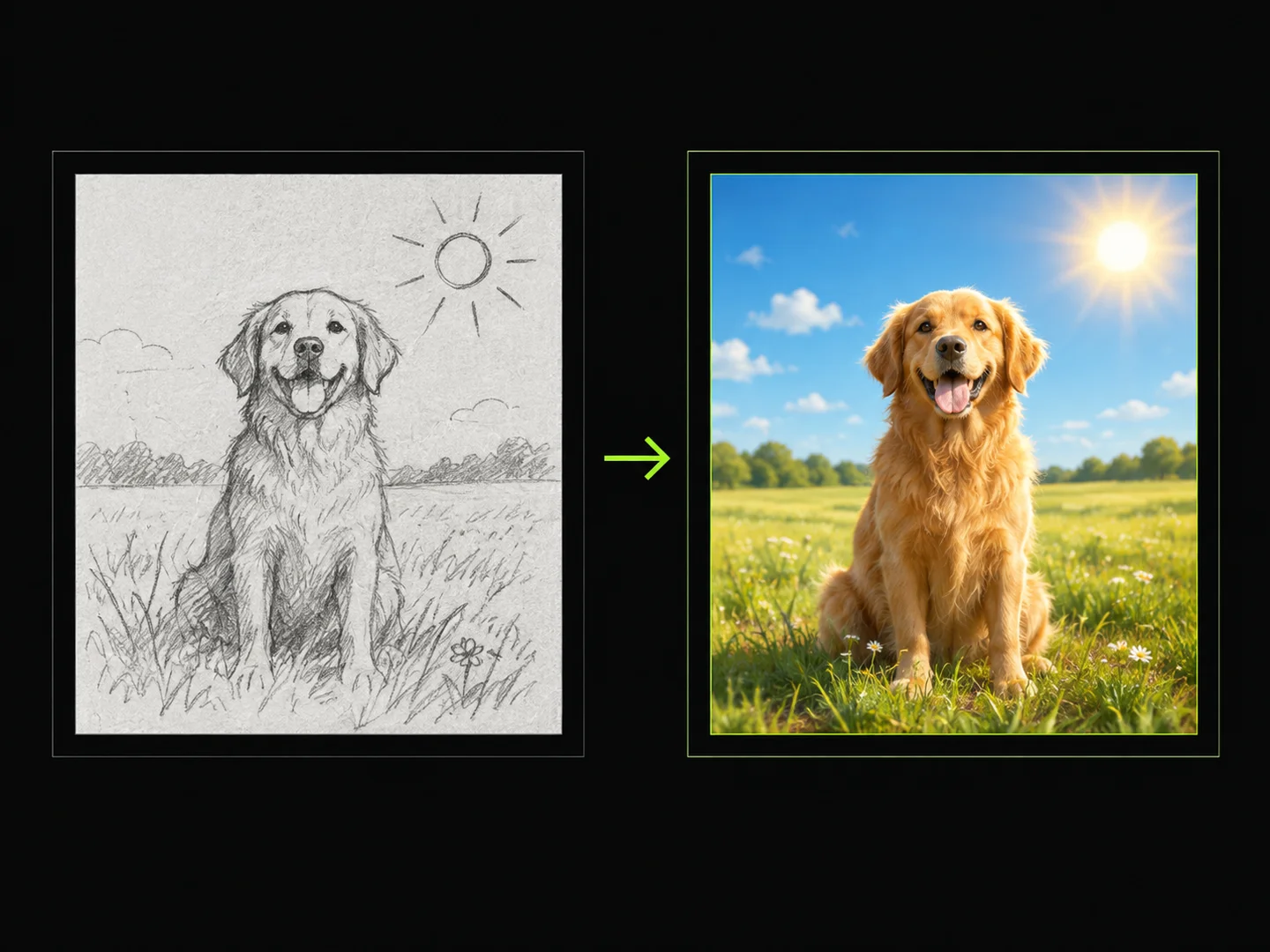 Sketch to ImageDraw a sketch, add text, and turn your idea into a finished image.
 Photo Vocabulary ScrapbookTurn any everyday photo into an aesthetic English vocabulary scrapbook with hand-drawn doodle callouts.
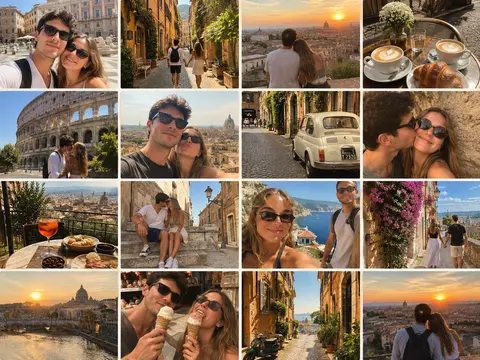 Couple Travel Contact SheetTurn photos of two people into a 4x4 iPhone retro travel memory contact sheet in any city.