
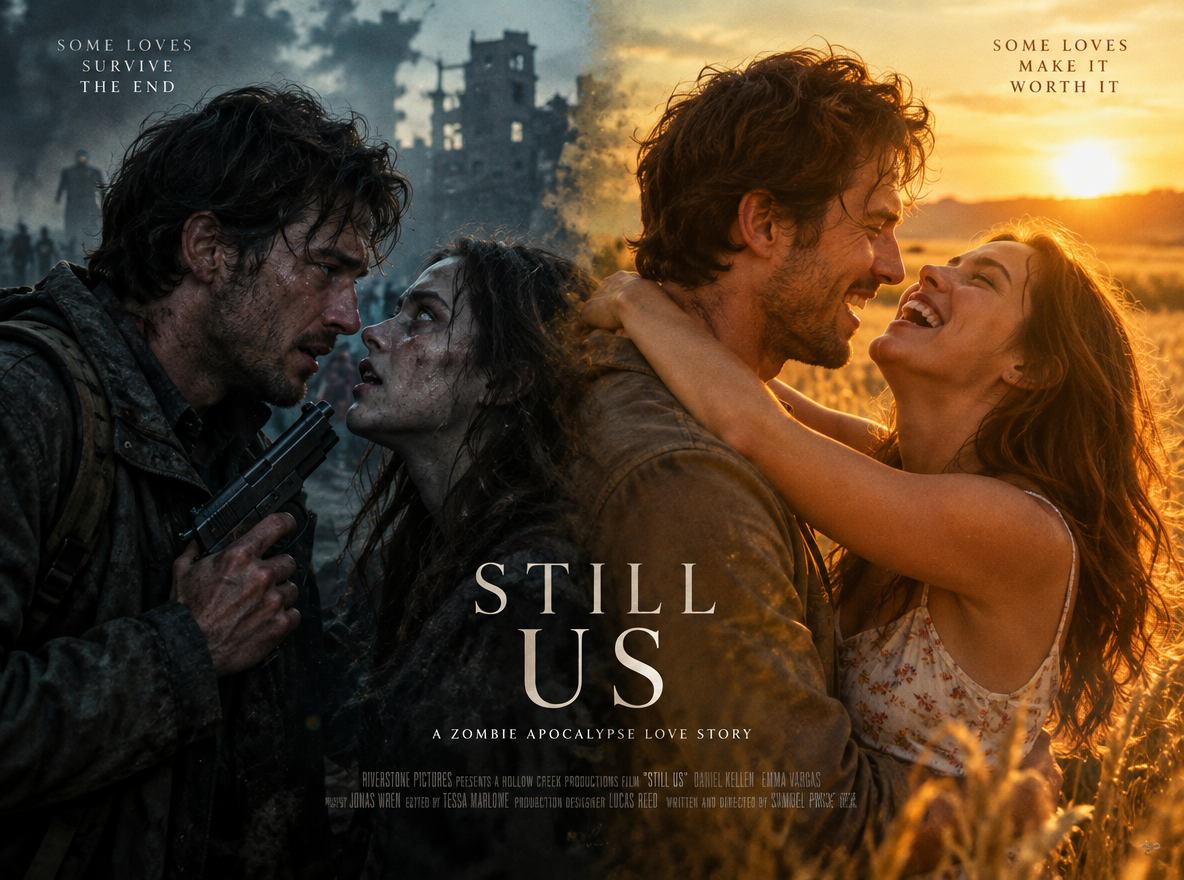

Zombie AI Video Trend
AI Video Generation SkillTransform two portrait photos into an emotional zombie confrontation that match-cuts into a golden memory.
Updated Oct 7, 2026
About
Upload two portraits of a couple, and PoloX brings the viral zombie confrontation trend to life in photorealistic 35mm film quality. You assign who plays the tearful survivor and who becomes the feral infected partner, then pick a gritty shelter setting for the initial face-off.
Workflow
Upload portraits and assign roles
Provide two clear portrait photos and specify which person is the human survivor and who is the infected partner.
Select setting and frame layout
Pick an apocalypse starting backdrop like a dilapidated kitchen or ruined factory, and choose your preferred aspect ratio and resolution.
Render cinematic video
PoloX uses Seedance 2.0 to produce a 20-second video featuring a tense confrontation, an explosive match-cut, and a glowing meadow embrace with layered audio.
- Model
- Seedance 2.5: 5–165 credits per video (480P · 4s to 1080P · 30s)
- Inputs
- Image, video or audio reference, text
- Output
- Video · 480p, 720p, 1080p · 4–30s
- Fixed by skill
- Duration 20s · Generate audio on
Frequently asked questions
How to make a zombie apocalypse memory trend video from two photos?
Upload two clear portrait photos and assign which person is the survivor and which is the infected partner. Choose your apocalypse scene setting along with your preferred aspect ratio and resolution. The skill will generate a 20-second cinematic video featuring an emotional confrontation that match-cuts into a golden memory embrace with audio.
What does the Zombie AI Video Trend skill create?
It creates a 20-second cinematic video depicting an emotional apocalypse story based on two portrait photos. A tense standoff in a ruined shelter transitions through a match-cut impact into a golden meadow memory, accompanied by an orchestral crescendo and reverberant wedding vows.
What photos and file formats are required?
You need two clear portrait photos: one for the survivor and one for the infected partner. The accepted image formats are JPEG, PNG, WEBP, and GIF, up to 30MB per file.
What customizable options does this skill offer?
You can select your starting apocalypse scene from a dilapidated kitchen, a ruined factory, an underground hideout, or provide a custom setting. You can also pick an aspect ratio of 9:16 vertical or 16:9 widescreen, and choose between 720p and 1080p resolution.
How many credits does generating a video cost?
Because duration is fixed at 20 seconds, generating at 720p costs 51 credits, while 1080p costs 92 credits per generation.
What happens to my credits if a generation fails?
If a generation fails, the credits charged for it are automatically returned to your credit balance.
Can I use the generated zombie trend videos commercially?
You may use content generated on PoloX AI for commercial purposes subject to the Terms and applicable law. However, content involving a real person's likeness must not be used in advertising, promotional materials, political campaigns, or any other commercial context without verified written consent.
Related skills
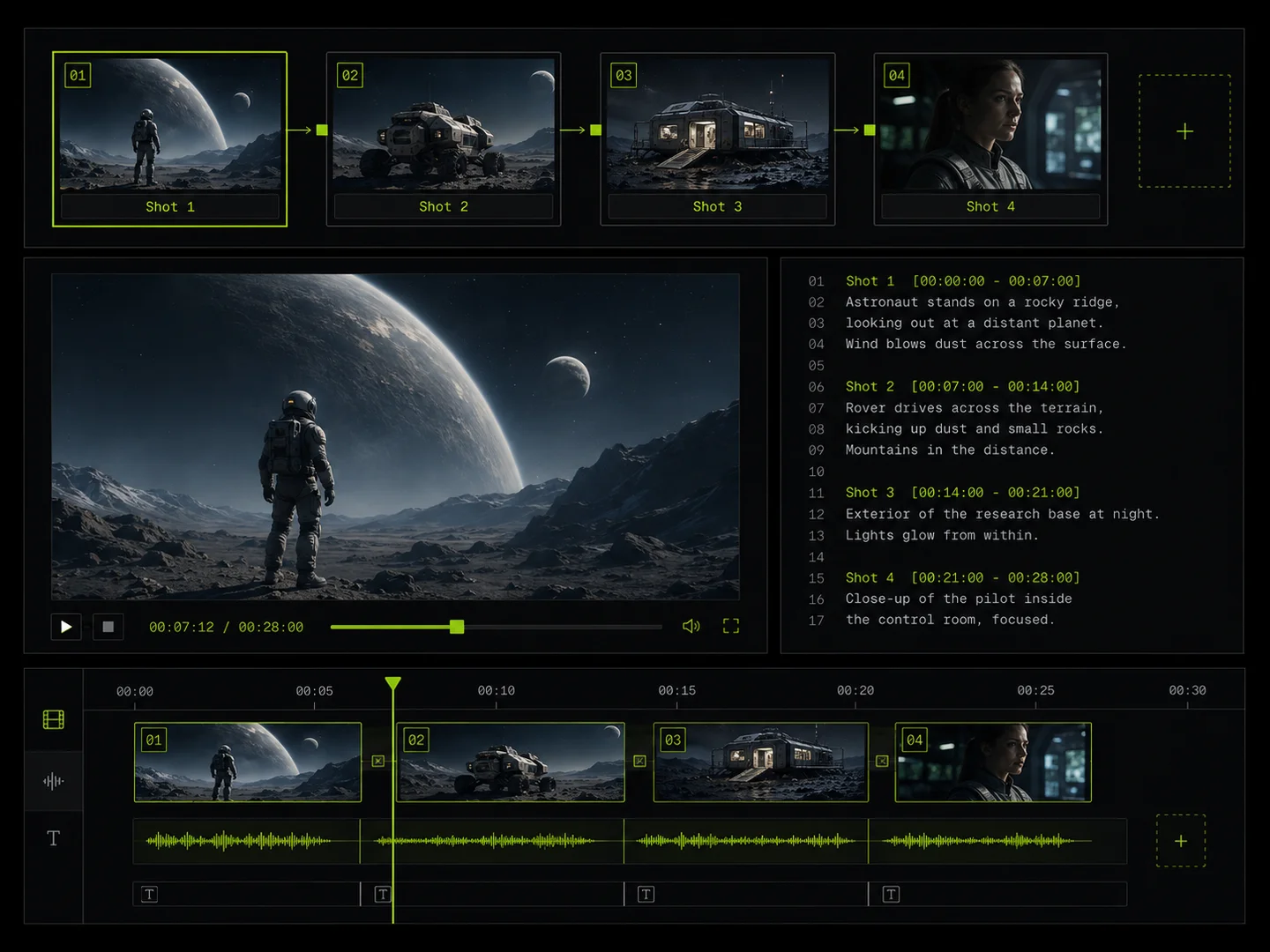 Storyboard VideoPlan a multi-shot storyboard, generate consistent characters and clips, and join them into a short film or longer video.
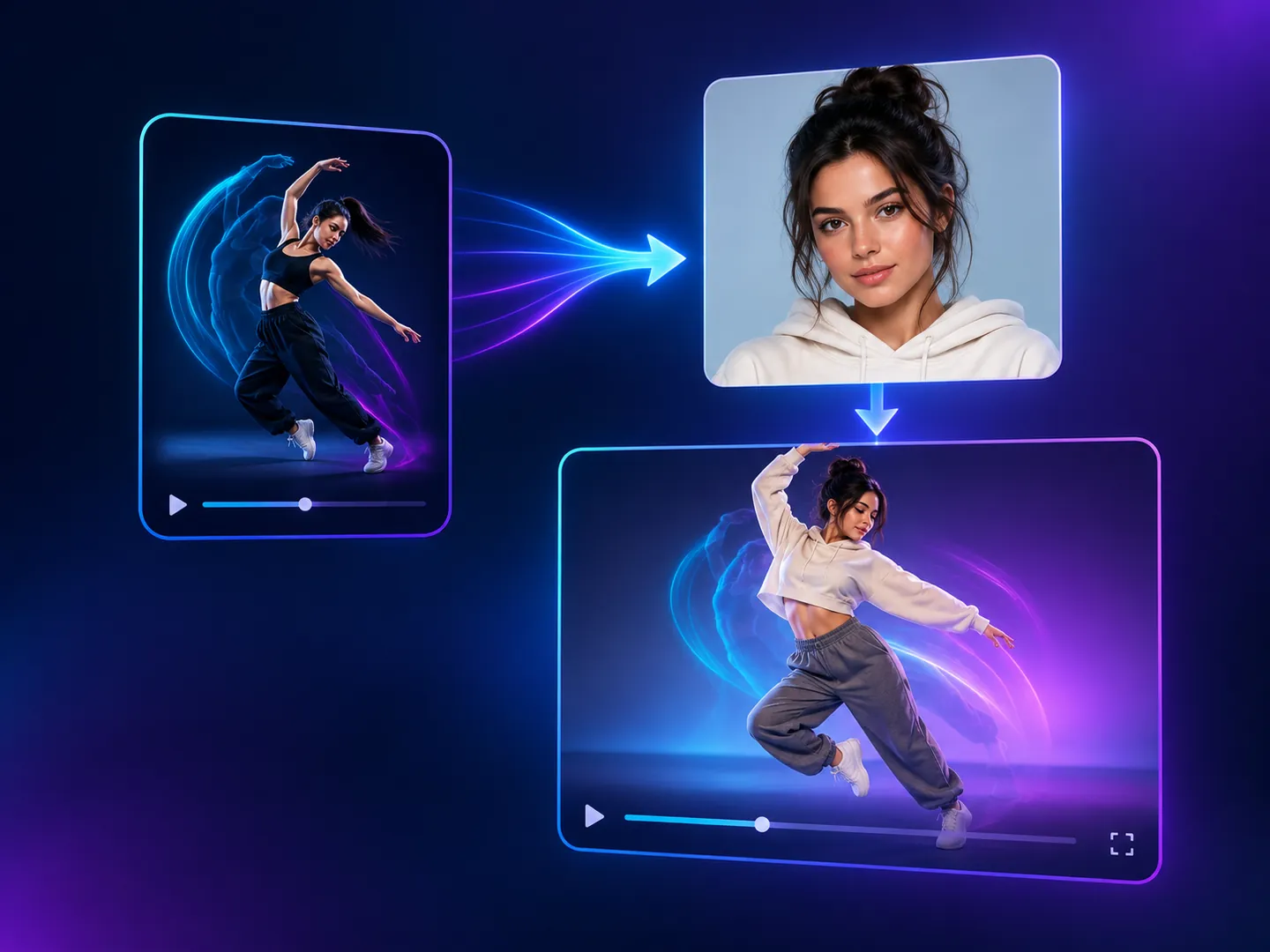 Motion Copy VideoCopy the motion from a reference video onto a person from your photo, keeping the original sound.
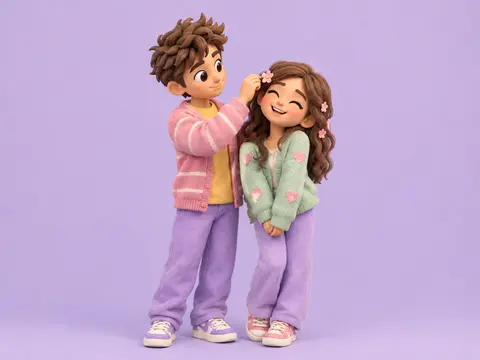 Clay Couple PortraitCreate pastel 3D clay-style couple portraits from your photos, in a scene you pick.
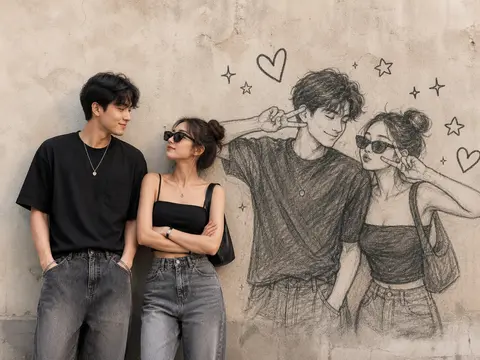 Doodle Shadow MuralTransform photos of couples or friends into an editorial wall portrait with a playful sketch mural and cute doodles.
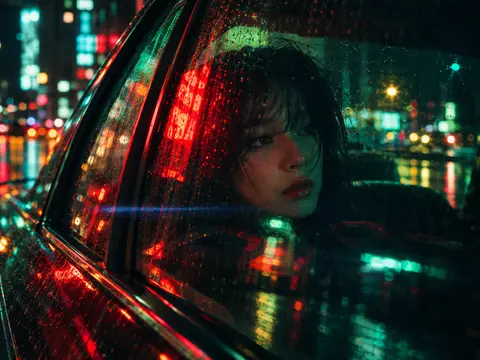 Neon Night Cinematic PortraitUpload a photo and get a Wong Kar-wai style neon night portrait while keeping your likeness.
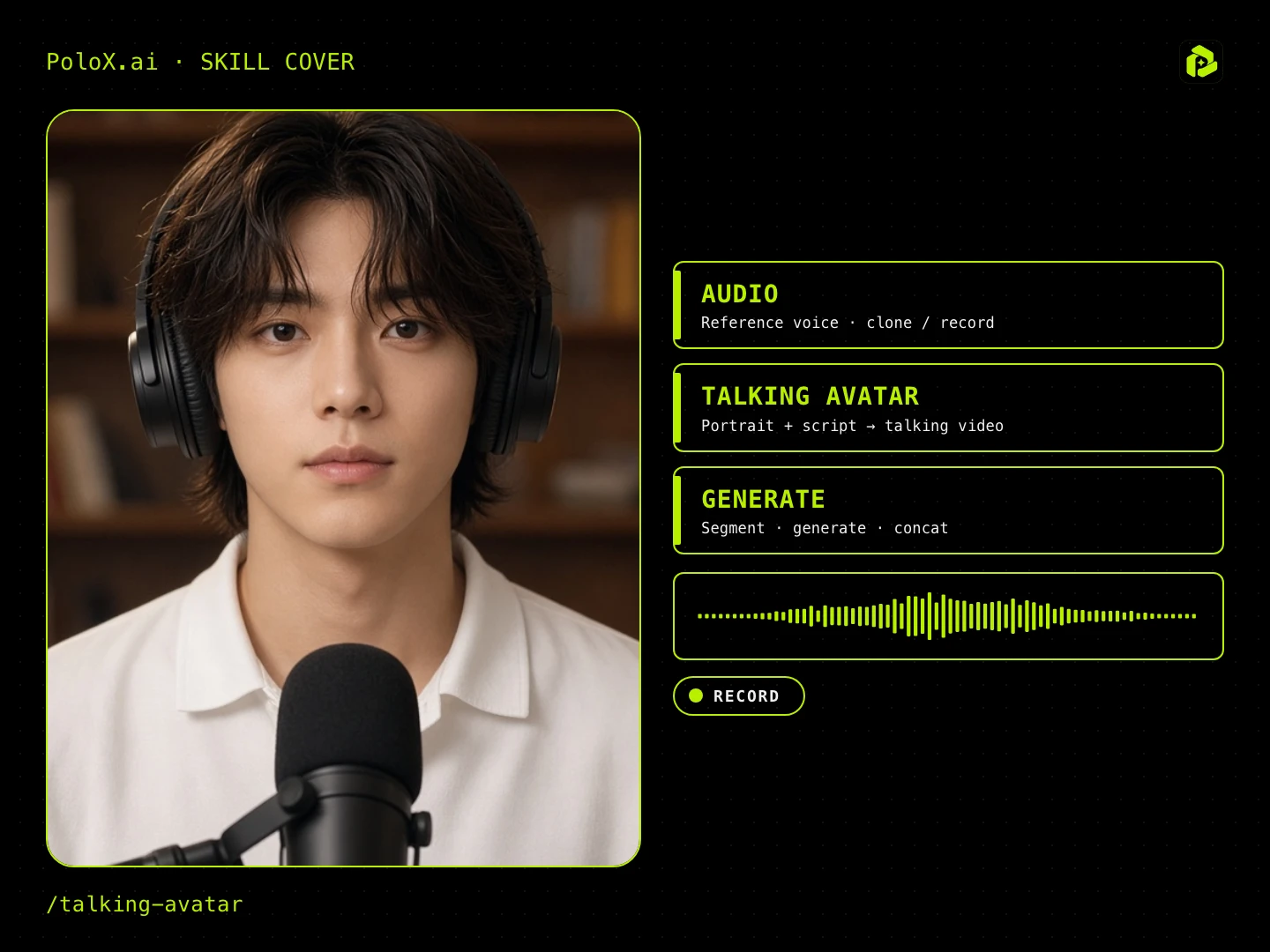 Talking AvatarGuided talking-head video: pick ratio, character, spoken language (English / Chinese), voice (random / upload / record), script, first frame, then generate lip-sync / talking-head segments.
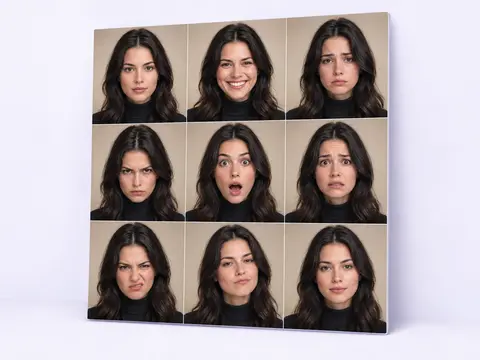 Emotion Grid PortraitTurn one photo into a cinematic grid of the same face showing different emotions.