
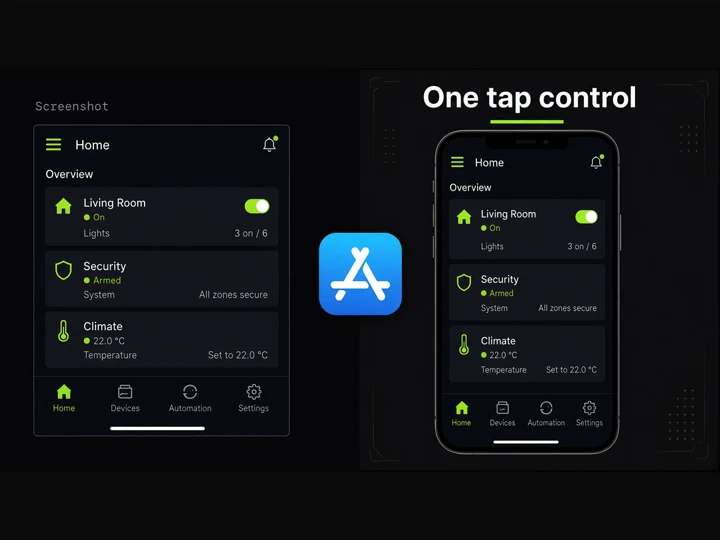
App Store Graphics
AI Image Generation Skill/app-store-graphics
Turn app screenshots into matching iPhone 17 Pro Max App Store graphics with a shared visual system.
About
Transform your raw app screenshots into polished, launch-ready App Store marketing graphics. You provide real app captures alongside optional branding details, and PoloX extracts your color palette, UI style, and feature highlights.
You receive a tailored design system board followed by a consistent suite of portrait iPhone 17 Pro Max marketing graphics ready for the App Store.
Workflow
Upload screenshots and pick copy language
Provide 2–6 app screenshots and choose your preferred language for marketing headlines and feature callouts.
Create visual design board
PoloX uses GPT Image 2.5 Flare to generate a portrait style board establishing typography, color palettes, accents, and device framing.
Confirm design brief and count
Review the design direction, verify product feature highlights, and confirm how many final graphics you want to generate.
Render App Store marketing graphics
PoloX creates front-facing 9:16 iPhone 17 Pro Max visuals using GPT Image 2.5 Flare, pairing each clean UI screen with matching branded backgrounds.
Related skills
 Product Hunt galleryCreate consistent Product Hunt launch images from your website or product details.
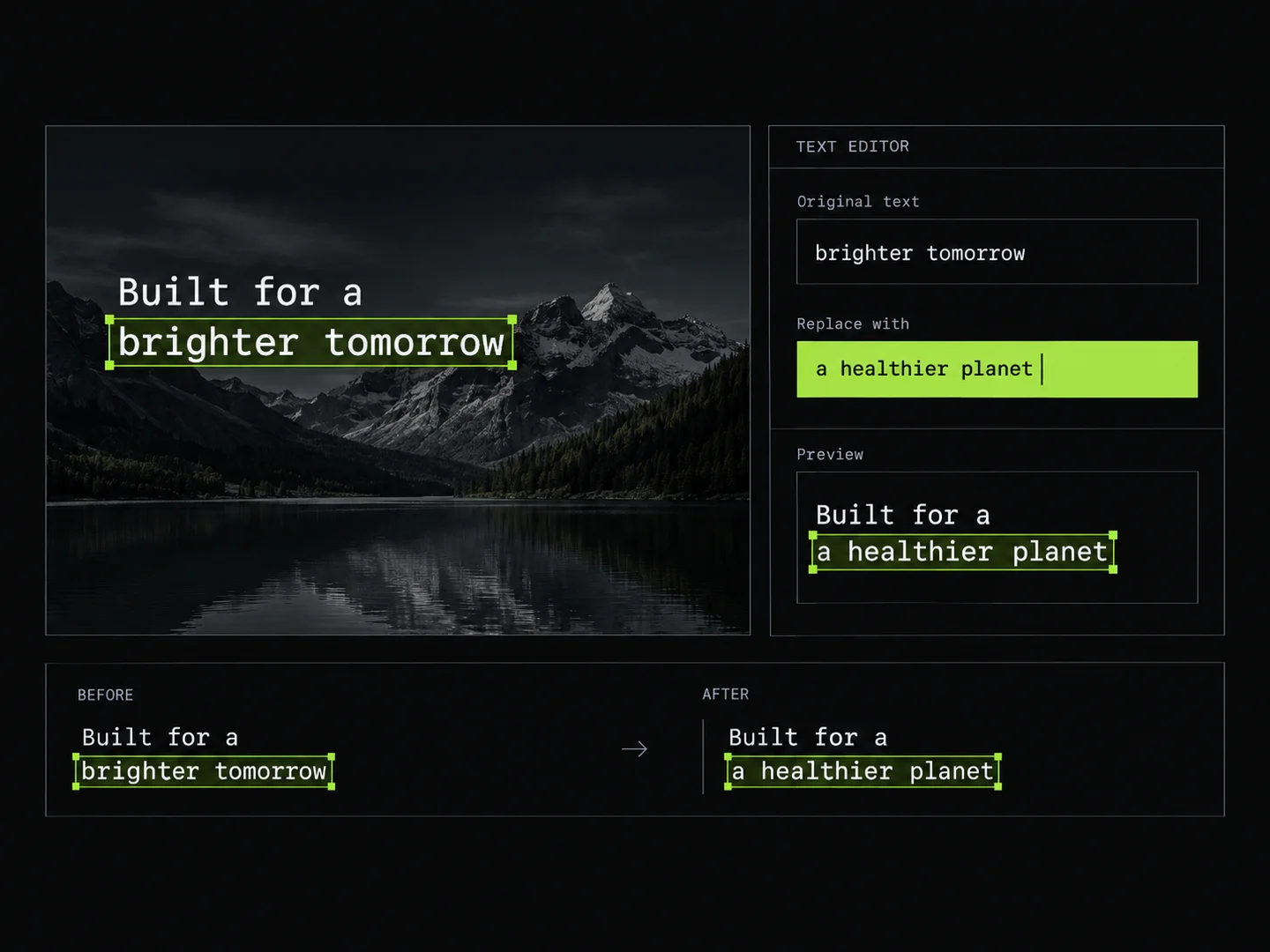 Image Text EditorEdit text in images by typing changes into detected text fields. PoloX rewrites only the text you change and keeps the rest of the image intact.
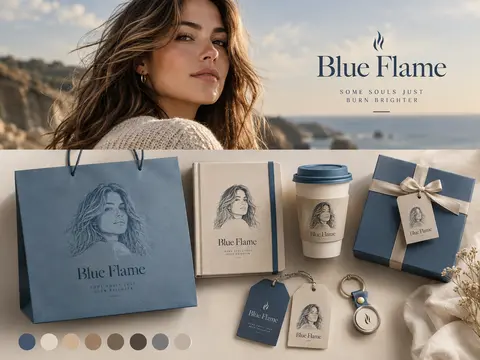 Photo Brand Poster SplitTurn your photo into a two-part split design poster featuring an editorial top shot and customized brand merchandise below.
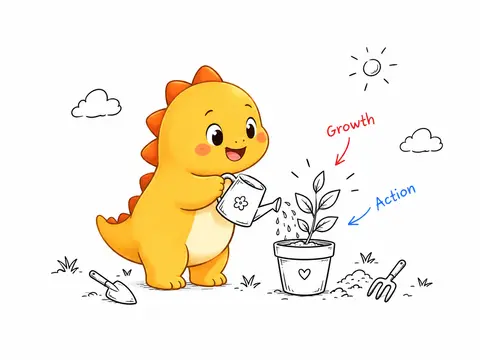 IP Handdrawn IllustratorTurn any text or article into clean hand-drawn ink illustrations starring your custom or generated IP mascot.
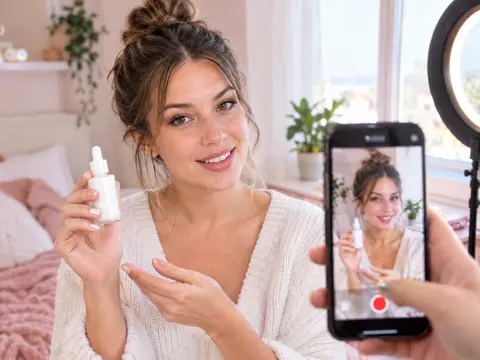 UGC Product VideoCreate UGC-style product intro videos from a product photo and a presenter.
 YouTube Brand Channel BannerGenerate on-brand YouTube channel banners from your logo, visual references, or website.
 Photo Vocabulary ScrapbookTurn any everyday photo into an aesthetic English vocabulary scrapbook with hand-drawn doodle callouts.
 Couple Travel Contact SheetTurn photos of two people into a 4x4 iPhone retro travel memory contact sheet in any city.