Back to Skills
Bald Head Filter
SZSaihhold Zhao

Bald Head Filter

Make Me Bald AI Portrait Filter

AI Image Generation Skill

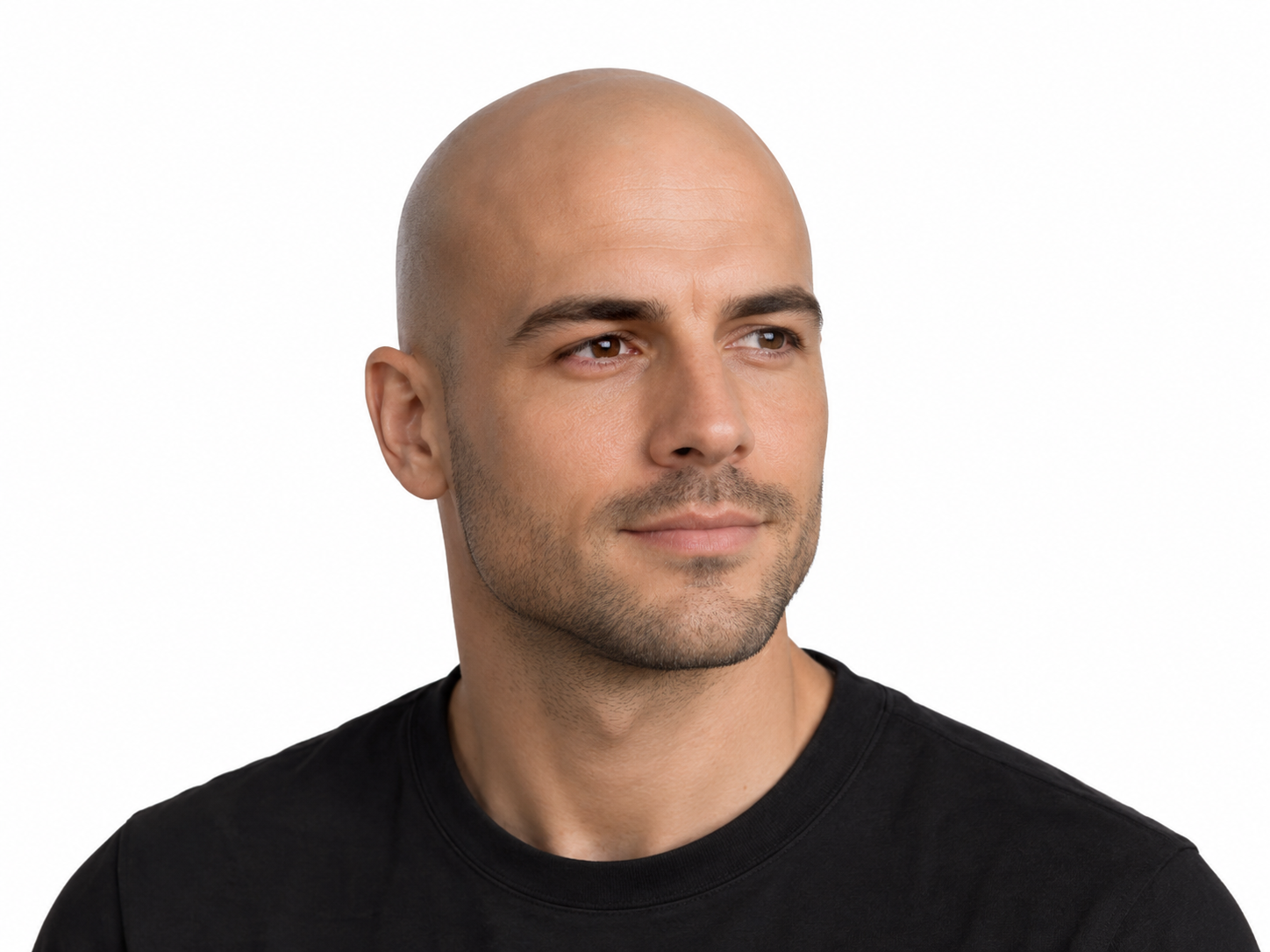
Use make me bald AI to see yourself with a clean-shaved head or stubble.

Turn any portrait into a realistic bald look with selectable scalp styles and facial-hair options.

The make me bald AI filter turns your regular photo into a bald portrait while keeping your facial likeness intact. It adjusts the hair on your head without altering your clothing, pose, lighting, or background. You can select the scalp texture and decide whether to keep or remove your facial hair.

Updated Oct 8, 2026

See it in action

Real Bald Head Filter conversations, from the request to the finished result.

Example 1

SZSaihhold Zhao

A portrait of an East Asian person with shoulder-length, pink-highlighted hair was transformed into a realistic, completely smooth clean-shaved bald look while preserving their clothing, expression, and blurred background.

Input

Portrait of an East Asian individual with wavy shoulder-length hair dyed pink at the front, wearing a black coat and turtleneck among blurred figures.
“hi”

Result

The same person realistically depicted with a completely smooth, shaved bald head, keeping the identical black outfit, neutral expression, and soft background.

Full conversation

hi

Upload a portrait or selfie and I’ll turn it into a realistic bald look. I only change the hair — face, lighting, and background stay the same.
About

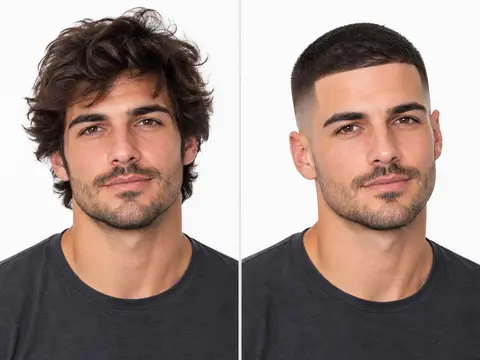
Transform your existing portraits to see how you would look completely shaved, with scalp stubble, or with a receding hairline. Simply share a clear photo and pick your preferred scalp look and facial hair treatment.

PoloX generates a photorealistic remake that preserves your natural facial identity, expression, skin tone, clothing, and background setting.

Workflow

  1. Upload your portrait

    Provide a clear portrait or selfie by uploading an image directly into the session.

  2. Select scalp and facial styling

    Choose between a smooth clean shave, scalp stubble, or thinning hair, and decide whether to keep or shave your facial hair.

  3. Generate your bald portrait

    PoloX creates a photorealistic portrait featuring natural scalp texture and head shape while keeping your lighting, clothing, and identity intact.

Scalp Styles for Every Portrait

You can customize the hair removal based on your preference. Choose a smooth clean-shaved head for a completely bare scalp that reflects natural head shape and skin tones. You can also pick scalp stubble for a short five o'clock shadow look, or select a thinning hairline that leaves some natural texture behind.

Facial Hair and Appearance Controls

The filter gives you full control over existing facial hair. You can keep your beard, mustache, and eyebrows unchanged so only scalp hair is modified. Alternatively, you can request a clean face shave alongside the scalp transformation to see a fully clean-shaved appearance.

Preserving Your Identity and Background

When you ask the system to AI make me bald, the process protects the core elements of your image. Your expression, skin texture, framing, and ambient lighting stay consistent with the source portrait. The filter only edits the designated hair areas, avoiding unwanted accessories or altered environments.

Model
Inputs
Image, text
Output
Image · 1K, 2K, 4K

Frequently asked questions

How does the make me bald AI process work?

You provide a portrait or selfie, choose your scalp preference, and specify facial hair settings. The system processes the image to remove scalp hair according to your selections while keeping your face shape, skin texture, and original background unchanged.

How many credits does the Bald Head Filter cost?

Each generated image costs 1 credit.

Can AI make me look bald in a photo while keeping my beard?

Yes. When setting up your request, you can choose to keep your existing beard, mustache, and eyebrows untouched while the filter only removes the hair on your scalp.

Do the resulting bald portraits include watermarks?

No, outputs generated on the platform do not carry a watermark, and your generated creations remain private by default.

What inputs do I need to provide?

You need to provide one source portrait or selfie through an upload, an existing session image, or a public URL. The skill does not generate faces from text descriptions.

Are there any restrictions on whose photos can be used?

Yes. If the person in the photo appears to be a minor, the skill will refuse the request and stop.

Can I use the generated bald portraits for commercial purposes?

You may use content generated on PoloX AI for commercial purposes subject to the Terms and applicable law. However, content involving a real person's likeness must not be used in advertising, promotional materials, political campaigns, or any commercial context without verified written consent.

What happens if an image generation fails?

If a generation fails, the credits charged for it are automatically returned to your credit balance.

See more Fun skills

PoloX AI is an AI creative workspace: chat with agents and work on an infinite canvas to generate images and videos, edit text in images, remove backgrounds, and more.

© 2026 PoloX AI. All rights reserved. polox.ai is a sub-brand of Vision Forge Co., Ltd.

VISIONFORGE CO., LTD — Registered address: 30 N GOULD ST STE R Sheridan, WY 82801.