
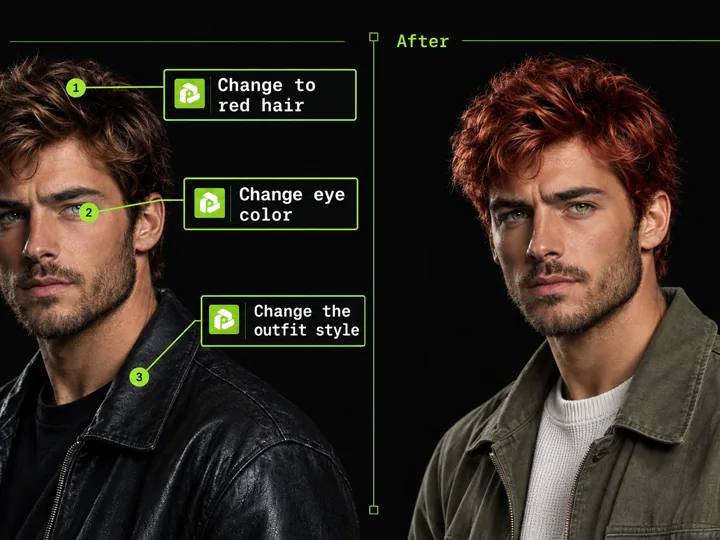
Annotated Image Edit
AI Image Generation Skill/image-annotation-edit
Mark points on an image and describe each change to edit precisely.
About
This skill lets you edit a picture with pinpoint control: you upload an image, then drop numbered points on it and write what should change at each spot. PoloX turns your notes into a precise image-to-image edit with GPT Image 2.5 Sunburst Image to Image, keeping everything you did not mark untouched.
You provide the source image and a short note for every point you place. In return you get a newly generated version of your image with each described change applied exactly where you marked it.
Workflow
Provide your source image
Upload the picture you want to edit, or point to the one already in your session. If no image is available, PoloX asks you to add one before anything else happens.
Open the annotation canvas
The annotation editor opens right away so you can start marking. No extra questionnaire stands between you and your image.
Place numbered points
Tap the image to drop numbered markers on the exact spots you want changed. Each point becomes a target for one specific edit.
Describe each change
Write a short note for every point explaining what should happen there, such as removing an object, changing a color, or adding a detail.
Generate the edited image
PoloX applies your marked notes with GPT Image 2.5 Sunburst Image to Image, producing a new version of your picture where each change lands exactly where you pointed and everything else stays as it was.
Related skills
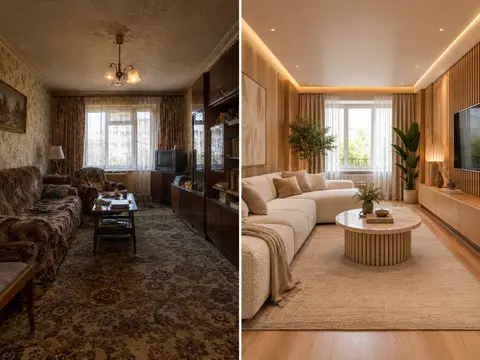 AI Room RestylerTransform any room photo into customized interior design styles with single or multi-variant AI redesigns.
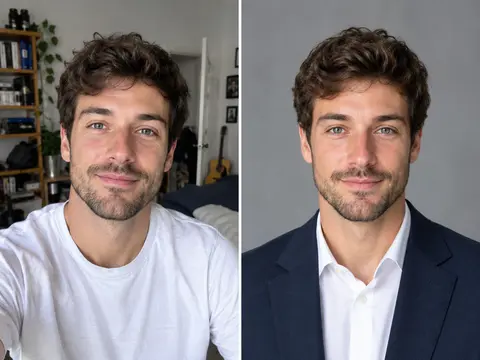 Career Portrait MakerCreate professional headshots from your own photo for work and job applications.
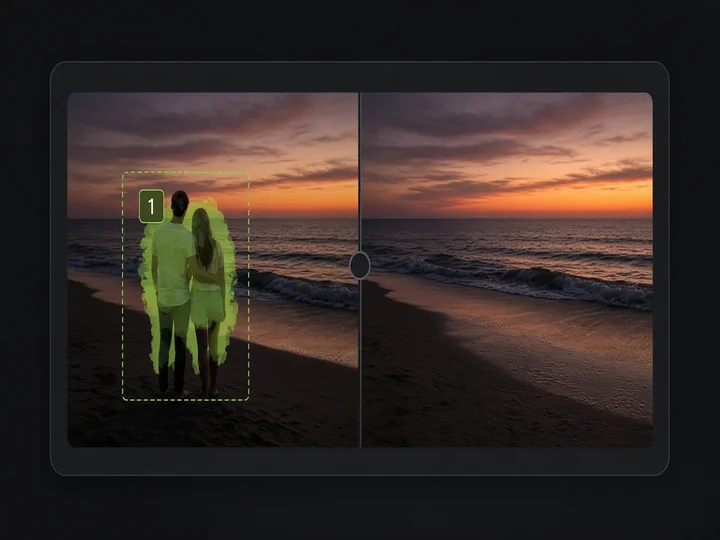 Image Object RemovalMark objects with boxes or masks and remove them while keeping the rest of the image.
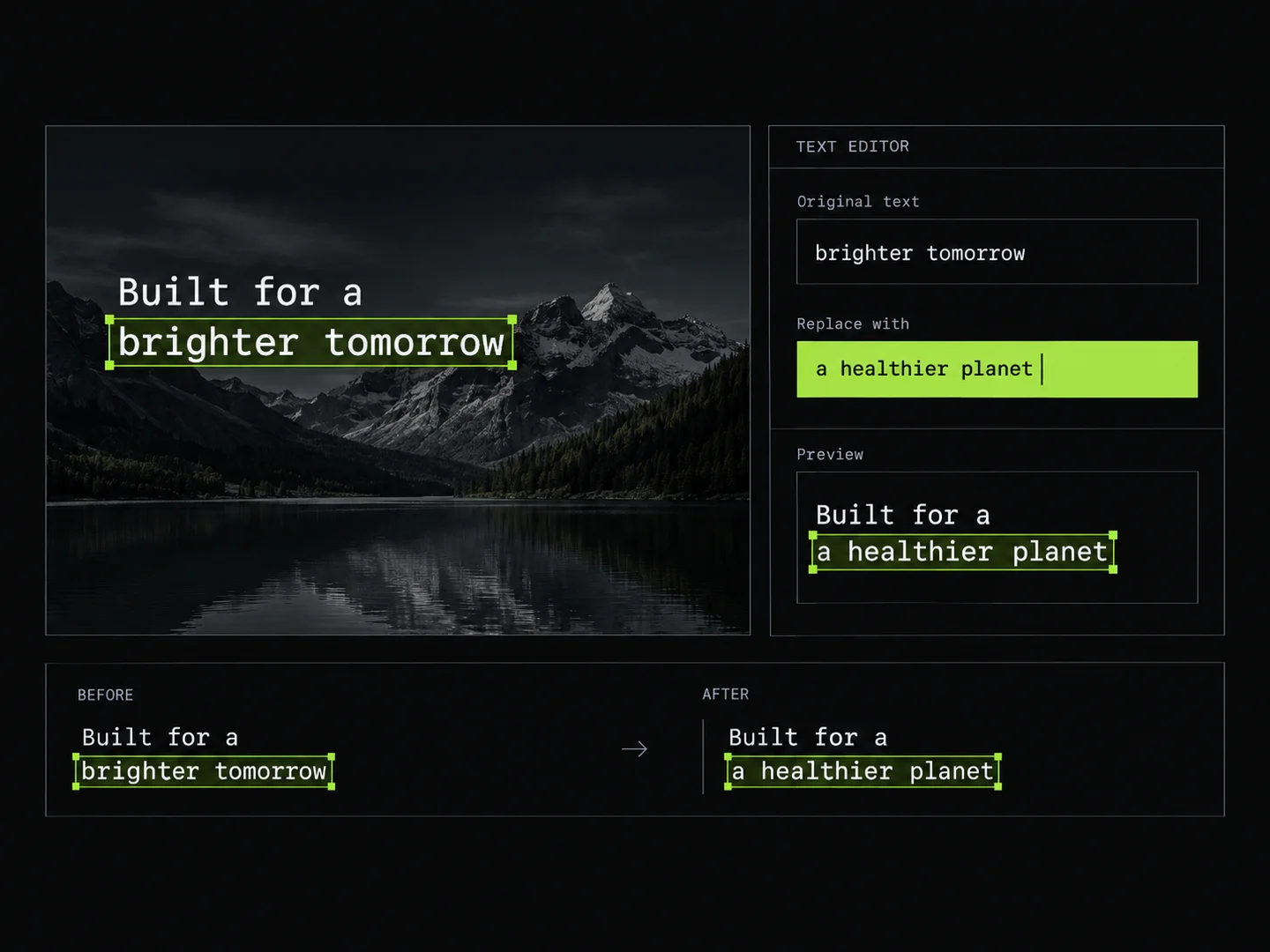 Image Text EditorEdit text in images by typing changes into detected text fields. PoloX rewrites only the text you change and keeps the rest of the image intact.
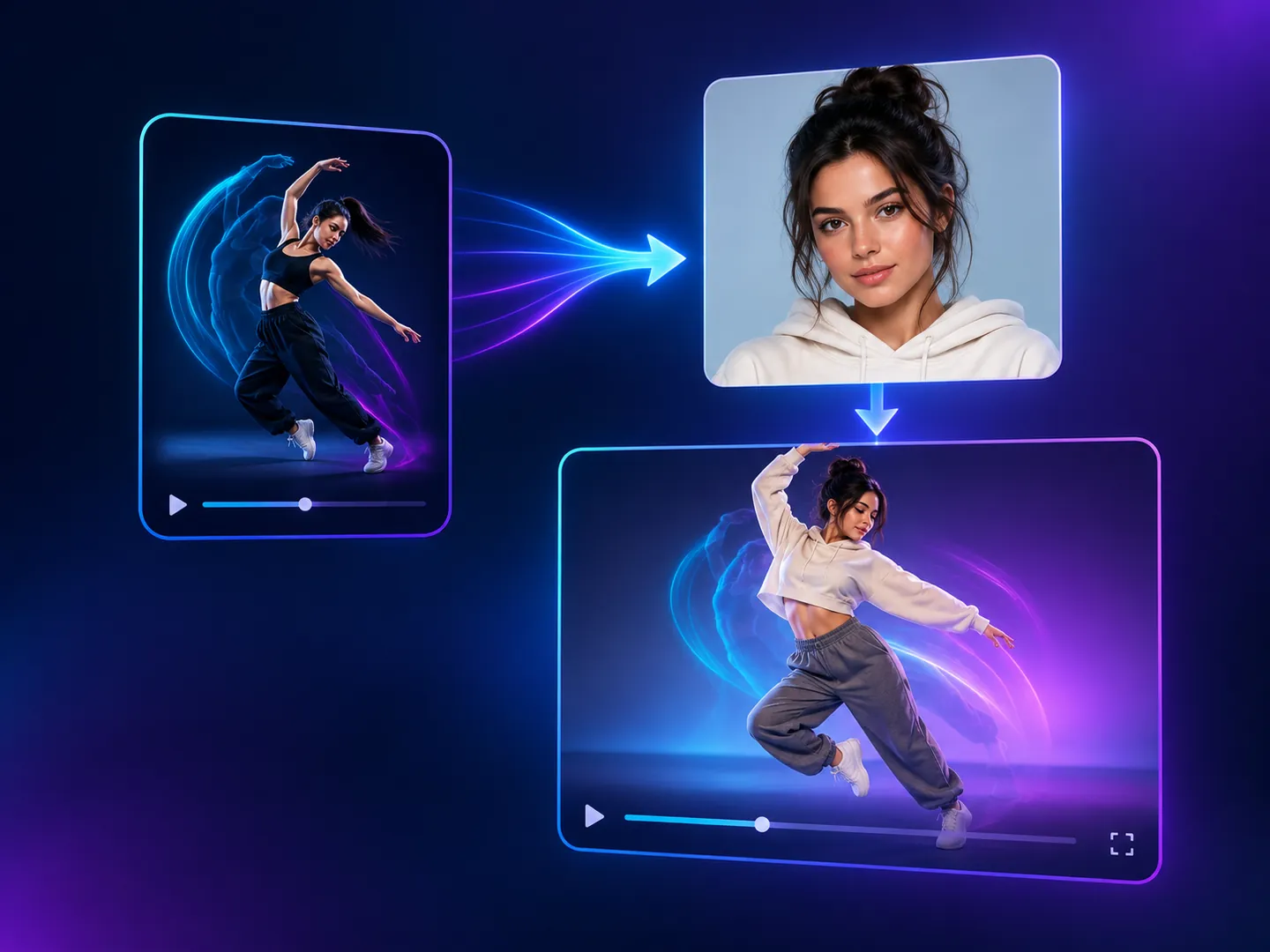 Motion Copy VideoCopy the motion from a reference video onto a person from your photo, keeping the original sound.
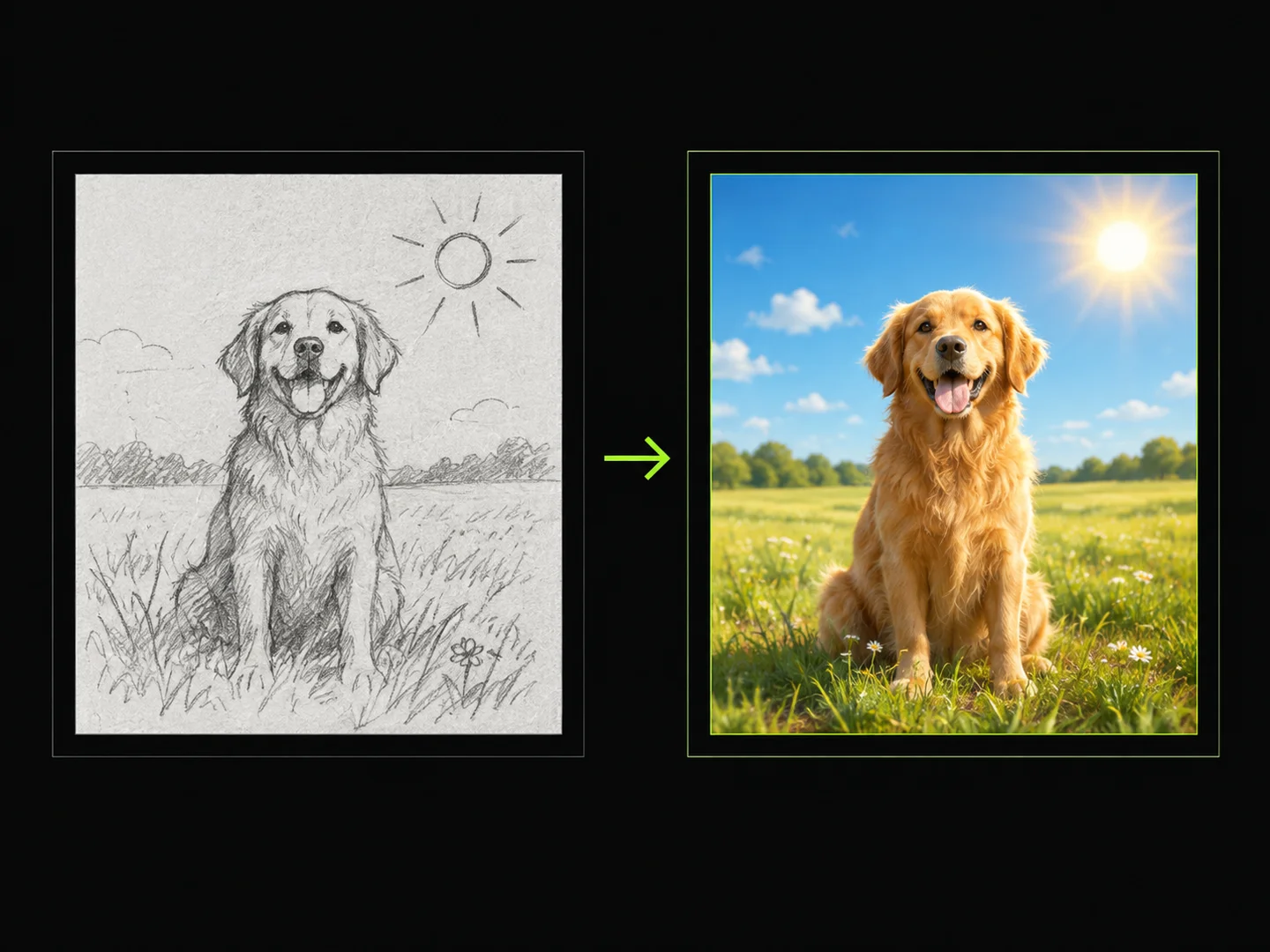 Sketch to ImageDraw a sketch, add text, and turn your idea into a finished image.
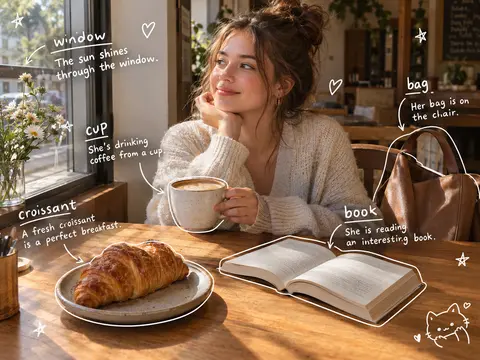 Photo Vocabulary ScrapbookTurn any everyday photo into an aesthetic English vocabulary scrapbook with hand-drawn doodle callouts.
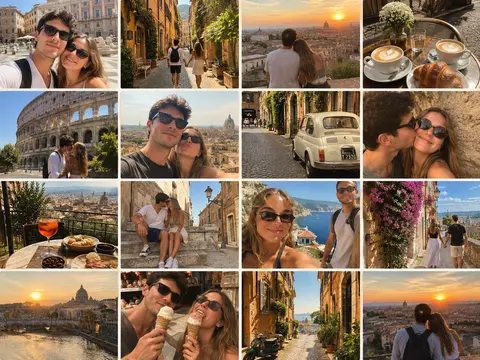 Couple Travel Contact SheetTurn photos of two people into a 4x4 iPhone retro travel memory contact sheet in any city.