
Image Layer Splitter
AI Image Generation Skill/image-layer-splitter
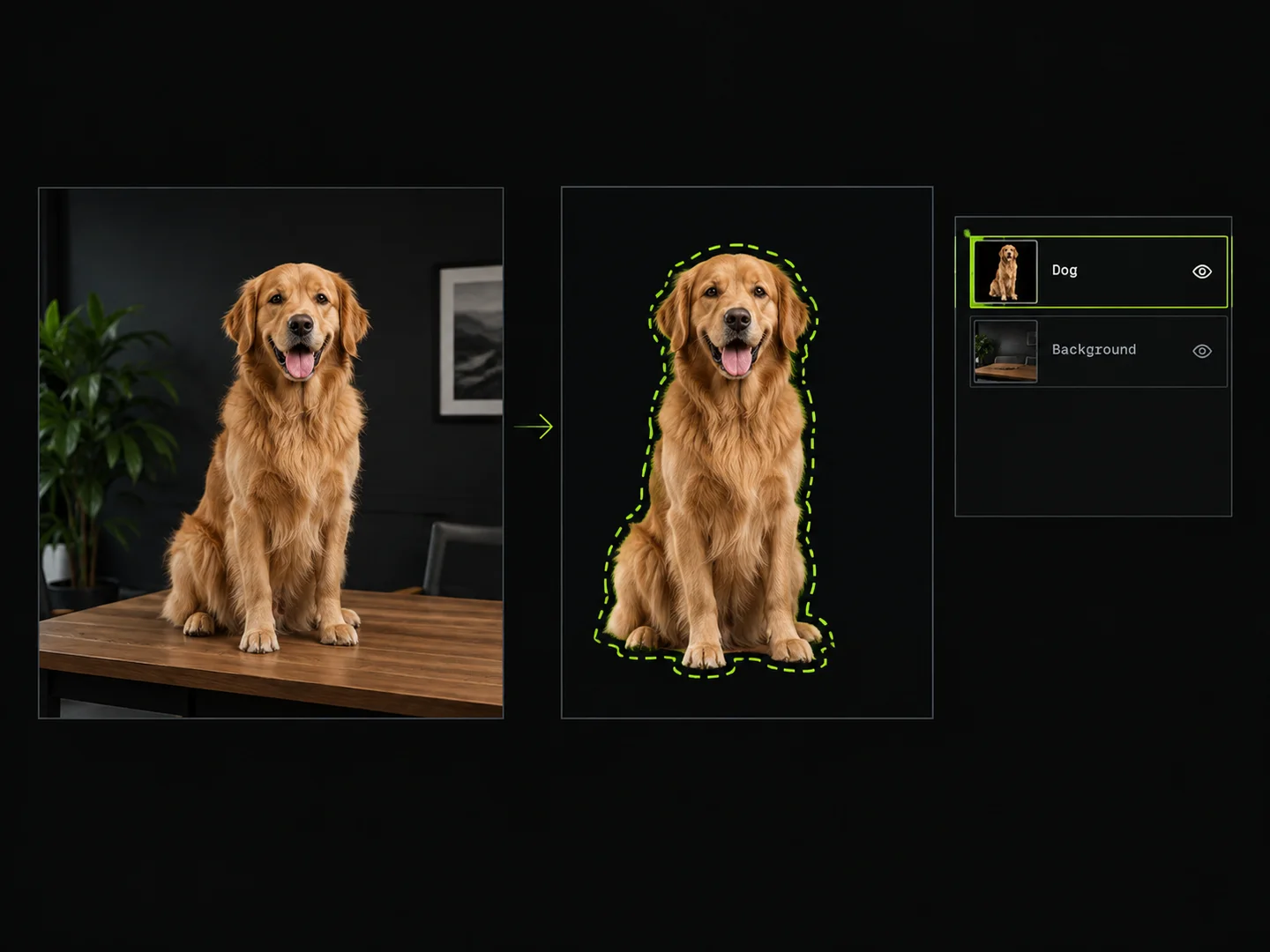
Draw boxes around objects to extract them as separate transparent PNG layers.
About
Isolate specific characters, objects, or interface elements from your artwork and photos without manual erasing. You upload an image and choose whether to draw selection boxes directly on the canvas or describe the elements in text.
PoloX segments each designated target into an individual transparent PNG layer and reconstructs a clean, seamless background layer beneath them.
Workflow
Upload your image
Provide the source image containing the elements or characters you want to separate into layers.
Select extraction regions
Draw bounding boxes around each target object on the interactive canvas, or describe the specific elements in text.
Verify detected subjects
Review a clear breakdown of each identified object and its position before processing begins.
Extract transparent layers
PoloX cuts out each selected target into an isolated transparent PNG layer and reconstructs the clean background.
Related skills
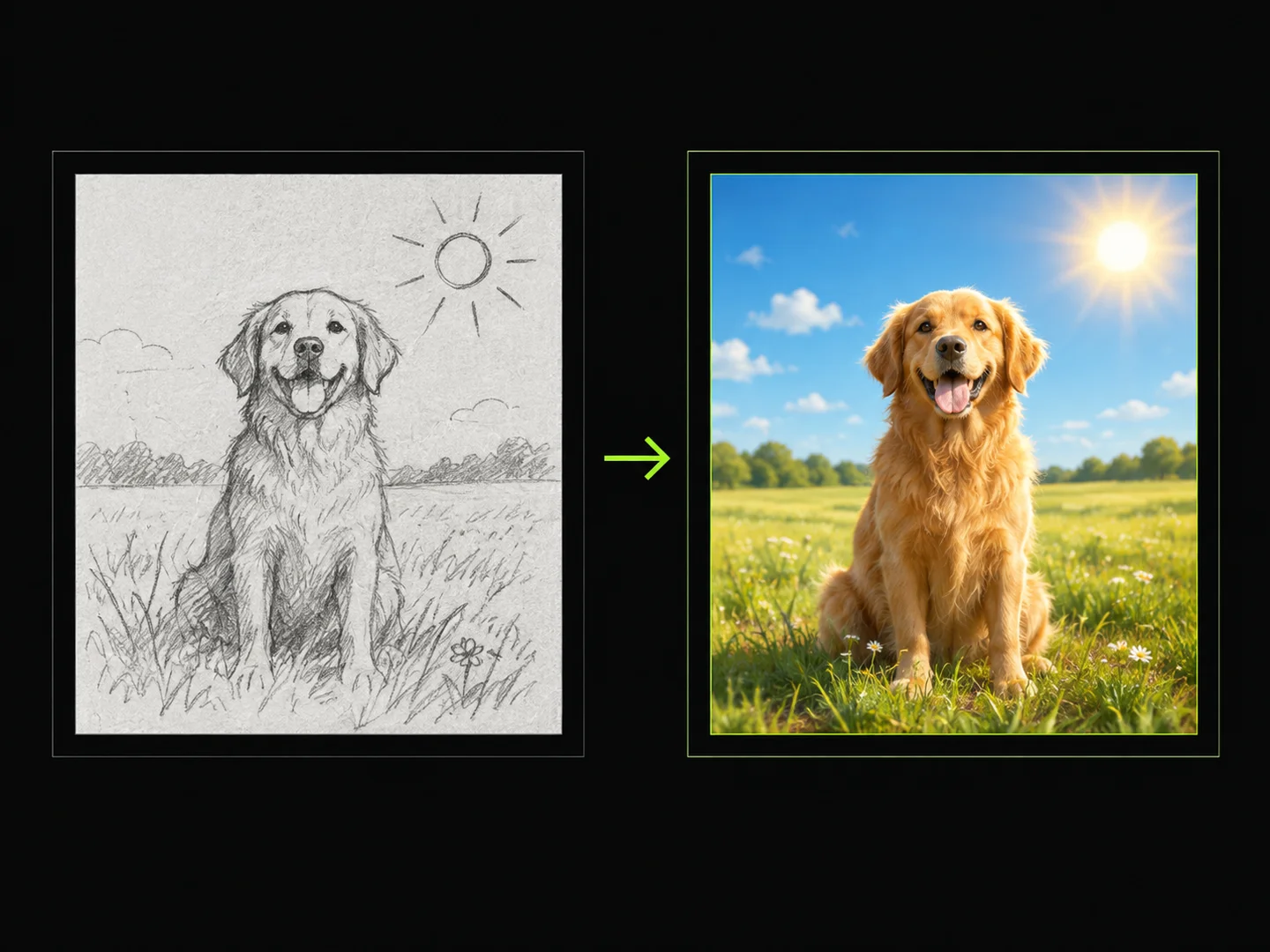 Sketch to ImageDraw a sketch, add text, and turn your idea into a finished image.
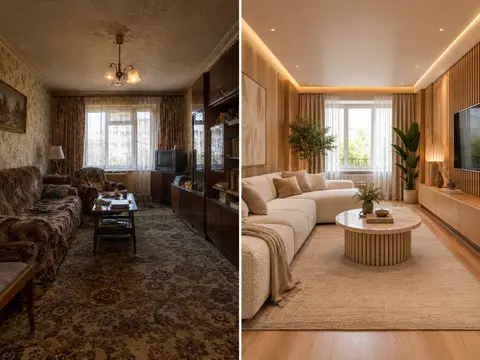 AI Room RestylerTransform any room photo into customized interior design styles with single or multi-variant AI redesigns.
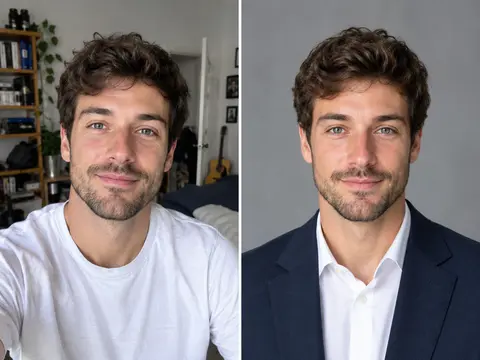 Career Portrait MakerCreate professional headshots from your own photo for work and job applications.
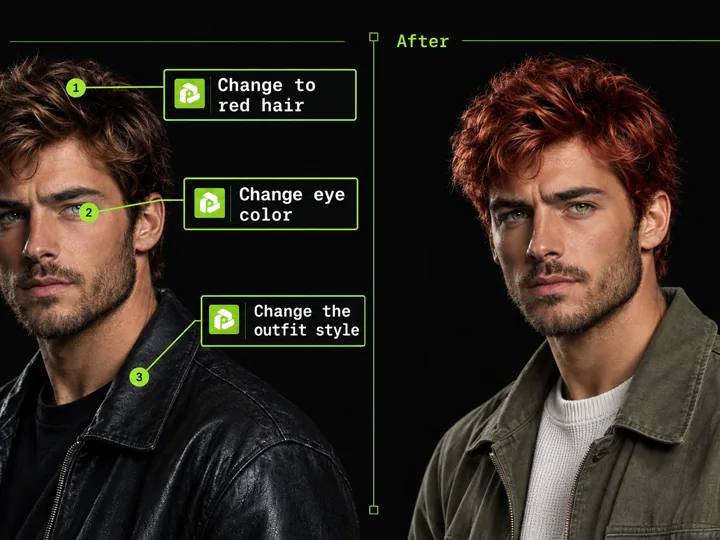 Annotated Image EditMark points on an image and describe each change to edit precisely.
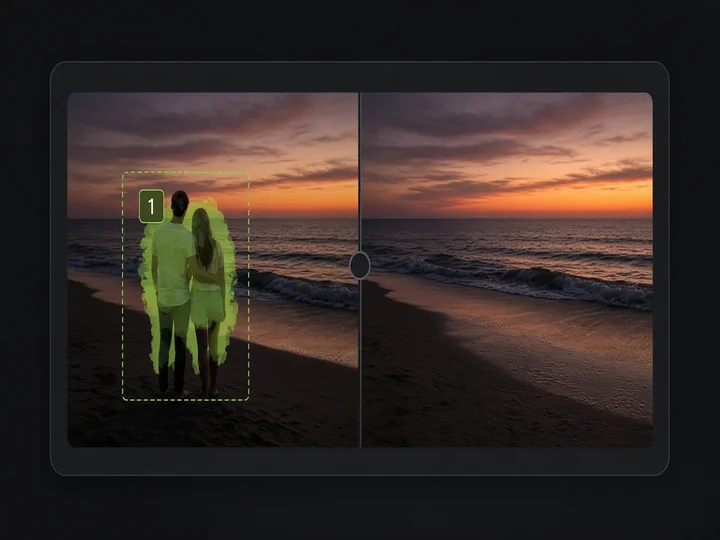 Image Object RemovalMark objects with boxes or masks and remove them while keeping the rest of the image.
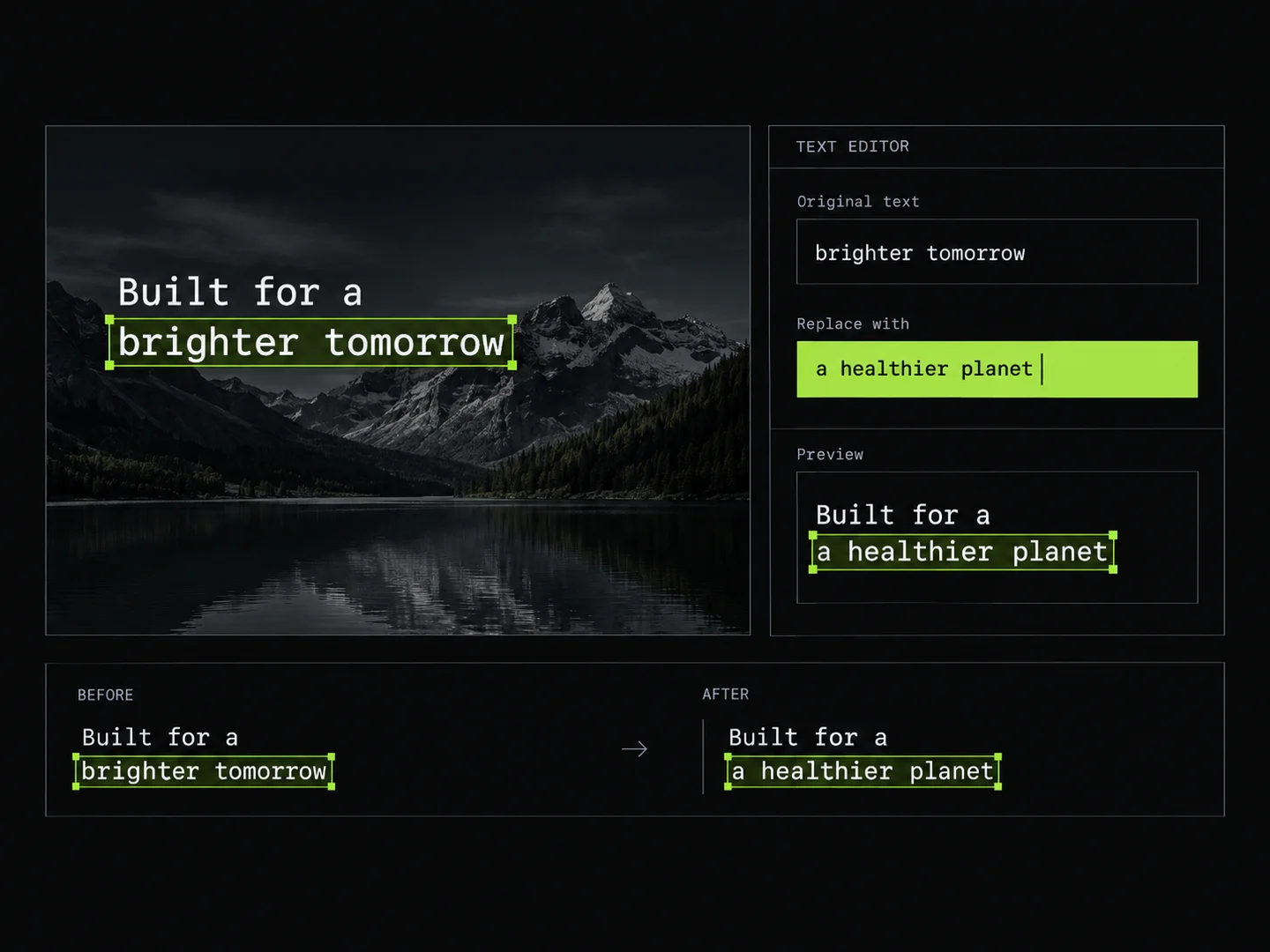 Image Text EditorEdit text in images by typing changes into detected text fields. PoloX rewrites only the text you change and keeps the rest of the image intact.
 Photo Vocabulary ScrapbookTurn any everyday photo into an aesthetic English vocabulary scrapbook with hand-drawn doodle callouts.
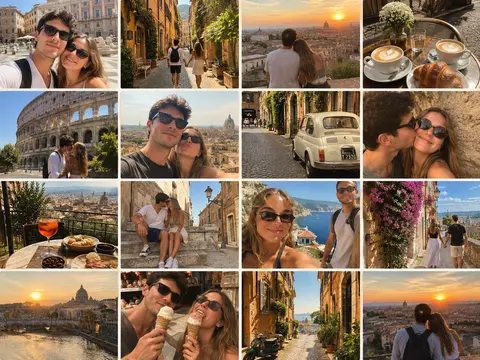 Couple Travel Contact SheetTurn photos of two people into a 4x4 iPhone retro travel memory contact sheet in any city.