
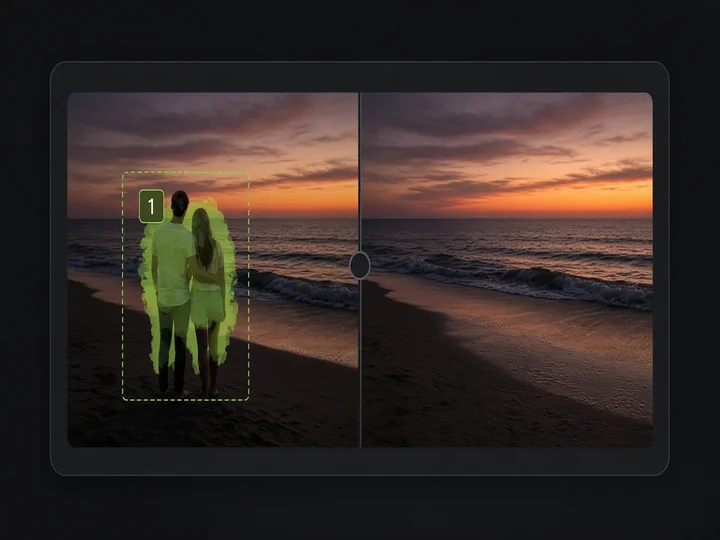
Image Object Removal
AI Image Generation Skill/image-object-removal
Mark objects with boxes or masks and remove them while keeping the rest of the image.
About
Seamlessly erase unwanted elements, people, or background clutter from your photos while preserving every untouched detail. Simply provide your source picture and either draw directly over the target items or describe them in words. PoloX intelligently fills the erased regions using advanced image-to-image synthesis to deliver a clean, natural photograph.
Workflow
Upload your image
Share the photo you want to edit so PoloX can prepare it for object removal.
Select your removal method
Choose whether you prefer to draw directly on the picture or describe what should be erased using simple text.
Annotate or describe targets
Draw boxes or paint semi-transparent masks over unwanted elements, or specify the exact items in your prompt.
Confirm target objects
Review the detected items and marked areas, then confirm everything looks correct before editing begins.
Erase objects seamlessly
GPT Image 2.5 Sunburst erases the targeted objects and reconstructs the background cleanly without leaving artifacts.
Related skills
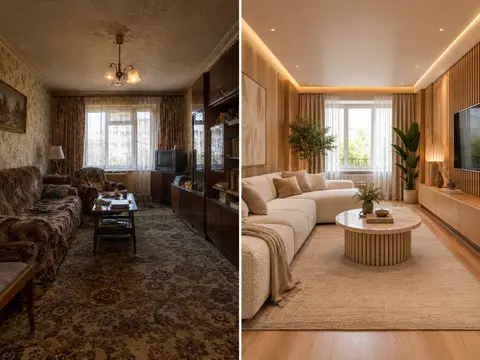 AI Room RestylerTransform any room photo into customized interior design styles with single or multi-variant AI redesigns.
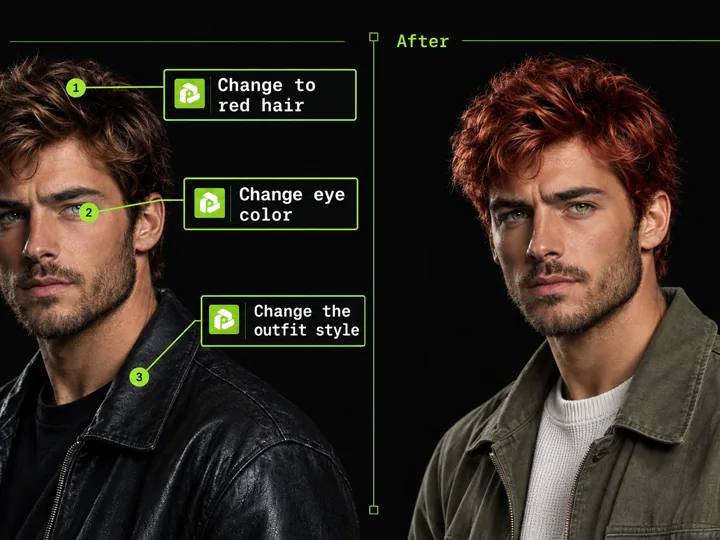 Annotated Image EditMark points on an image and describe each change to edit precisely.
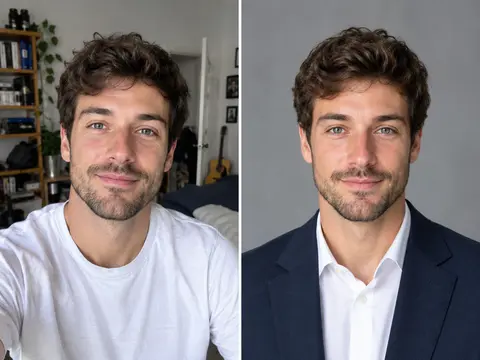 Career Portrait MakerCreate professional headshots from your own photo for work and job applications.
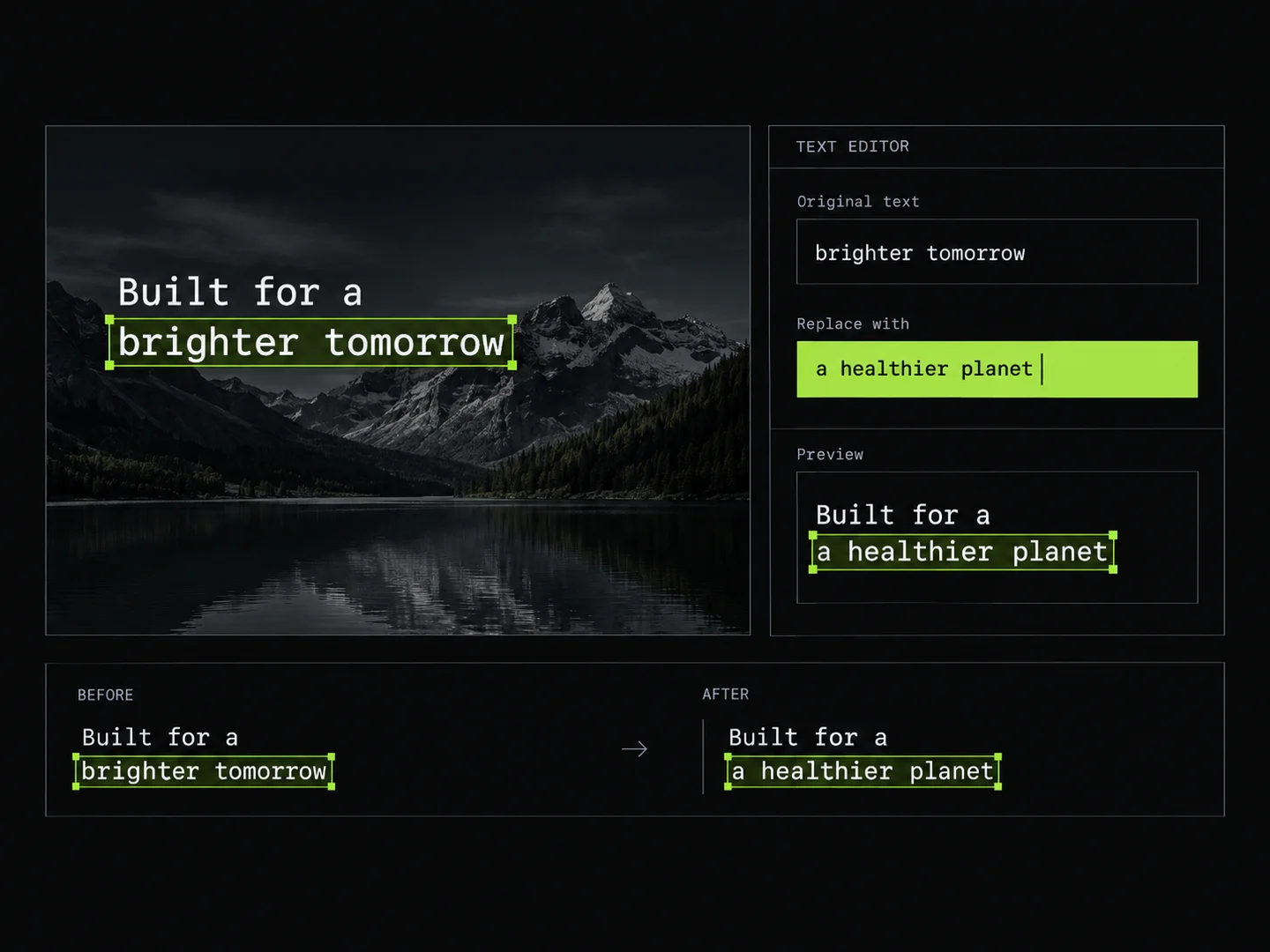 Image Text EditorEdit text in images by typing changes into detected text fields. PoloX rewrites only the text you change and keeps the rest of the image intact.
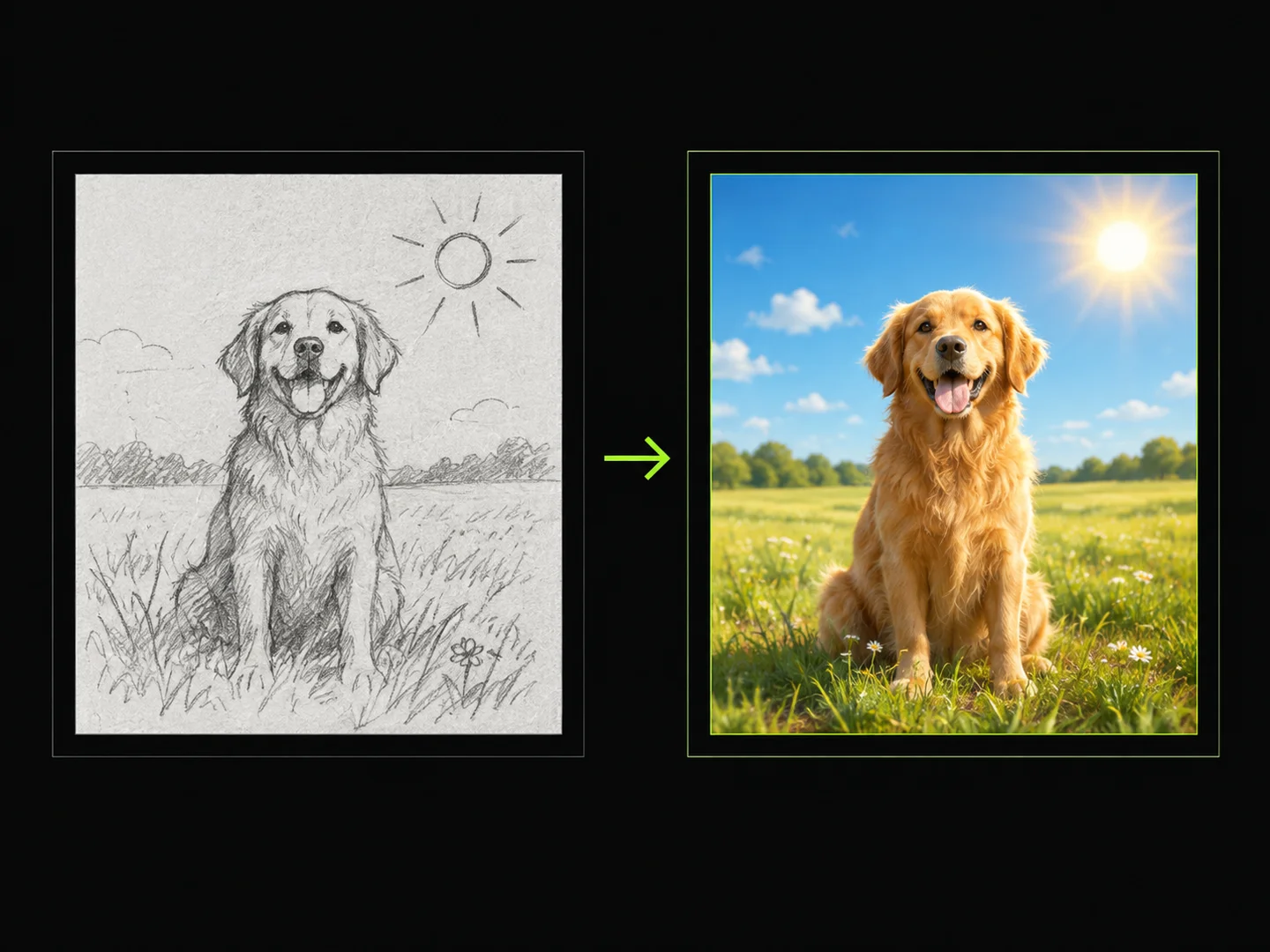 Sketch to ImageDraw a sketch, add text, and turn your idea into a finished image.
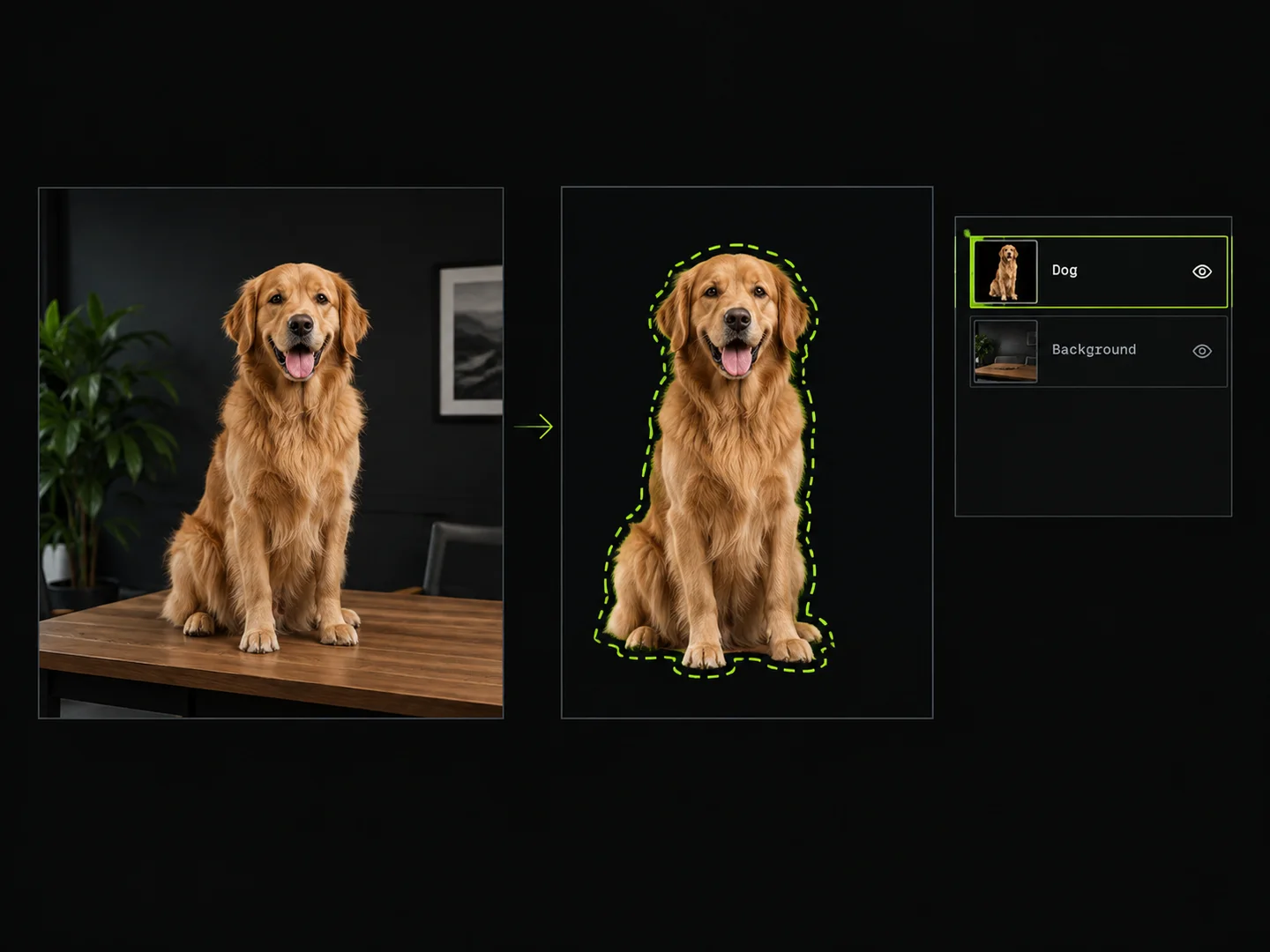 Image Layer SplitterDraw boxes around objects to extract them as separate transparent PNG layers.
 Photo Vocabulary ScrapbookTurn any everyday photo into an aesthetic English vocabulary scrapbook with hand-drawn doodle callouts.
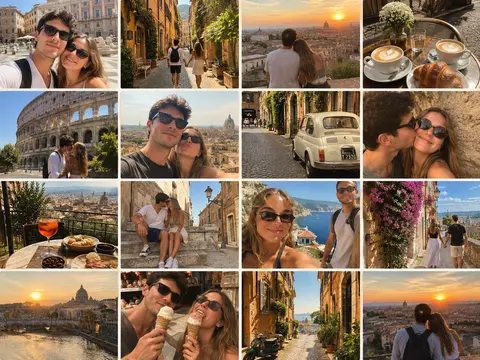 Couple Travel Contact SheetTurn photos of two people into a 4x4 iPhone retro travel memory contact sheet in any city.