
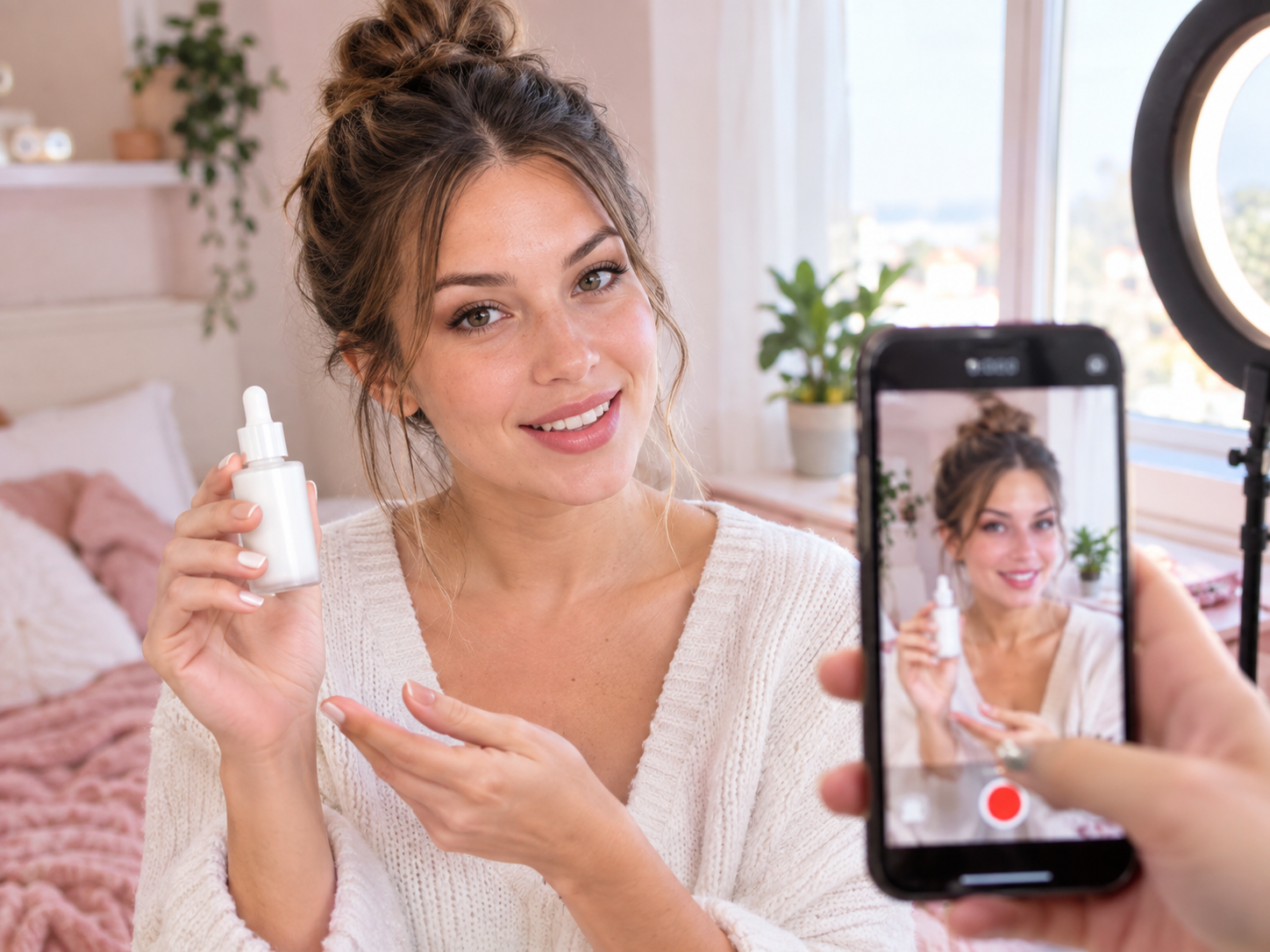

UGC Product Video
AI Video Generation SkillCreate UGC-style product intro videos from a product photo and a presenter.
Updated Sep 25, 2026
About
You bring a product photo and either a presenter photo or a description of the presenter you want, then choose the format, length, script, sound, and visual style. PoloX turns that into one short creator-style clip where the presenter talks about your product on camera, with the product and presenter kept recognizable.
You get back a single vertical, horizontal, or square video in an authentic phone-shot style, with spoken lines, music, or silence as you prefer, ready to review and refine.
Workflow
Set up the brief
Choose the aspect ratio, length, visual style, and what the video should highlight, then attach your product photo and share its name and key selling points.
Pick your presenter
Upload a presenter photo or describe the person you want, and PoloX creates a matching presenter still for the scene.
Write or approve the script
Use your own lines or let PoloX draft a short creator-style script with a hook, product, benefit, and call to action, then approve it before filming.
Set the voice
If the video has spoken lines, provide a voice sample or describe the voice you want so the delivery matches your chosen language and tone.
Generate the video
PoloX creates one short UGC clip in your chosen style, keeping the presenter and product recognizable while they speak the approved lines on camera.
Review the clip
Watch the finished video and, if anything misses the brief, describe the issue and request a new version.
Related skills
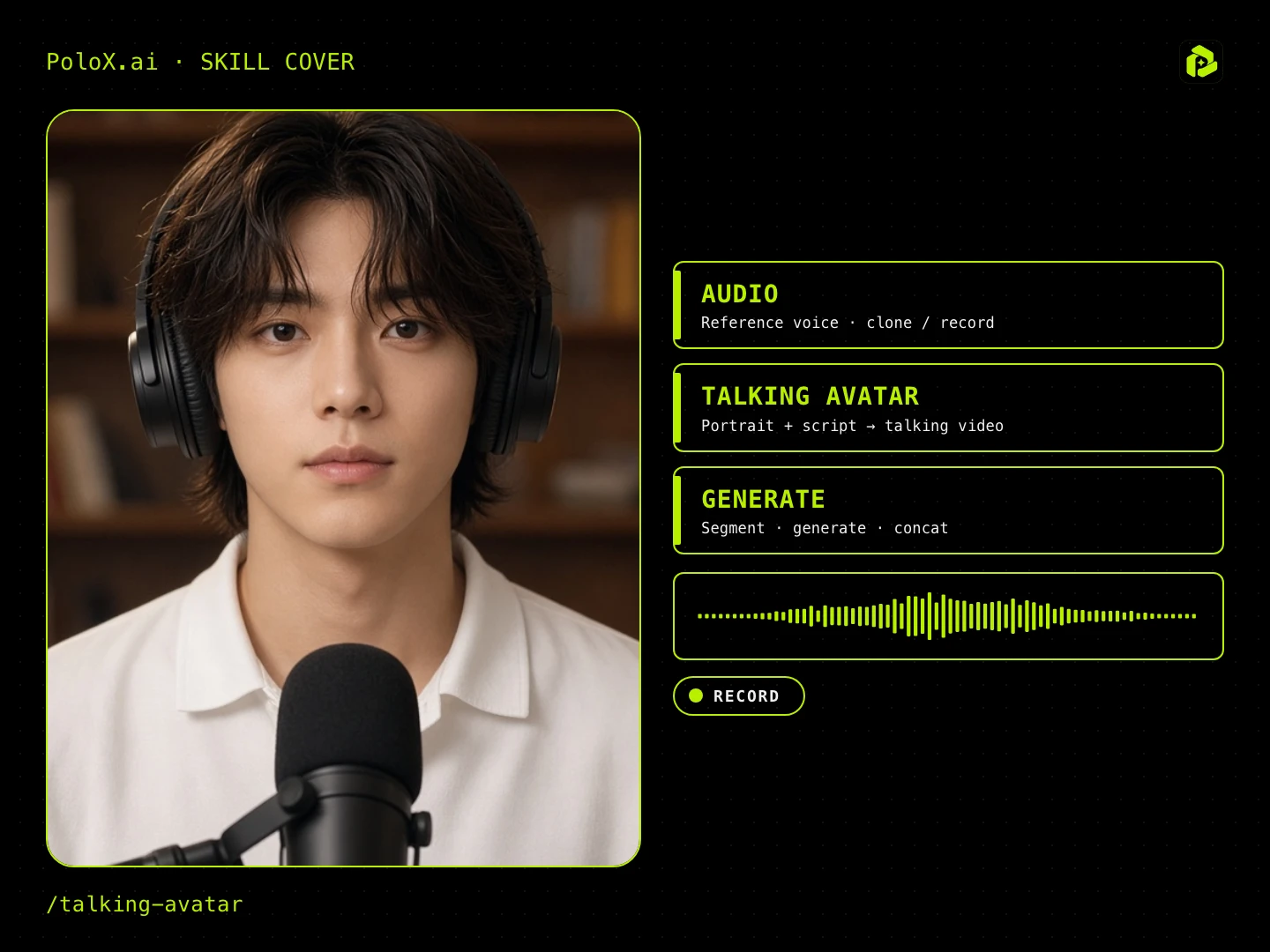 Talking AvatarGuided talking-head video: pick ratio, character, spoken language (English / Chinese), voice (random / upload / record), script, first frame, then generate lip-sync / talking-head segments.
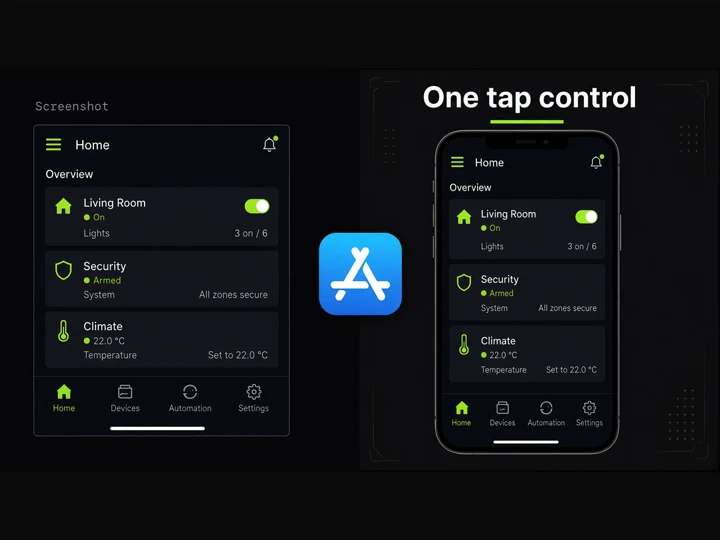 App Store GraphicsTurn app screenshots into matching iPhone 17 Pro Max App Store graphics with a shared visual system.
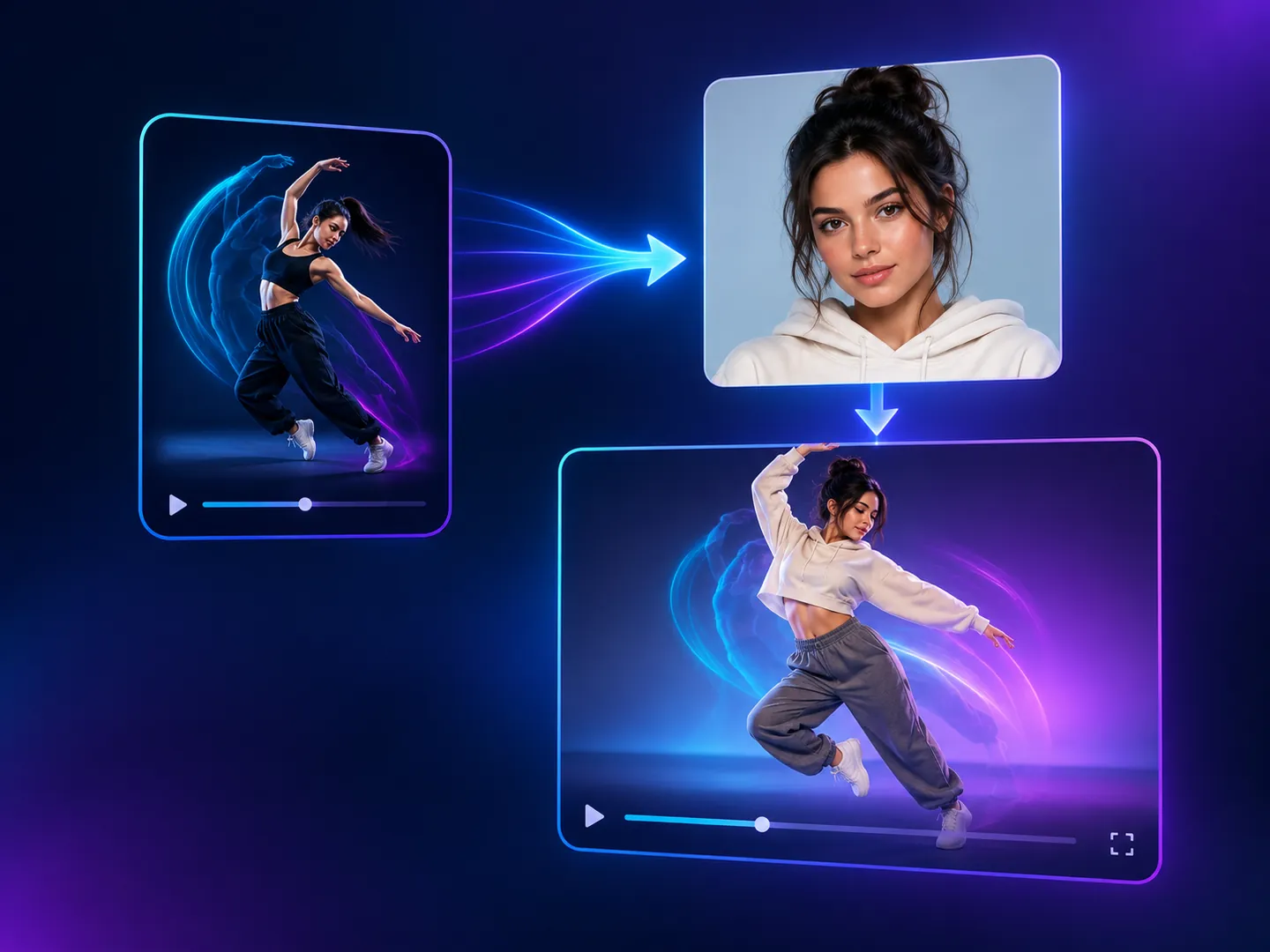 Motion Copy VideoCopy the motion from a reference video onto a person from your photo, keeping the original sound.
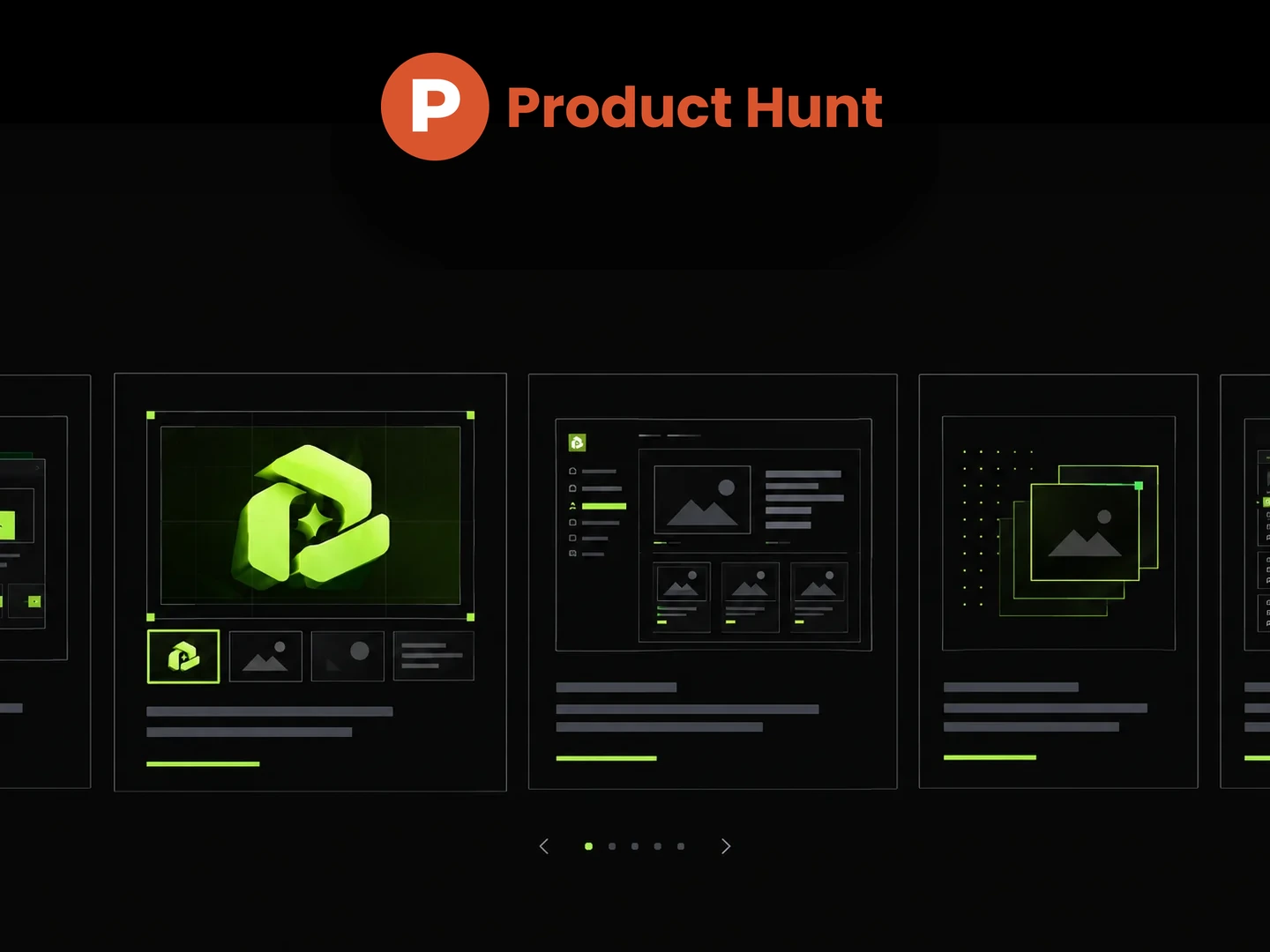 Product Hunt galleryCreate consistent Product Hunt launch images from your website or product details.
 YouTube Brand Channel BannerGenerate on-brand YouTube channel banners from your logo, visual references, or website.
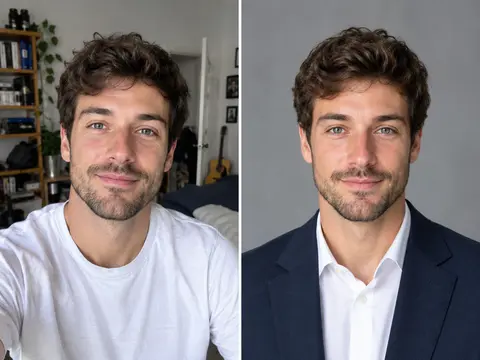 Career Portrait MakerCreate professional headshots from your own photo for work and job applications.
 Photo Vocabulary ScrapbookTurn any everyday photo into an aesthetic English vocabulary scrapbook with hand-drawn doodle callouts.
 Couple Travel Contact SheetTurn photos of two people into a 4x4 iPhone retro travel memory contact sheet in any city.