
Point-based image Editing
AI Image Generation Skill/point-based-image-editing
Mark points on an image and describe each change to edit precisely.
About
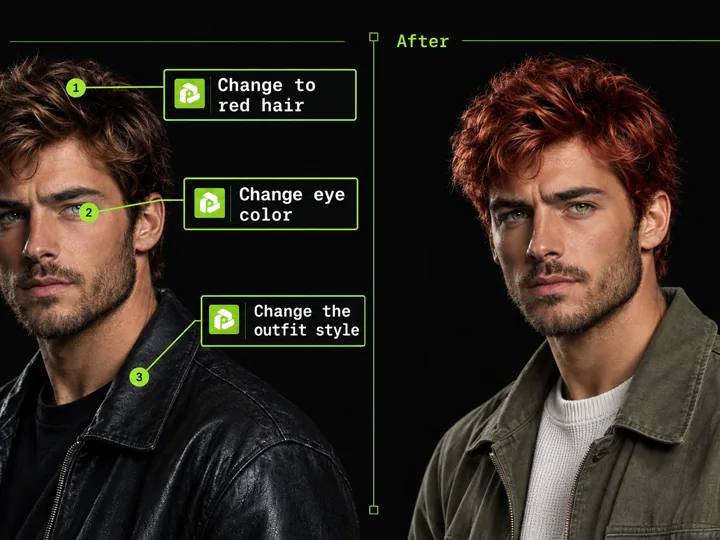
Pinpoint exact spots on any picture to make targeted modifications without disturbing the rest of your composition. You place numbered markers on the canvas and attach specific instructions to each location.
PoloX translates your pinpoints into targeted adjustments using GPT Image 2.5 Sunburst, delivering a refined image that reflects your exact notes.
Workflow
Upload your reference image
Provide the base still you want to modify through chat or project files.
Pinpoint and describe changes
Open the visual annotation editor to drop numbered pins directly onto key spots and write notes for each area.
Generate your targeted revision
PoloX processes your pinned notes with GPT Image 2.5 Sunburst Image to Image, applying precise regional modifications.
- Model
- GPT Image 2.5 Sunburst: 1 credit per image
- Inputs
- Image, text
- Output
- Image · 1K, 2K, 4K
Frequently asked questions
How to edit an image using point annotations?
Upload the image you want to modify to start the workflow. Next, open the annotation canvas to place numbered points on specific areas and type the exact changes you want for each point. Confirm your edits to generate the revised image based on your instructions.
What does the Point-based image Editing skill do?
It lets you mark precise locations on an image with numbered pins and attach text descriptions to each point. The system uses your pinned instructions to generate a newly edited image that applies those targeted changes.
What image formats and file sizes are supported?
You need to provide a source still image to edit. The underlying image-to-image process supports JPEG, PNG, or WEBP files up to 30MB each.
How many credits does point-based image editing cost?
Each image generation costs 1 credit using the default image-to-image model, regardless of whether you output at 1K, 2K, or 4K resolution.
What happens if an image generation fails?
If a generation fails, the credits charged for it are automatically returned to your credit balance.
Can I use the edited images commercially?
You may use content you generate on PoloX AI for commercial purposes, subject to the Terms and applicable law. Note that content involving a real person's likeness must not be used in commercial contexts without verified written consent.
Related skills
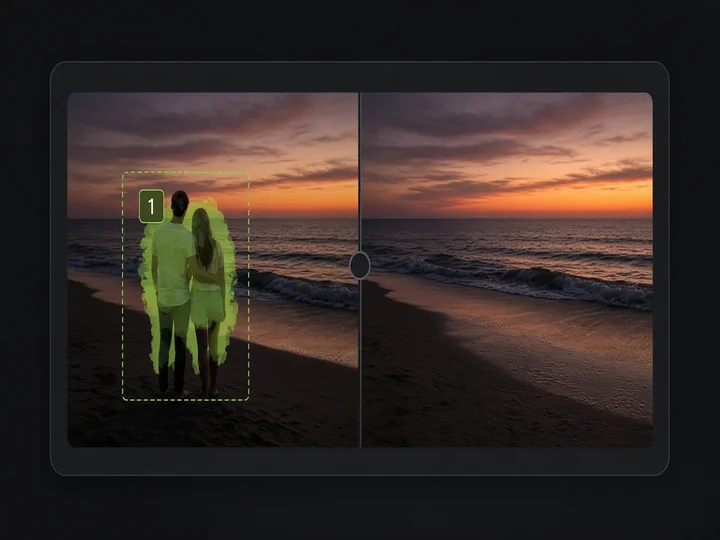 Image Object RemovalMark objects with boxes or masks and remove them while keeping the rest of the image.
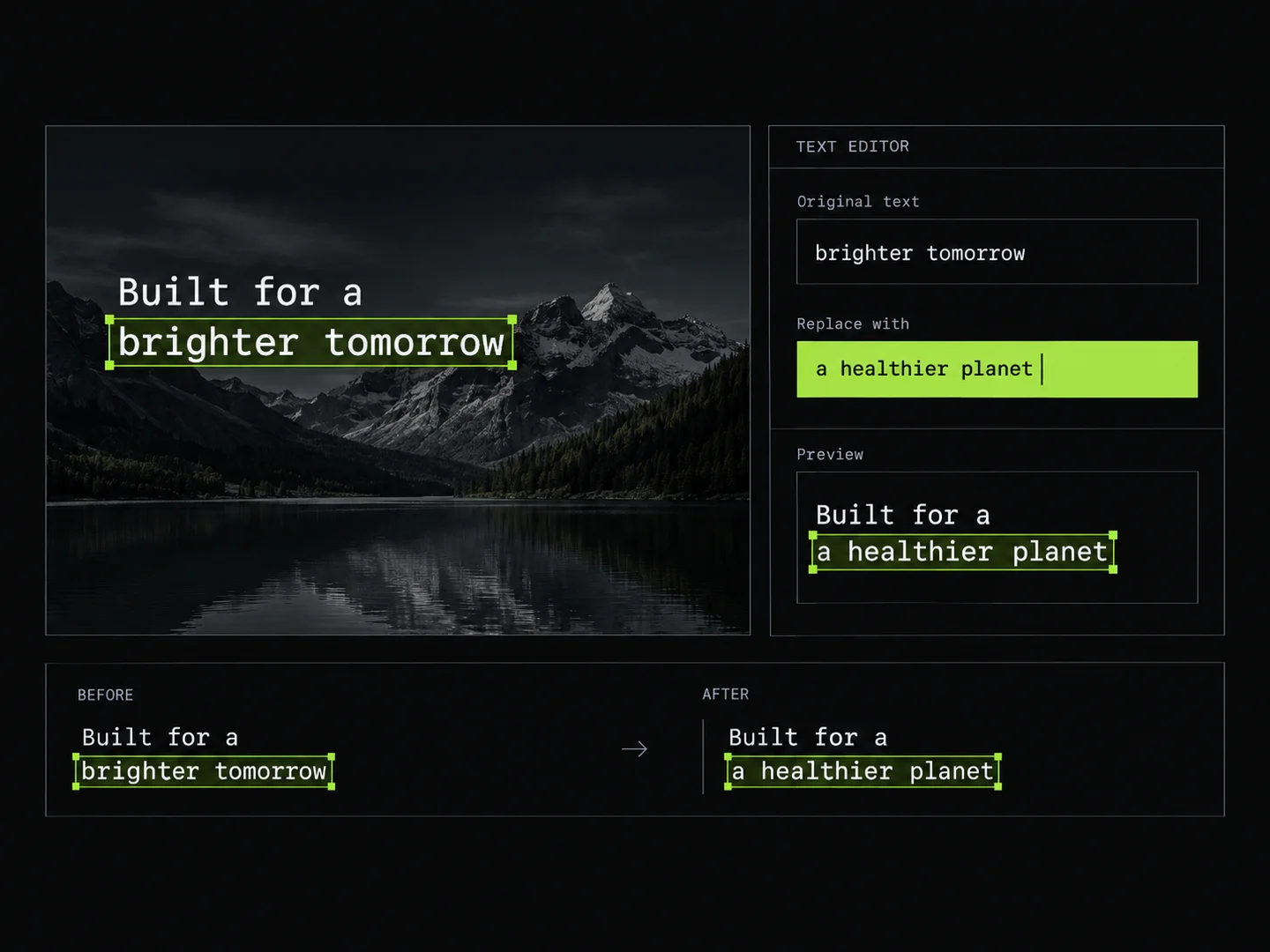 Image Text EditorEdit text in images by typing changes into detected text fields. PoloX rewrites only the text you change and keeps the rest of the image intact.
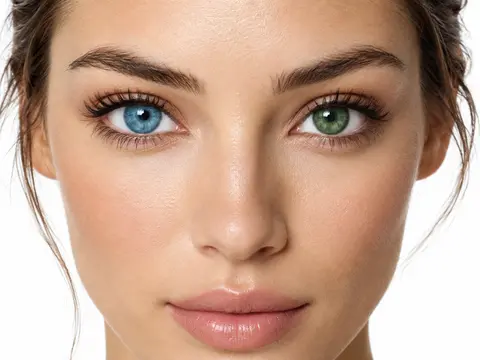 Eye Color ChangerChange eye and iris colors in any portrait photo with natural textures or custom shades.
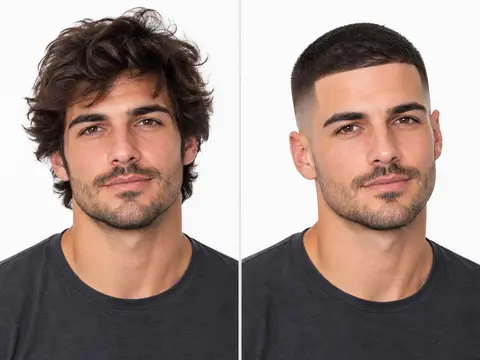 Buzz Cut FilterTransform any portrait photo into a realistic buzz cut or fade hairstyle while preserving your natural facial features.
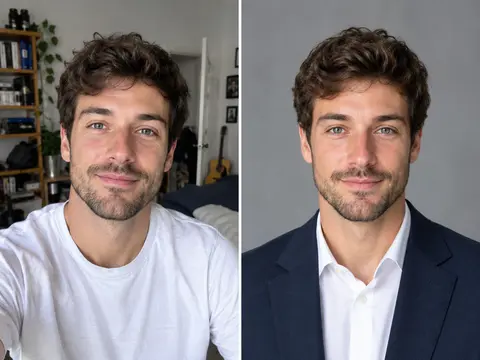 Career Portrait MakerCreate professional headshots from your own photo for work and job applications.
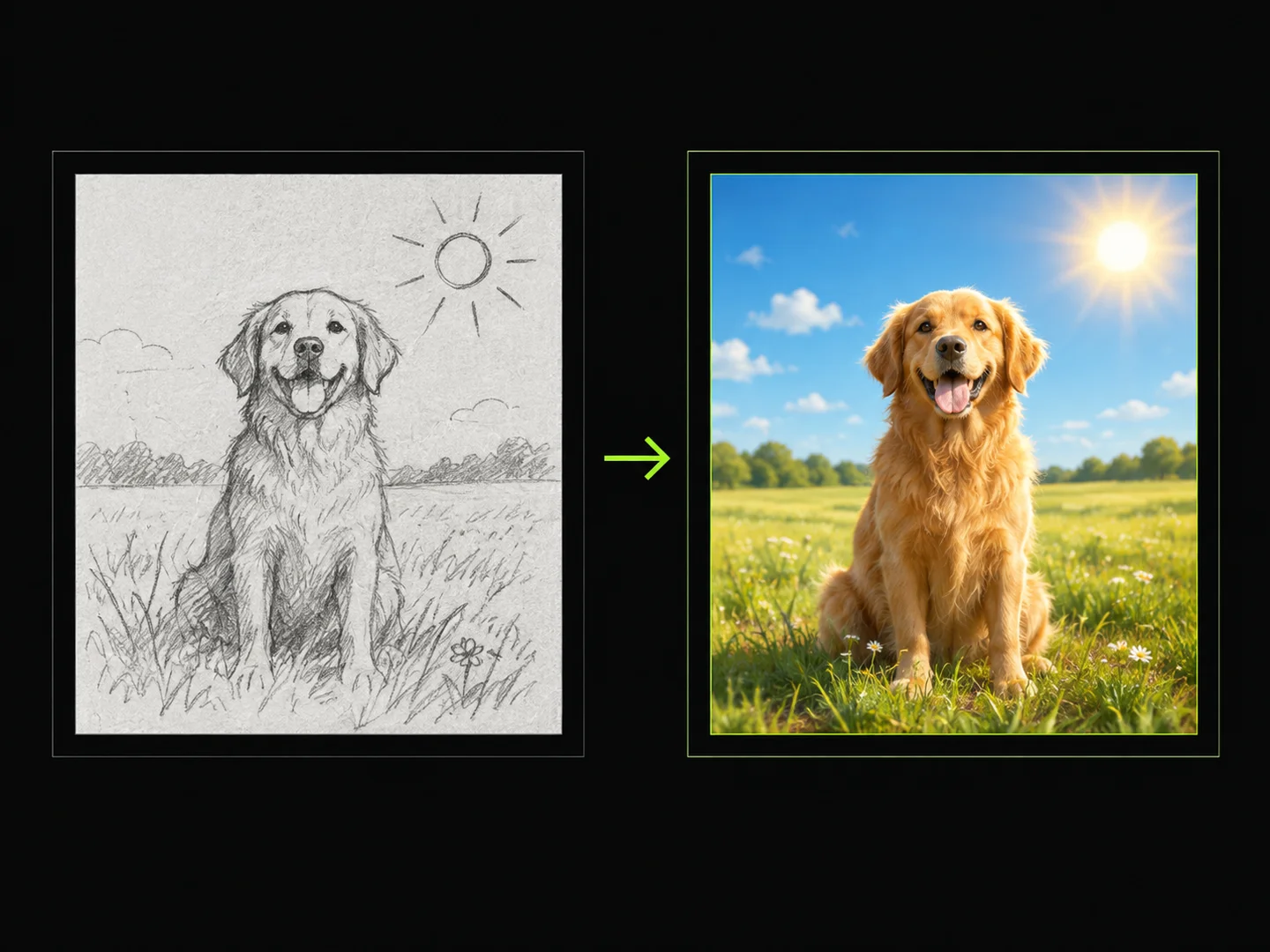 Sketch to ImageDraw a sketch, add text, and turn your idea into a finished image.
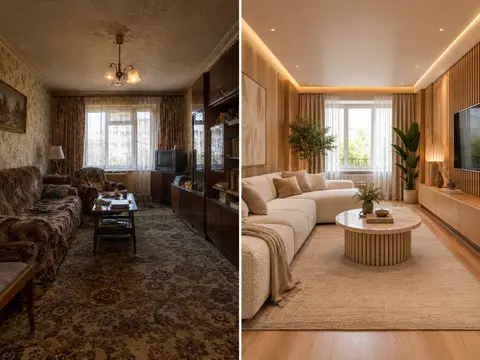 AI Room RestylerTransform any room photo into customized interior design styles with single or multi-variant AI redesigns.